Your practice can write the sharpest condition page in the state and still watch it stall on page four. Slow mobile loads, blocked Googlebot patterns, or a mixed-content page erase every ranking gain. Technical SEO for healthcare websites is the layer that decides whether your on-page work ever pays off. Get it right and each content dollar has a shot at compounding. Miss it and the same dollar buys service pages nobody indexes. This guide walks the seven checks that carry the ranking impact, the numbers behind each one, the HIPAA-aware security work Google now weighs, and a proof point from a 14-location group.
The short version. Seven checks. Crawlability, indexation, mobile Core Web Vitals, schema, sitemap health, HTTPS with a valid certificate, and clean canonical rules. Miss one and rankings stay flat. Fix all seven and content starts pulling weight inside a re-crawl cycle of 2 to 6 weeks.
A Not Secure Warning Wrecks Healthcare Rankings Faster Than Anything Else
Chrome flags the site as Not Secure the moment the certificate breaks. Trust signals drop the same day. Bounce rate climbs by end of week. Rankings follow the traffic loss inside a month. A patient researching a procedure treats a browser security warning as a full-stop signal to close the tab. Technical SEO for healthcare websites starts with fixing HTTPS before any other audit item.
What causes a Not Secure warning
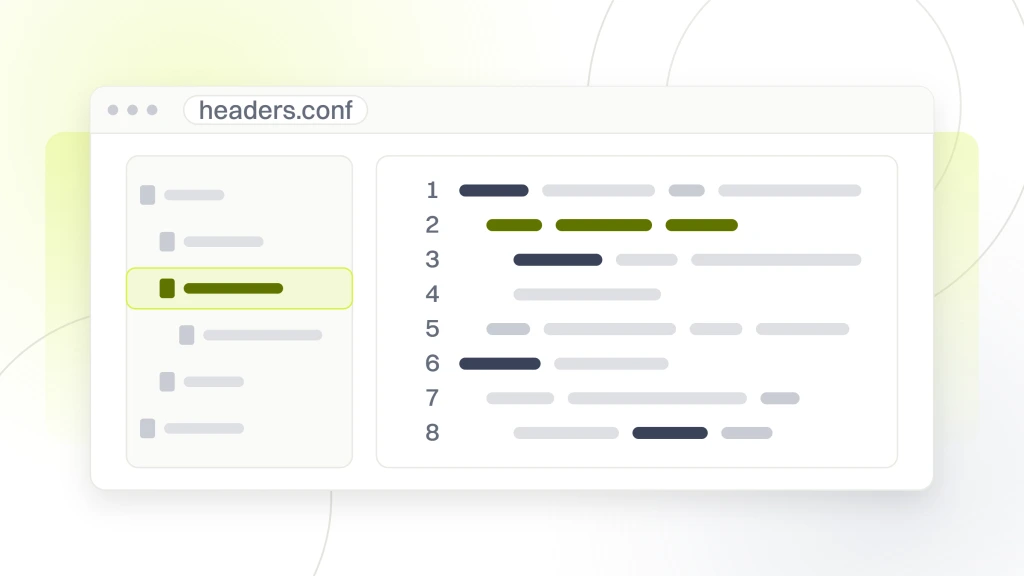
Expired SSL certificate. Mixed content, meaning images or scripts loaded over HTTP inside an HTTPS page. Self-signed certificate browsers do not trust. Missing HSTS header. Weak cipher suites. Each one is a fix. Renewing a certificate takes 15 minutes with Let’s Encrypt. Cleaning mixed content takes 2 to 8 hours, depending on how much legacy code still points at HTTP resources.
The ranking cost of Not Secure
Google confirmed HTTPS as a ranking signal in 2014 and has restated it every year since. The direct signal is small. The indirect damage through bounce rate and lost trust is large. Healthcare sites flagged Not Secure typically lose 15% to 30% of organic traffic inside a month. The plan on Monday is auditing every certificate. The plan on Friday is renewing the one that expired during Wednesday’s board meeting, so nobody watched the calendar reminder.
HIPAA-aware HTTPS on healthcare forms
Healthcare forms carry protected health information and need HTTPS across every page in the form flow. That covers the referring page, the form page, and the thank-you page. One unsecure hop is a compliance risk. Test HTTPS across the whole form path, not just the form URL. See Security Features for Healthcare Websites for the compliance-side walkthrough.
Mobile Core Web Vitals Are the Biggest Ranking Lever on Healthcare Sites
Google uses the mobile version of your pages under mobile-first indexing. Patients search on phones far more than on desktops. So mobile speed is the single biggest lever in technical SEO for healthcare websites. Largest Contentful Paint above 2.5 seconds on mobile pulls rankings down across the whole site, not just the slow pages. Fix mobile speed first, then work through indexation and schema. Our Core Web Vitals guide for healthcare websites walks the exact LCP and INP fixes that move the needle.
The three Core Web Vitals thresholds
Largest Contentful Paint under 2.5 seconds. Interaction to Next Paint under 200 milliseconds. Cumulative Layout Shift under 0.1. Any page missing one metric fails the check for the whole URL group in Search Console. The 2025 Web Almanac reports only 62% of mobile pages hit a good LCP, so this is where most healthcare sites lose ground before touching content.
Where healthcare sites lose speed
Uncompressed hero images at 1 to 2 MB each. Render-blocking JavaScript from booking widgets and chat plugins. Shared hosting with no CDN. Web fonts loaded synchronously. Third-party analytics tags stacked in the head. Each adds seconds to LCP. Compress images to WebP under 200 KB, defer non-critical scripts, and move to CDN hosting. Then re-test in Search Console after a 28-day field data window.
Crawlability and Indexation Decide Which Healthcare Pages Ever Rank
Googlebot has to reach every page, read the HTML, and add it to the index. Miss any step and the page cannot rank. In technical SEO for healthcare websites, crawl and index issues are the second most common cause of flat rankings after mobile speed, and both hide inside Search Console reports most practices never open.
Robots.txt and meta robots traps
A single Disallow rule in robots.txt can block a whole directory of location pages by accident. A leftover noindex meta tag on a staging theme can quietly de-index the site after a template push. Audit both files after every plugin or theme update. The URL Inspection tool in Search Console tells you how Google sees each URL, so use it before assuming a ranking drop is a content issue.
JavaScript-rendered content and server-side rendering
Many modern healthcare themes rely on JavaScript to render provider bios, service tabs, or location grids. Googlebot can render JavaScript, but it does so on a two-stage crawl that lags the initial HTML pass. Server-side rendering puts content in the first HTML response, so search engines index it immediately. One study of 26 sites and 9 million pages tied server-side rendering to a 27.1% gain in organic traffic.
Canonical tags and duplicate content
Canonical tags tell Google which version of a page is the master. A theme that self-canonicalizes every URL parameter variant tells Google that every filter combination is a unique page. That splits ranking signals across dozens of near-duplicates. In technical SEO for healthcare websites, set canonical tags to point to the clean parameter-free URL for every filterable page.
Structured Data Turns Healthcare Pages Into Rich Results
Structured data in JSON-LD format tells search engines what is on each page. Google uses it to build rich results, knowledge panels, and local pack listings. Practices with clean schema markup show up in more SERP features and pull higher click-through rates on the same ranking position. Every technical SEO for healthcare websites plan covers four schema types across the templates.
MedicalBusiness or MedicalClinic per location
Every location page carries MedicalBusiness or MedicalClinic schema with name, address, phone, hours, geo coordinates, and accepted insurance. That data feeds the local pack in Google Maps. Multi-location groups need one clean schema block per location page, not a shared block on a location list.
Physician schema per provider
Provider bios carry Physician schema with credentials, specialty, hospital affiliation, and a scheduling action. Google uses this to build the knowledge panel and the doctor card in mobile results. The credentials part carries extra weight under EEAT, so verified board certifications and fellowship data sit in both the visible copy and the structured data.
FAQPage on condition and treatment pages
Condition pages and treatment pages carry FAQPage schema for the top five patient questions. Rich Results Test confirms the markup. Questions then render as expandable cards under your listing on the SERP, taking up more screen real estate and pulling more clicks than a bare listing. See our AEO for healthcare guide for the answer-engine patterns Google now rewards.
EEAT and YMYL Signals Ride on Technical SEO for Healthcare Websites
Google classifies healthcare as YMYL, short for Your Money or Your Life, and applies stricter quality standards through the EEAT framework. Experience, Expertise, Authoritativeness, and Trustworthiness are content signals, but they ride on the technical layer. A slow page with weak schema tells Google the site is not maintained, no matter how strong the byline is. Technical SEO for healthcare websites is where EEAT and YMYL land or slip.
Author schema and credential signals
Every clinical article carries an author block with a linked bio, credentials, and a schema.org/Person entity listing medical degrees. Reviewer bylines matter too. Add a medically reviewed by line with the reviewer’s Person schema for extra EEAT signal. Google’s quality raters flag pages missing credential data as low quality on YMYL topics.
Site-level trust signals
A visible NAP block in the footer. Real reviews on a trusted schema-marked page. A privacy policy, terms of service, and HIPAA notice reachable from every template. Contact info above the fold on every location page. These items grow EEAT signals across the whole domain in about a week.
Local SEO for Healthcare Rides on Clean Technical Foundations
More than 80% of patients search for care inside a specific geographic area. Local SEO is the highest-converting channel for most healthcare sites, but the local pack rewards technical hygiene first. In technical SEO for healthcare websites, Google will not surface a location page when schema is missing, mobile speed is poor, or NAP data conflicts.
NAP consistency across the site and citations
Name, Address, and Phone must match across your website, Google Business Profile, and every local citation. A single suite number mismatch splits ranking signals. Audit every citation quarterly. Fix the Google Business Profile first, then work outward to the top 20 healthcare directories that feed local search.
Unique indexable page per location
Multi-location groups need one unique, indexable page per location with location-specific hours, insurance, providers, and photos. Copy-paste location pages actively hurt local rankings. Each location page carries its own MedicalClinic schema block, its own H1 with city and state, and internal links from nearby locations and related service pages.
A 14-Location Group Used Technical SEO to Multiply Content ROI
Pelvic Rehabilitation Medicine, a 14-location pelvic-pain group, ran a technical SEO for healthcare websites pass as the second phase of a retained engagement. Findings on the technical layer produced the ranking gain that pulled the earlier content investment into positive returns. Content had gone live for months. Rankings had barely moved. The technical audit named the reason.
Top three findings on the technical audit
Finding one. Mobile Largest Contentful Paint averaged 4.5 seconds against a target of 2.5 seconds. Root cause. Shared hosting with no CDN, plus hero images uncompressed at 1.8 MB each. Priority score 5. Finding two. Schema markup missing on all 14 location pages. Priority score 5. Finding three. The canonical rule self-canonicalized every URL parameter variant, generating duplicate content signals at scale. Priority score 4.
Fix sequence and applied changes
Hosting migration went first, so it cleared the mobile speed floor for every downstream fix. Schema rebuild went second, so it needed no infrastructure change. The canonical rule fix went third as a template edit. Within 8 weeks all three were live. Within 12 weeks rankings moved 3 to 5 spots. Within 16 weeks organic traffic started compounding. That is a normal shape for technical SEO for healthcare websites at mid-size.
Numbers 90 days later
Keyword rankings grew 174% year over year. Organic traffic grew 166% year over year. Booked appointment volume climbed on the same order across the network. The technical layer was the multiplier. Every content dollar spent from month four forward compounded, so the site was fast, indexed, and clean at the URL level. See our Healthcare SEO Services guide for the retained-engagement follow-through.
Technical SEO for Healthcare Websites Needs a Maintenance Cadence, Not a One-Time Audit
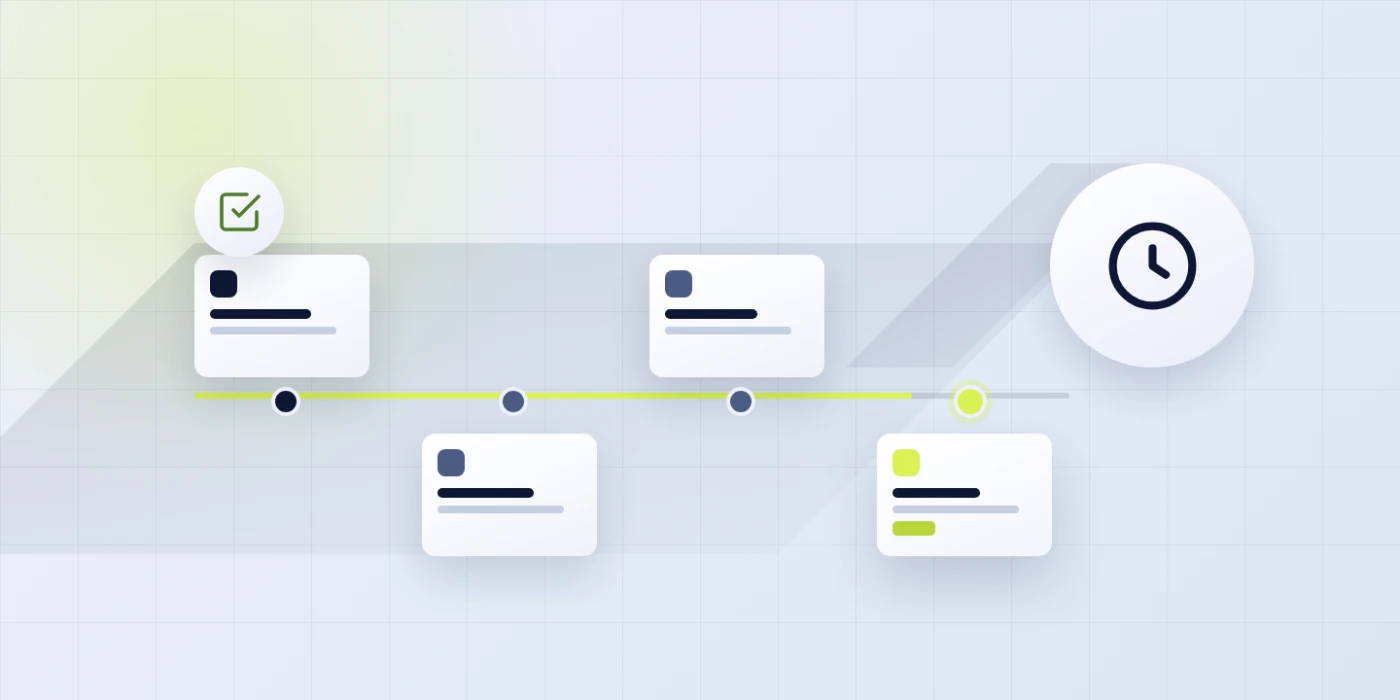
A one-time audit sets the baseline. Ongoing maintenance keeps the site clean as plugins update, hosting drifts, and new content pushes templates past thresholds. Three cadences cover most technical SEO for healthcare websites work. Monthly. Quarterly. Annual. Match the cadence to site size and marketing calendar. Solo practices with rare updates can stretch. Multi-location groups on weekly publishing need to keep to the schedule.
Monthly checks
Search Console coverage report. Core Web Vitals report. New indexation errors flagged. Any drop in indexed page count larger than 3%. Total time 30 to 60 minutes per month. Miss this cadence and the first sign of a technical regression shows up as a ranking drop instead of an early warning inside Search Console. Pair this with our healthcare website maintenance checklist so nothing slips between audits.
Quarterly deep scans
Full crawler run. Schema validation on top 20 pages. PageSpeed Insights on the top 10 money pages. Sitemap health check. Redirect chain audit. Total time 8 to 12 hours per quarter. Catches drift from theme updates, plugin updates, hosting changes, and content additions. Cheaper than a full audit. More thorough than a monthly check.
Annual full audit
The full 15-item audit runs once a year. Resets the fix list. Catches new patterns. Re-baselines the metric chain. Practices that keep the monthly and quarterly cadences find the annual audit shorter, so the fix list is already small. Practices that skip maintenance find the annual audit stacks up like deferred building work. Expensive and disruptive to run at once.
The Tool Stack Behind Technical SEO for Healthcare Websites
Technical SEO for healthcare websites relies on a defined tool stack that most practices already own or can add under $500 a month. The stack is not the strategy, but running an audit without a real tool stack produces eyeball reports that miss template-level issues. Six tools cover most audit and maintenance work for healthcare practices below enterprise scope.
Free tools every practice should run
Google Search Console for indexation, Core Web Vitals, and query performance. PageSpeed Insights for lab and field speed data. Rich Results Test for schema validation. Mobile-friendly test for viewport checks. All four are free. Running them catches 70% of technical failures before they cost ranking positions. Practices skipping Search Console run blind.
Paid tools worth the license
Screaming Frog SEO Spider at $259 a year for site-wide crawls, plus Sitebulb at $180 a month for a reporting layer on top of the crawl. Together they surface template-level failures free tools miss. Practices under 50 pages can run Screaming Frog free for the first 100 URLs. Multi-location groups need the paid license to cover the full crawl in one pass instead of stitching partial exports.
What tools you do not need
You do not need six different tools running the same crawl. You do not need enterprise Botify or OnCrawl below multi-location scope. You do not need paid rank trackers if Search Console covers the query set. Match the tool stack to site size. Overspending on tools starves the budget for the fixes. Fix the finding. Do not just admire the report.
Decide Whether Technical SEO Runs In-House or Through a Retained Team
You now have the seven checks, mobile benchmarks, the crawlability failure map, security fixes, one real proof point, and a maintenance cadence for technical SEO for healthcare websites. The decision reduces to one question. Does the practice have the developer bandwidth to run the checks and act on findings, or does the work go to an outside team.
Run it in-house when the developer bench is real
You have a developer with WordPress or headless CMS experience and 8 to 15 hours a month for technical SEO work. You have someone comfortable with Search Console, Screaming Frog, and PageSpeed Insights. Under those conditions, run the checks in-house on the monthly and quarterly cadence. Save the vendor fee.
Hire out when the bench is thin
You do not have that developer bandwidth. You have tried technical SEO twice and lost the thread by month three. You want the seven checks running on a defined cadence without owning the schedule. When you are ready, our Healthcare Marketing Agency for Patient Growth covers the full stack, with retainers starting at $1,499 a month. For the on-page companion, see the sibling guide On-Page SEO for Healthcare.
For background on how Google frames the core practices behind technical SEO for healthcare websites, see Google Search Central’s SEO starter guide.