Monthly Website Maintenance Packages to Keep Your Site Fast and Live
Managed WordPress maintenance and hosting bundled from $199/mo. LiteSpeed hosting on Cloudflare, weekly WordPress core and plugin updates on a staging clone, nightly backups with encrypted offsite storage, uptime pings every 60 seconds, and edits pushed live inside 24 hours. Every claim maps to a written contract line.
Three ways set-and-forget hosting puts your WordPress site at risk
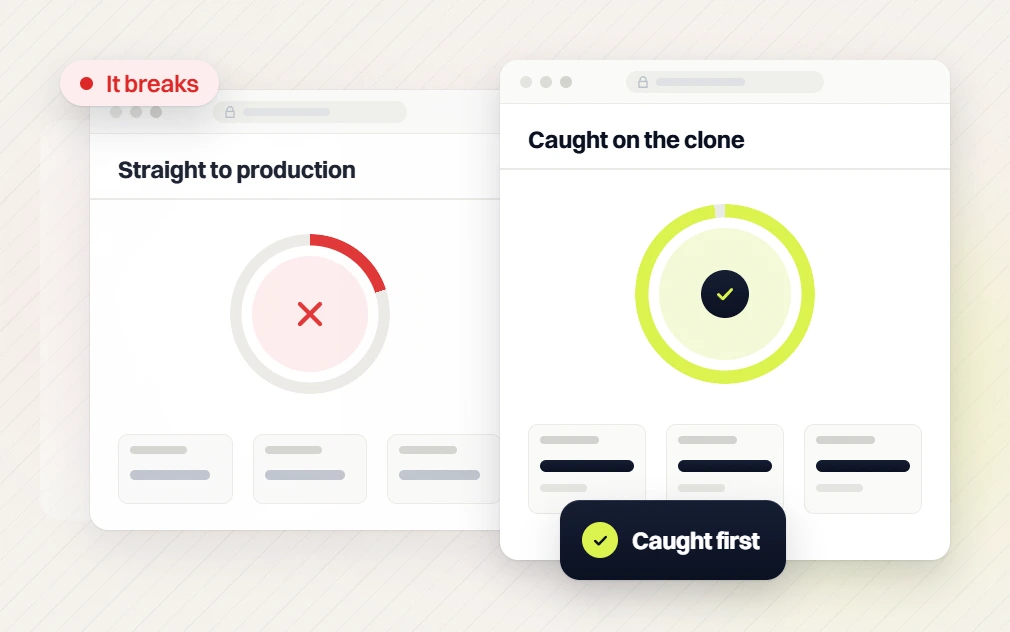
Core, theme, and plugin updates collide and break the live site
68% of WordPress outages trace to unstaged updates. Overnight auto-updates make it worse with no rollback plan when a plugin conflict lands on production first.
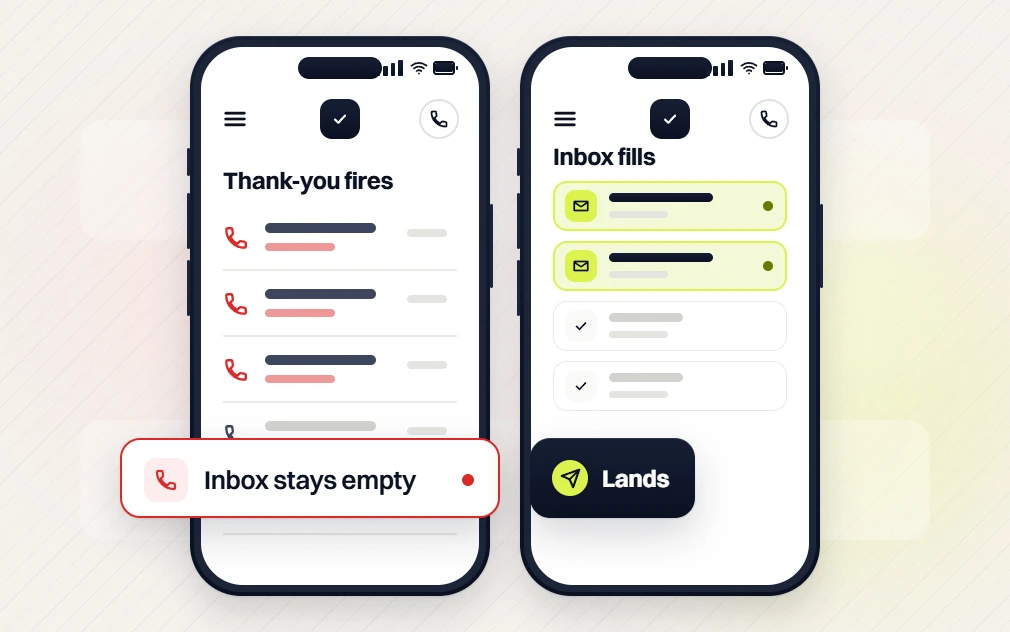
Contact forms silently stop delivering after an SMTP or plugin update
1 in 5 WordPress sites has a form that submits without delivering. Weeks of leads lost while the thank-you page keeps firing and nobody notices the drop.
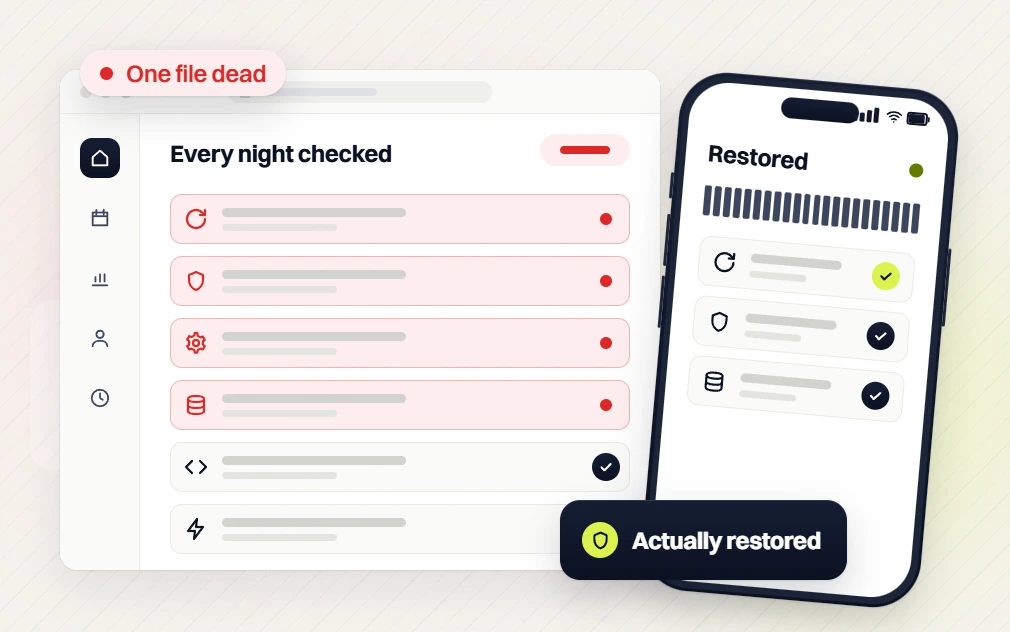
Backups exist on paper but nobody has ever restored one to prove they work
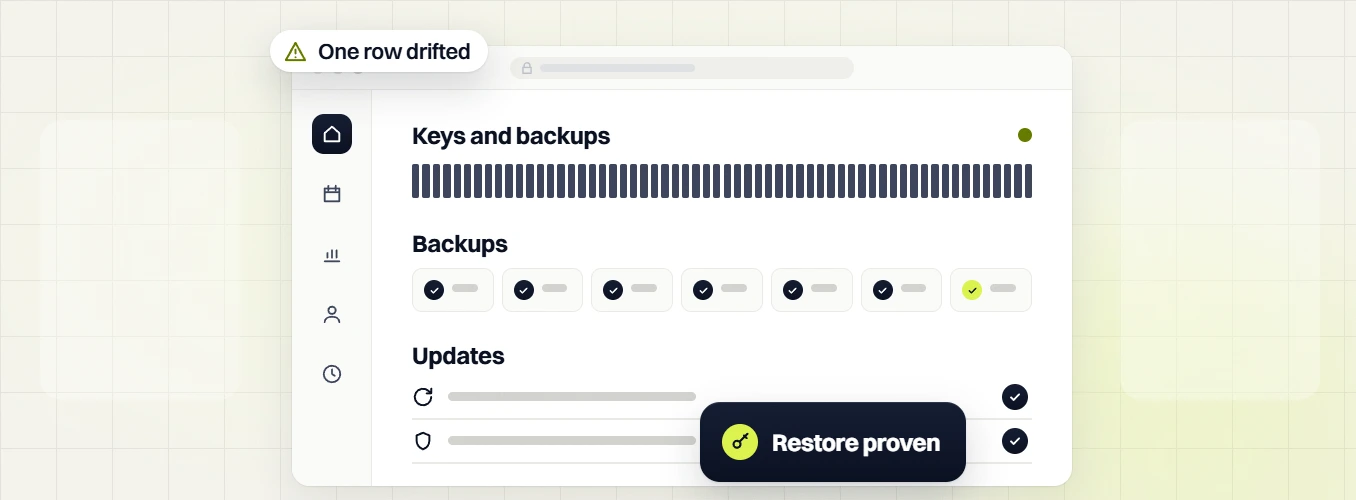
Nightly backups go untested for months. The zip file is corrupt or 60 days old when you actually need it. Only a monthly restore drill on staging proves the file works.
What real monthly website maintenance covers, in writing
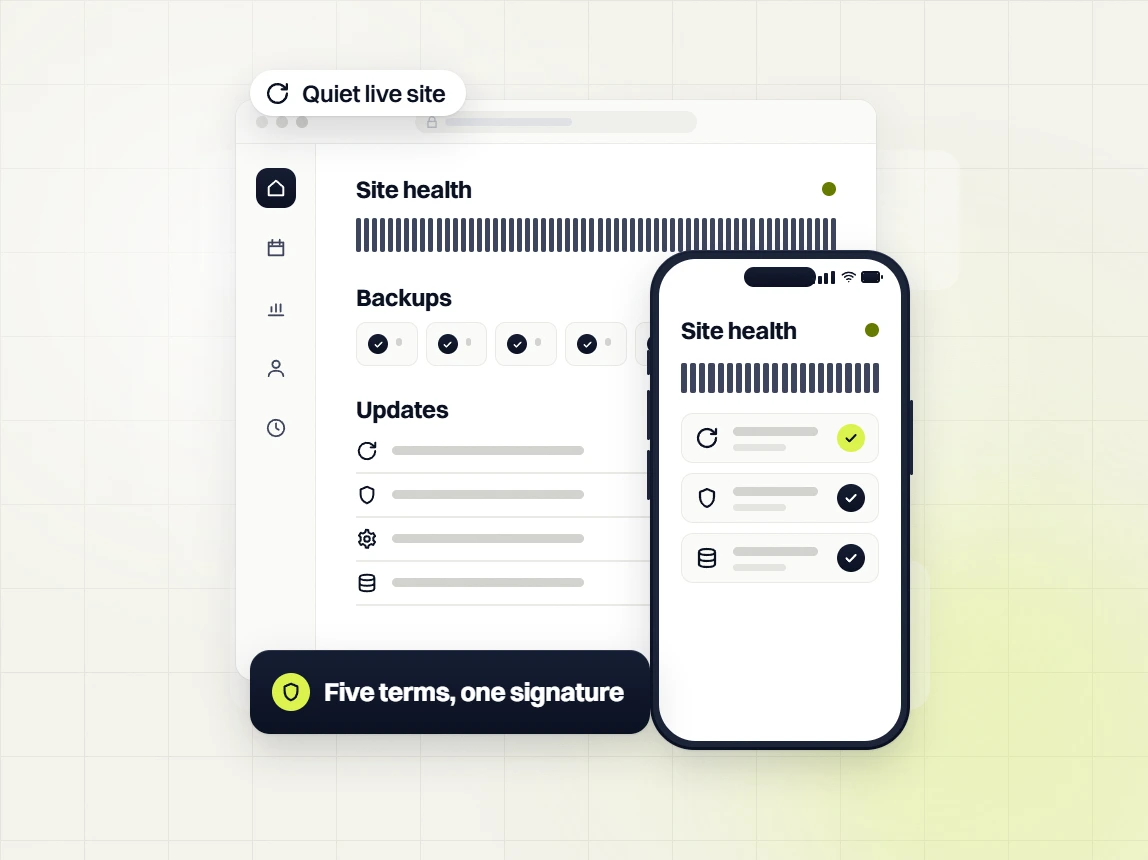
One contract, not four. Managed WordPress hosting, weekly security scans, nightly backups, uptime monitoring, and monthly edits in one predictable line.

Email a change request. Standard turnaround is 24 hours. Urgent same-day. Critical fixes inside 4 hours. No two-week ticket queue and no invoice per edit.
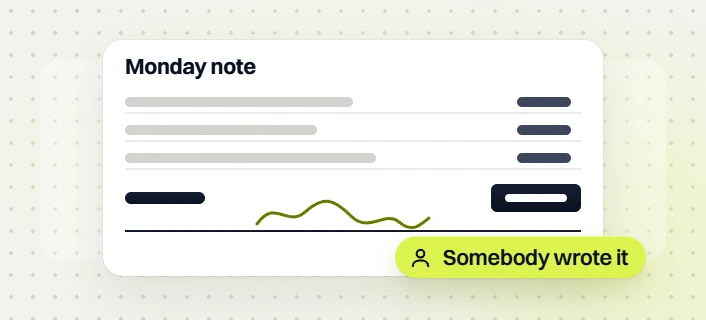
One written note each month covering uptime, security incidents, updates applied, edits pushed live, and Core Web Vitals trend. Real accountability, not a link.
Four stages. Onboard, harden, then keep it running
Same rhythm across every one of our monthly website maintenance plans. Onboarding first, then ongoing patch, backup, and monitoring work with a monthly written report so nothing runs on trust alone.
Full audit and priority fix list
Full site audit, hosting review, plugin footprint check, security posture. Priority fix list delivered in writing so nothing runs on trust. Every recommendation has a paper trail you can point at later if a call goes sideways.
Managed hosting on your production domain
Migration to LiteSpeed or managed WordPress hosting. Core and plugin updates staged. Security hardening applied. Backups and monitoring enabled before we hand you a sign-off. Site hardened before the monthly rhythm starts.
Weekly patches, nightly backups, monthly report
Core and plugin updates weekly. Security patches inside 48 hours of CVE release. Nightly encrypted backups. Uptime monitoring every 60 seconds. One monthly written report covering uptime, patches, edits, and incidents.
24-hour edit turnaround, every request
Content edits, image swaps, form tweaks, seasonal offer rotations. Standard turnaround inside 24 hours from ticket to production push. Urgent same-day. Critical bug fixes inside 4 hours during business hours.
What you actually get from monthly website maintenance
Five phases, every item listed. Fixed scope, defined deliverable per phase, written sign-off on the calendar for every WordPress update pass, backup restore drill, and edit request.
Access, baseline scan, and a first backup on day one
Day one. Access, credentials, and a full baseline security, speed, and accessibility scan documented in writing. First off-site backup taken and verified before we change anything. Nothing you have to think about, and every decision has a paper trail.
WordPress admin, hosting, DNS, GA4, Search Console, CRM API. All logged with a documented rotation schedule.
Nightly backup running before end of day one. First backup restored on staging to prove the zip is not corrupt.
Security posture, Core Web Vitals baseline, plugin health, disk usage, WCAG 2.1 AA gaps. All captured before we touch anything.
Emergency numbers, ticket process, response coverage. Owner and ops lead both have it on file.
A staging clone stays in sync with production for every update pass. Major changes tested on staging before touching live.
PHP version, WordPress version, plugin stack, and cache config compared on both. Drift flagged in the day-one report.
LiteSpeed, Cloudflare, and edge cache on your production domain
Ongoing. Managed WordPress hosting on LiteSpeed with Quic.Cloud CDN and Cloudflare edge cache. Web application firewall blocking bot and brute-force traffic before it reaches the server. 99.99% written uptime SLA with credits if we miss.
Not shared, not cheap-tier. Sites run on isolated resources with proper caching and PHP tuning per your traffic profile.
Static assets served from 5 global POPs. HTML edge-cached with cache-purge rules tuned per template.
Cloudflare rule set plus WordFence at the WordPress layer. Bot traffic filtered before it hits PHP.
Certificates renewed 30 days before expiry. Chain and OCSP staple checked weekly. Zero surprise browser warnings.
Written into the contract. Service credits apply if we miss the target across any billing month.
Disk usage, PHP-FPM load, database size, and slow-query log reviewed daily. Anomalies flagged inside the monthly report.
Weekly WordPress core and plugin updates on a staging clone
Weekly. Every core release, plugin release, and theme update tested on a staging clone before touching production. Security patches applied inside 48 hours of CVE release. Rollback ready inside 5 minutes if anything breaks.
Every point release tested on staging. Regression check on hero, forms, checkout, and page speed before production push.
Security patches first, then compatibility fixes, then feature releases. Each one staged and regression-tested individually.
Parent theme and child theme updates staged, custom overrides preserved, template diff logged before production push.
Any WordFence or Wordfence-tracked CVE applied inside 48 hours of publication. Documented in the monthly report.
Every production push has a rollback plan. If regression testing on live catches an issue, we revert inside 5 minutes.
PHP kept on a supported major version. Migration to the next major staged and tested a full quarter before end-of-life.
Uptime pings every 60 seconds and Core Web Vitals watched monthly
Ongoing. Uptime monitoring every 60 seconds from three geographic regions. Core Web Vitals tracked monthly against a real user monitoring baseline. Form-fill delivery checked every week. Broken-link scan monthly. Every anomaly written to the incident log.
Uptime Robot or Better Uptime running from three regions. Two consecutive fails escalate to the on-call developer inside minutes.
CrUX real-user data plus PageSpeed Insights lab runs. LCP, INP, and CLS trended so drift gets caught early.
Real submission through every form on the site every week. Delivery verified in inbox and CRM. Silent failures caught the same week they happen.
Full-site crawl for 404s, redirect chains, and mixed-content warnings. Findings logged in the monthly report with fix ETAs.
GA4 event tracking, conversion goals, and Search Console coverage report reviewed weekly for tag drops or index issues.
Accessibility audit against WCAG 2.1 AA every quarter. Contrast, keyboard nav, screen reader flow. Findings logged with priority.
One written monthly note covering uptime, patches, edits, and incidents
Monthly. One written report, delivered the first business week of the month. Uptime summary, patches applied, edits pushed live, incidents logged, Core Web Vitals trend, and recommended next-month priorities. No dashboard link with 40 tabs to scroll.
Actual uptime percentage vs the 99.99% SLA. Any incidents with duration, root cause, and remediation.
Every core, plugin, and theme update run this month. Version before and after. Any staging catches worth calling out.
Every content edit, image swap, form change, and template update pushed live this month. Ticket ID, request date, live date.
LCP, INP, and CLS this month vs last three months. Trend arrow and callout if any metric slipped out of the good bucket.
Every alert this month with disposition. False positive, transient, real incident. Real incidents get a full write-up.
Three ranked recommendations for next month based on what the audit surfaced. Owner decides which to green-light.
Four maintenance tiers for every stage of growth
Pick the tier that matches your practice size. Move up or down anytime with 30 days notice. No setup fees. Hover any feature name for a plain-English explanation.
Established practices with stable traffic and no active paid spend.
Practices running active SEO or paid spend that need real protection.
High-spend practices where every PageSpeed point is a CPA point.
Enterprise or 5+ locations. White-label or regulated workloads.
Every maintenance feature, tier by tier
HOVER FOR DETAILUptime + security +
Content maintenance +
Performance + tech +
SEO + local +
Reporting + analytics +
Compliance + enterprise +
Team + service level +
Real WordPress and WooCommerce sites, real numbers
Asked by WordPress site owners, answered
From real quote calls with WordPress and WooCommerce site owners. Anything else, ask on the strategy call and get an answer in the first 5 minutes.
How long is website maintenance?
+
Website maintenance is ongoing, not a one-time job. Our monthly website maintenance runs on a 30-day cycle that never ends while you stay on the plan, with weekly work inside every cycle. Weekly: WordPress core and plugin updates tested on a staging clone before touching production. Weekly: uptime and Core Web Vitals check with anomalies flagged. Monthly: one written report covering uptime percentage, patches applied, edits pushed live, and incidents logged. Quarterly: WCAG 2.1 AA accessibility audit and a full-site broken-link scan. Yearly: PHP version review and full security posture check against the current CVE list. A typical onboarding month runs 6 to 8 hours of billable dev time. Every month after that runs 2 to 8 hours depending on tier and edit queue. You can cancel with 30 days written notice, so the real contract length is as long as the site keeps earning revenue for the business. Bill runs on your normal 30-day billing cycle from the day you sign.
How much to keep a website running per month?
+
For a WordPress or WooCommerce site, expect $199 to $499 per month all-in with monthly website maintenance packages that bundle hosting, security, backups, updates, and edits into one line. Cheaper plans exist at $29 to $99 per month, but those cover monitoring only and invoice you extra for every edit, security patch, or emergency outage response. Our Essential tier at $199/mo fits marketing sites under 25 pages with LiteSpeed hosting bundled and 30-day backup retention. Growth at $299/mo suits businesses running lead-gen or ecommerce under 500k monthly page views. Scale at $499/mo covers high-traffic sites with dedicated cache, 365-day backup retention, and a 15-minute incident response window. Add-on WooCommerce stores, membership sites, and multisite installs land in a custom quote above $499. For a static HTML brochure site with no forms, monthly cost drops to hosting only, roughly $10 to $30 per month plus a domain renewal once a year.
Is it normal to pay a monthly fee for a website?
+
Yes, and it is the norm for any business-critical WordPress or WooCommerce site. A live site touches hosting, DNS, SSL, CDN, backup storage, security scanning, uptime monitoring, and a stack of 20 to 40 plugins that each update on their own schedule. Someone has to test the updates on staging, watch for outages, keep the site accessible, and stay on call when a plugin breaks at 2am. A monthly website maintenance retainer bundles all of that into one predictable line item so you never get surprised by a $600 emergency invoice on a Sunday. What is not normal is paying a monthly fee that only covers hosting and getting nickel-and-dimed for every plugin update or content edit. Read the plan scope carefully. If edits, security patches, and Core Web Vitals monitoring are not included, the fee is only buying you a server, not a maintained site. We put the full scope inline in the contract before month one.
How often should a website be maintained?
+
Weekly for WordPress and WooCommerce, monthly at minimum for anything with forms or a CMS. Our website maintenance packages run on a weekly cycle because WordPress core, plugins, and themes push updates at that cadence, and security patches from plugin authors land inside 48 hours of a CVE disclosure. Leave a WordPress site alone for 60 days and you accumulate 15 to 30 pending plugin updates, at least one security patch, and a growing gap between staging and production. The first update after that gap is usually the one that breaks the site in production. Weekly cadence keeps the delta small so nothing has to catch up in one risky push. Non-WordPress sites: monthly is enough for most. Google recommends checking Core Web Vitals monthly, uptime constantly, and backups verified quarterly. Static HTML brochures with no forms can go 90 days between windows without meaningful risk. Emergency-only plans exist elsewhere but we do not recommend them for lead-gen sites.
Why are people moving away from WordPress?
+
Some are, most are not. WordPress still powers roughly 43% of the web. The pushback usually comes from businesses tired of plugin sprawl, page-builder bloat, and a maintenance burden they never budgeted for on day one. Common reasons cited in migration threads: page speed decay from stacked plugins, security breaches from out-of-date add-ons, and rising monthly maintenance costs on sites that were never planned for scale. The fix on most of those is not switching platforms. It is running WordPress properly. Managed hosting, disciplined plugin footprint, weekly patching, and a real backup restore drill on staging remove 90% of the pain. Our WordPress maintenance services are built for owners who want to stay on WordPress but not run it themselves. For truly headless or Jamstack workloads, WordPress is not always the right tool. For content-driven marketing and ecommerce sites earning real revenue today, it still is. We hand our clients a written recommendation on where WordPress fits and where it does not.
Can I hire someone to fix my website?
+
Yes. For a WordPress or WooCommerce site, you have three real options with different price points. One-time freelancer fix runs $75 to $200 per hour and works well for a specific broken form or missing plugin, not for ongoing risk or long-term uptime. Agency retainer runs $199 to $499 per month for monthly website maintenance that covers hosting, updates, backups, security, and edits inside one contract with a written SLA. In-house developer runs $70k+ per year, only worth it above 500k monthly page views or a fully custom stack. For most small and mid-sized businesses, an agency retainer wins on price, coverage, and continuity. Our team handles the fix and the plan going forward, so the same issue does not surface again in 60 days when a plugin update collides with an out-of-date theme. Reach out via the strategy call link and you get a written recap plus fix quote inside one business day.
How much does a website maintenance cost?
+
Monthly website maintenance packages run $199 to $499 per month at Redefine Web with hosting bundled into every single tier at no separate line. Essential at $199/mo: LiteSpeed hosting, weekly WordPress patches on a staging clone, nightly backups with 30-day retention, uptime pings every 60 seconds, WordFence security, and 2 hours of edit time. Fits marketing sites under 25 pages. Growth at $299/mo adds priority patch turnaround, 4 hours of edit time, and 90-day backup retention. Scale at $499/mo runs 8 hours of edit time, 365-day backup retention, dedicated cache, and a 15-minute incident response window. For enterprise WooCommerce or membership sites above 500k monthly page views, custom quotes start at $999/mo. What is not billed extra on any tier: emergency patches, security incident response inside the written SLA, WordPress core updates, plugin updates, and content edits inside the monthly hour allowance. Hosting is bundled, not on top of the retainer.
Does WordPress need maintenance?
+
Yes. WordPress publishes 4 to 6 core security releases per year, plugin authors push updates weekly, and themes update on their own schedule. Skip maintenance for 6 months and a WordPress site accumulates 30 to 60 pending updates, at least 2 unpatched CVEs, and a widening staging-to-production gap that eventually breaks something on the next push. Three real risks compound quietly. Security: 90% of hacked WordPress sites in the Sucuri annual report were running out-of-date plugins at time of compromise. Performance: LCP typically drifts from 2.1s to 4.8s over 3 months of unmaintained plugin bloat, measurable in Core Web Vitals. Accessibility: WCAG 2.1 AA gaps compound with every unreviewed content addition. Real WordPress maintenance services catch all three before they cost you rankings, revenue, or an ADA complaint filed against your site by a plaintiff firm. Ownership on cancel of code, media, and design tokens is written into the contract.
What backup retention comes with your website care plans?
+
Backup retention varies by tier across our website care plans, and every tier stores backups encrypted offsite. Essential at $199/mo runs nightly backups with 30-day retention, stored on Amazon S3 or Wasabi with AES-256 at rest. Growth at $299/mo runs nightly backups with 90-day retention plus one manual backup on request per month for pre-launch or migration work. Scale at $499/mo runs nightly backups with 365-day retention, one manual backup on request per week, and quarterly restore drills on staging to prove the zip file is not corrupt when you actually need it. Every tier gets a full backup taken and verified before any core, plugin, or theme update lands on production. Restore-to-staging window is 30 minutes on Essential, 15 minutes on Growth, and 5 minutes on Scale. If you cancel the plan, you own the site and can download the last verified backup during your 30-day notice window. Tier upgrades and downgrades take effect on the next billing cycle with 30 days notice.
How do you handle the staging clone before pushing updates live?
+
Every WordPress maintenance services update we run goes through a three-step staging pipeline built to catch conflicts before they hit paying visitors. Step one: staging clone. We keep a full clone of your production site on a separate subdomain, refreshed monthly or before any major update pass. The developer applies the core, plugin, or theme update on staging first. Step two: regression check. Forms fill, checkout completes, key landing pages render, JavaScript console stays clean, page speed holds within 200ms of baseline. We follow Google Search Central guidance so we do not accidentally noindex staging or break canonical tags on the way to production. Step three: production push during your maintenance window, usually Tuesday or Thursday overnight. Rollback plan is ready. If regression testing on production catches an issue, we revert inside 5 minutes and troubleshoot on staging before trying again. Every step lands in the monthly report with timestamps you can audit later.
What is your cancellation policy on monthly website maintenance plans?
+
30 days written notice, no early-termination fee, and you keep full ownership of your site, domain, and content. Email your account manager or reply to the last monthly report and the clock starts running that day. During the 30-day notice window we run one final backup, hand you an admin credential set, transfer DNS and hosting access if you want to self-host, and export any custom code or design tokens on your account. No exit interview theater. No held-hostage domain. You own the WordPress install, the database, the media library, every custom plugin and theme file, and every piece of copy written during the retainer. Our monthly website maintenance plans do not roll into a 12-month lock-in on renewal. If you come back inside 90 days, we skip the onboarding month and your prior baseline scan carries over so setup fees stay off the return invoice. Recovered clients get priority onboarding when they come back inside 90 days.
What is not covered inside your monthly website maintenance packages?
+
Monthly website maintenance packages cover run-rate work: hosting, security, backups, updates, monitoring, and content edits inside the tier hourly allowance every month. What is not covered and gets scoped separately: new landing page builds beyond edit-scope changes, full theme rebuilds, custom plugin development, WooCommerce store migration from a different platform, paid ads campaign management, SEO content strategy, and third-party integrations that need custom API work. Content edits inside scope include copy changes, image swaps, form field tweaks, seasonal offer rotations, menu updates, and small template adjustments that take under 30 minutes. Out of scope work gets a written quote inside 2 business days with a fixed price or hourly range you approve before we start. Our teams book against your calendar so you never pay for surprise dev work. Everything covered vs everything scoped separately is written into the contract before the first monthly invoice, so no ambiguity on month two.