
If your website lost rankings after redesign, the useful question is not whose fault it was. It is which of about seven things actually happened, because each has a different check, a different fix, and a very different answer to how much traffic is coming back. Some are a configuration change. One is not really recoverable, and you deserve to know which is which before anybody quotes you for a recovery project.
Our commercial position belongs at the top rather than in a footnote. Redefine Web sells both halves of this. We build and rebuild sites, and we sell the SEO services retainer that has to live with whatever the rebuild did. Most writing on this subject comes from one side or the other, either an SEO firm explaining that the rebuild broke everything or a studio explaining that it did not. Holding both halves means we have no side worth taking, so what follows is a diagnostic order rather than a verdict.
Work it in sequence. The order is roughly how often each cause turns out to be the real one, not how dramatic it sounds. And resist fixing things while you are still diagnosing, because every change adds a variable to the chart you are about to read.
When your website lost rankings after redesign, date the drop first
Before you can name a cause you need two facts, the date the decline started and the shape it made. Open the Search Console Performance report, set the date range to the last sixteen months, and read clicks and impressions together rather than trusting a third party rank tracker. Sixteen months is deliberate. It puts last year on the same chart, so a seasonal trough stops looking like a catastrophe.
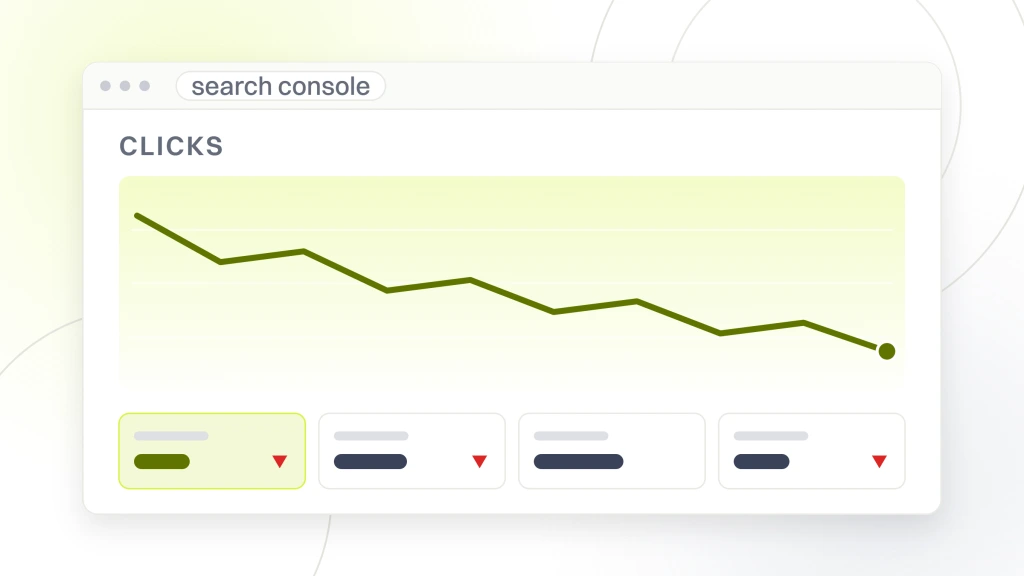
Then use the Compare tab to put the drop period against the previous period, and against the same period a year earlier. You are looking for the edge of the decline. A cliff landing within a day or two of launch points hard at redirects, indexing rules, or something else that changed site wide at cutover. A gentler slide that begins near launch and continues usually means something that only takes effect as pages are recrawled one at a time. Google describes that difference in its guidance on traffic drops, noting that issues “can be site-wide (for example, your website is down) or page-wide (for example, a misplaced noindex tag, which would depend on Google crawling the page, meaning there would be a slower drop in traffic).”
Separate the three measurements people blend together while you are here. Rankings are positions for queries, impressions are how often you were shown, clicks are what you got. Keep Google’s note in view too, that “Small fluctuations in position can happen at any time (including moving back up in position, without you needing to do anything).” A two place wobble on a few terms is not an incident.
Cause one, the old addresses were never redirected
This is the most common cause and the most recoverable, so it goes first. If the rebuild changed any address, the site moved, whatever the project plan called it. Every link anyone ever built to an old address, and every bit of history Google attached to it, now points at a 404.
The check
Build an inventory of the addresses that existed before launch. You have more sources than you think. Export sixteen months of page level data from Search Console, pull the old XML sitemap if a copy survives, export landing pages from analytics, and use the Wayback Machine for the rest. Deduplicate into one list, request every address on it, and record the status code. Any old URL returning 404 or 410 that used to earn clicks or hold links is a line item.
Google names this failure mode in its site move troubleshooting, saying “We frequently see people redirecting to the wrong (non-existent) URLs on the new site.” It is an ordinary mistake rather than an exotic one, which is why the check is mechanical.
The fix, and how much comes back
Point each retired address at the nearest surviving page and implement server side permanent redirects. Google is unambiguous that this costs you nothing by itself, stating that “301 and other permanent redirects don’t cause a loss in PageRank.” Applying the map is fast. Seeing the result is not, because it waits on recrawling, covered further down.
Cause two, the redirects exist but they all land on the homepage
This is nastier than having no redirects, because every check looks healthy. Old addresses return a redirect, nothing 404s, and the dashboard reports a clean migration. What it does not report is that forty specific pages now resolve to a general page answering none of their queries.
Google addresses it directly. Its site move guidance says “Don’t redirect many old URLs to one irrelevant single URL destination, such as the home page of the new site.” and adds that this “can confuse users and might be treated as a soft 404 error.” That is the worst of both outcomes, since the old page is gone and the destination earns nothing for it.
The check
Take the inventory from cause one and follow each redirect to its final destination, recording where it lands rather than whether it worked. Sort by destination. If a large share of your old library funnels into the homepage, a category index or a contact page, you have found it. Count the hops while you are there. Google advises “redirecting to the final destination directly.” Its crawl guidance is blunter, warning to “Avoid long redirect chains, which have a negative effect on crawling.”
The fix, and how much comes back
Re point each redirect at the page that actually replaces it. Where several old pages were genuinely merged into one, redirecting them all to that consolidated page is correct and Google says so. Where the content no longer exists, a 404 is the more honest signal than a redirect to the homepage, which moves the problem to cause three.
Cause three, pages were cut or the copy was thinned
Here is the hard one. A rebuild is scoped by templates, and content gets fitted to them. Long pages become short pages because the new layout has a hero, three cards and a form. Sections disappear because no performance data was in front of the people deciding. None of that requires carelessness. It is what happens when the content inventory follows the design rather than the performance data, which is an ordering problem rather than a competence problem.
The check
Two passes. First, take your inventory of old addresses and mark every one that earned clicks in the year before launch and has no equivalent on the new site. Second, for pages that did survive, compare old and new side by side, which the Wayback Machine is usually enough for. You are looking for a page that used to answer a question at length and now gestures at it. Cross reference against the queries those pages used to win. If a page lost the passage that answered a query and lost that query, you have your answer.
The fix, and how much comes back
If you still have the copy, restore it at the address that earned the rankings rather than a new one. Old databases, staging backups, the previous host’s backups and archived pages are all worth checking before concluding the text is gone. If it is gone and nobody kept a copy, this is not a recovery, it is a rewrite. That distinction drives how long the work takes and what it costs.
Cause four, the templates dropped your headings and internal links
The words survived the move and something structural did not. This shows up as a decline that is real but not total, on pages that look fine to a reader.
The mechanisms are mundane. A heading that was an H2 becomes a styled div because the new design system did not need heading levels. Hero copy becomes part of an image. The old sidebar or footer link block, which quietly pointed at forty deep pages from every page on the site, is gone because the new design is cleaner, and the new navigation reaches a fraction of what the old one did.
The check
View the rendered source of a page that dropped and list its headings in order, then compare that list to the archived version. Then pick three pages that used to rank and count how many internal links on the live site now point at them. If a page once linked from every footer is now down to two, it did not get worse, it got quieter. A structured website audit covers this ground page by page.
The fix, and how much comes back
Restore heading levels in the template, put the text back into text, and rebuild the internal links deliberately rather than as a side effect of navigation. This is the cause where the fix is cheapest and recovery most predictable, because nothing was lost, it was made invisible.
Cause five, staging is still indexable or the live site is still blocked
Most builds happen behind a noindex rule or a robots.txt block so the half finished site does not get indexed. Those switches have to be thrown at cutover, in the right direction, on the right host. Google flags both failure modes first in its troubleshooting list, saying “Don’t forget to remove any noindex or robots.txt blocks that were only needed for the migration.” Either the live site is still telling search engines to stay away, or the staging copy is still indexable and competing with the real one.
The check
Request your live homepage and a handful of deep pages and read the actual response, not the rendered page. Check for a robots meta tag with noindex, check for an X-Robots-Tag in the HTTP headers, and read every line of robots.txt. Then do the same for any staging hostname that still exists. Search Console’s Page indexing report names pages excluded by a noindex rule.
One trap is worth knowing. Using a robots.txt block and a noindex rule together on staging can leave it visible anyway, because as Google puts it, “If the page is blocked by a robots.txt file or the crawler can’t access the page, the crawler will never see the noindex rule, and the page can still appear in search results, for example if other pages link to it.”
The fix, and how much comes back
Remove the block. This is the fastest fix on the list, and what follows is still a crawl, so the switch flips immediately and the results do not.
Cause six, the new build is slower than the site it replaced
Speed is the cause most often named and least often decisive. A rebuild somewhat slower than its predecessor rarely explains a large decline by itself, but it is still worth measuring, for a reason that has less to do with ranking than with crawling.
Google adjusts how hard it crawls based on how a site responds, stating that “If the site slows down (latency increases or response times become longer), or responds with server errors (5xx HTTP status codes) or rate-limiting signals (such as HTTP 429), the limit goes down and Google crawls less.” That matters more than usual after a move, because a migration needs more crawling rather than less. Google warns to “Ensure that your server has enough computing resources: after a migration, Google will temporarily crawl your new site more heavily than usual.”
The check and the fix
Read the Crawl stats report for average response time and any spike in 5xx responses or 429s around launch. Measure the new site’s field data and compare it against whatever you recorded before the rebuild. If you have no archived measurements, say so rather than guessing, because a comparison you cannot make is not evidence either way. Server capacity is usually adjustable quickly, while front end performance work is a project. Treat this as something that unblocks recovery from the other causes rather than as the recovery itself.
Cause seven, nothing broke and the timing was a coincidence
Both commercial sides of the argument have a reason to skip this one, and it is real. Sites lose rankings during weeks in which they also happen to relaunch. Google ships ranking updates on its own schedule, and it is explicit that a drop is not necessarily a verdict on your pages, saying “If you suspect a drop in traffic is due to an algorithmic update, it’s important to understand that there might not be anything fundamentally wrong with your content.” It lists demand as a separate cause again, noting that “Sometimes changes in user behavior will change the demand for certain queries, either due to a new trend, or seasonality throughout the year.”
The check
Three questions separate a coincidence from a consequence. Is the decline confined to pages that actually changed, or spread evenly across pages the rebuild never touched? A decline that includes pages whose address, copy and template are identical points away from the migration. Did competitors ranking alongside you move in the same week? And does the drop start on a date matching a confirmed ranking update rather than your cutover? Line up the dates before arguing about mechanisms.
The year over year comparison from the first section carries weight here. Our piece on how to know whether your SEO is working goes further into reading a chart without talking yourself into a conclusion.
The fix, and how much comes back
There is no fix for a coincidence, which is the point of checking. Reaching this conclusion is only honest once the six mechanical causes above have been checked and cleared, because it is also the most convenient conclusion available to whoever built the site.
What recovers quickly, what waits on a crawl, and what does not recover
This is where most articles on the subject start inventing numbers. The honest answer has a shape even though it has no duration.
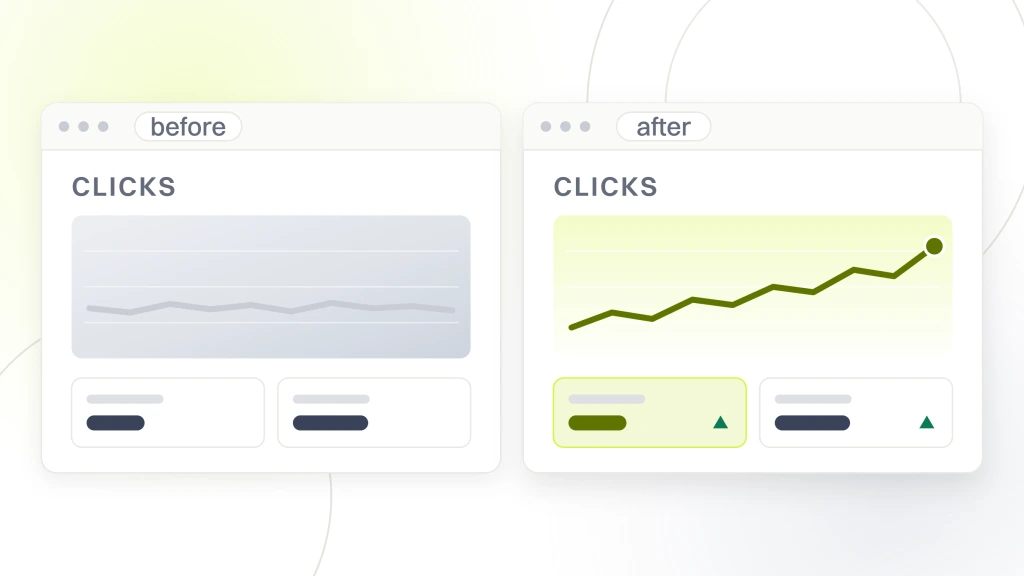
Recoverable quickly, in the sense that the fix is fast to apply
- An indexing block left on the live site, or a staging copy left reachable. Both are configuration changes.
- Redirects pointed at the wrong destination, once the mapping work is done.
- Headings and internal links lost in the template, which is a development task on content that still exists.
Waits on a crawl cycle, whatever you do
Every fix above only counts once Google has recrawled the pages involved, and here the honest answer is that it depends. Google states plainly that “There are no fixed crawl frequencies; how fast Googlebot crawls depends on the size of your site, and the speed of crawling that’s possible.” On what completion means, it says “To consider a site move complete, Googlebot will have to visit every URL on your old and new site at least once.” And on less important pages it warns that “Depending on the importance of the page on the internet, it may take months for Googlebot to revisit a page.” That is the whole basis for anyone quoting you a recovery date, which is to say there is none.
Two consequences follow, and they beat any average. Your best pages come back first, because Google notes that “URLs that are more popular on the Internet tend to be crawled more often to keep them fresher in our systems.” The long tail nobody links to is the slowest part, which is why a site can look mostly recovered and sit there. One thing works in your favor, which is that the move itself raises demand, since “site-wide events like site moves may trigger an increase in crawl demand in order to reprocess the content under the new URLs.”
Not really recoverable
Content that was deleted, that nobody kept a copy of, and that cannot be reconstructed. You can write a new page targeting the same queries, and you should, but it starts where new pages start. Anyone offering to recover deleted copy that exists nowhere is selling you a rewrite under another name.
What to do this week, in order
If you do nothing else from this article, do these seven things in this sequence.
- Stop changing things. Freeze non urgent releases until you have a diagnosis.
- Build the URL inventory. It settles causes one, two and three, and everything downstream depends on it.
- Check the indexing switches on the live host and any staging host. It is occasionally the whole answer.
- Follow each retired address through to its final destination and sort by where it lands.
- List the pages that earned clicks last year and no longer exist, and find out whether their copy survives anywhere.
- Compare headings and internal link counts on your three most valuable pages against their archived versions.
- Only then compare your drop date against ranking update dates and your own year over year chart.
Keep the redirects in place long after you think you are done. Google’s advice is to “Keep the redirects for as long as possible, generally at least 1 year.” That window is what lets it “transfer all signals to the new URLs, including recrawling and reassigning links on other sites that point to your old URLs.” Removing them at the point recovery looks complete is how sites lose the same traffic twice.
What to ask the team that built it, without starting a fight
You need artifacts, not an admission. An accusation gets you a defensive meeting and no documents. A request for four specific files gets you the diagnosis, and it is worth saying plainly that you are asking in order to fix it rather than to assign blame.
- The redirect map used at launch, as a file of old address to new address.
- The inventory of URLs that existed on the old site, and the decision record for any that were not carried over.
- The state of robots.txt and any noindex rules on launch day, on both the live host and staging.
- Confirmation of what changed structurally in the templates, specifically heading levels and any site wide link blocks that were removed.
If those documents exist, your diagnosis takes hours instead of days. If they do not, that is informative rather than damning, since plenty of competent builds are scoped without a migration workstream because nobody flagged that changing addresses is a migration. Either way you now know what to reconstruct first. If you would rather not run this yourself, our free website audit is the usual starting point and the website audit hub explains what a full pass covers.
Where our two halves disagree, and what we would do
We said at the top that we sell both sides of this, and it is worth being concrete, because it is why the article reads the way it does. Our web design and development service sells rebuilds and lists a cutover with a rollback plan as one of its stages, so the build side of this business is paid to believe rebuilds go well. The retainer is paid to live with the result and inherits every problem on this page. Those incentives point in opposite directions, and if we sold only one of them you would be reading a more confident article with a villain in it.
What we would do on any site is build the URL inventory before forming an opinion. It is unglamorous, it settles three of the seven causes at once, and it is checkable by someone who does not trust us. We would also refuse to name a recovery date, because Google publishes none and the honest variable is crawl frequency on your site.
And we would tell you when it is not recoverable. If the pages that earned your traffic were deleted and no copy survives, the work ahead is new content on the same subjects, a different project on a different timeline, and how long SEO takes to show results is the more relevant read. If you are reading this before a rebuild rather than after one, the decision itself is covered in when to redesign your website, the case for auditing first is in why a website audit is important, and the SEO audit checklist is the running version of these checks.