
PPC for Ecommerce: Complete Guide
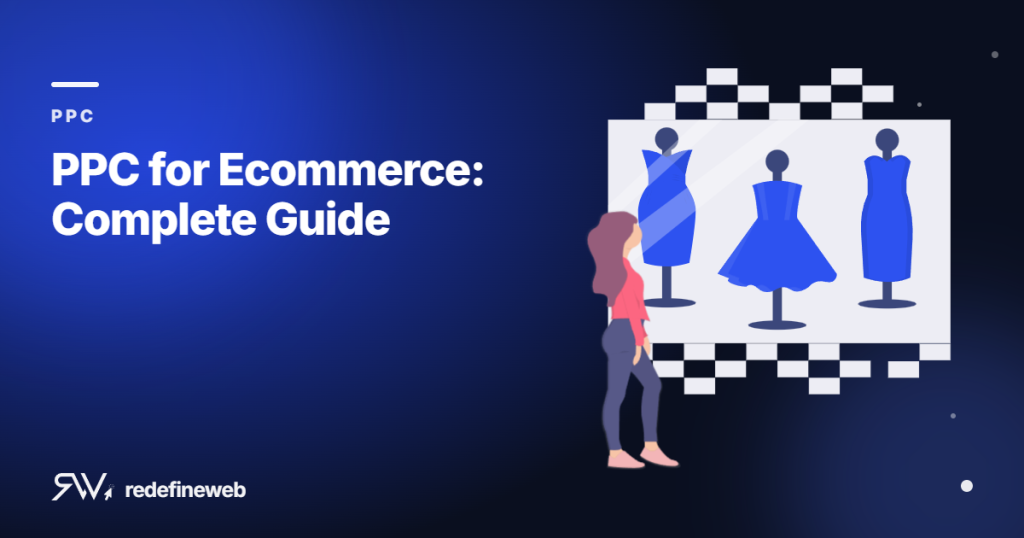
PPC for Ecommerce: Complete Guide
Ecommerce PPC is one of the fastest ways to put your products in front of buyers who are ready to purchase. Done right, paid search and shopping ads drive consistent, scalable revenue. Done wrong, they drain budget with little to show for it. This guide covers everything you need to run ecommerce PPC profitably: campaign structure, bidding, shopping feeds, remarketing, and the metrics that actually matter.
What Is Ecommerce PPC?
Pay-per-click advertising for ecommerce places your products or text ads in front of shoppers on Google, Bing, and paid social platforms. You pay only when someone clicks. For product-based businesses, the two dominant formats are Google Shopping (now Performance Max) and Search ads targeting high-intent keywords.
Unlike organic search, PPC delivers traffic the same day you launch. That immediacy makes it critical for new product launches, seasonal pushes, and filling revenue gaps while SEO compounds over months.
Why Ecommerce Businesses Struggle With PPC
Most ecommerce PPC failures trace back to three problems:
- Broad match targeting with no negatives. Ads show for irrelevant queries, burning budget on shoppers who will never convert.
- No product feed optimization. Shopping ads pull titles, images, and prices from your feed. A weak feed means poor placement and low click-through rates.
- Ignoring match types and bid strategies. Defaulting to automated bidding before you have enough conversion data leads to erratic performance.
Fixing these three areas alone typically recovers 20–40% of wasted spend in the first 60 days.
Campaign Structure for Ecommerce PPC
Structure determines how well you can control bids and isolate performance. A clean ecommerce PPC account separates campaigns by:
- Product category. Group similar SKUs together so bid adjustments apply to a relevant set of products.
- Funnel stage. Branded terms, competitor terms, and generic category terms all convert at different rates and deserve separate budgets.
- Geography. If your margins or shipping costs vary by region, segment campaigns to bid accordingly.
For most ecommerce stores, a solid starting structure includes: one branded search campaign, one or two non-branded search campaigns by product category, a Shopping or Performance Max campaign, and a remarketing campaign targeting cart abandoners and past visitors.
Google Shopping and Performance Max
Google Shopping campaigns display product images, prices, and store names directly in search results. They consistently outperform text ads for product-based queries because they show buyers exactly what they are getting before the click.
Performance Max (PMax) replaced Smart Shopping in 2022 and now runs across Search, Display, YouTube, Gmail, and Maps. PMax uses Google’s machine learning to allocate budget. The upside: broader reach. The downside: limited visibility into where your budget goes.
For most stores, a hybrid approach works best: a focused PMax campaign for top SKUs, and standard Shopping or Search campaigns for tight keyword control on high-margin products.
Product Feed Optimization
Your product feed is the foundation of Shopping ads. Google pulls every attribute from it: title, description, price, availability, GTIN, image, and more. A weak feed directly limits your impression share.
Key feed improvements that move the needle:
- Front-load keywords in titles. “Men’s Running Shoes Size 10 Blue” outperforms “Blue Running Shoes for Men.”
- Use high-resolution images. Google favors 800×800 or larger. Blurry or watermarked images lower your placement.
- Keep pricing accurate. Price mismatches between your feed and website get your products disapproved instantly.
- Add GTINs and MPNs. Products with manufacturer identifiers get more accurate matching and often lower CPCs.
Keyword Strategy for Ecommerce Search Campaigns
Ecommerce keyword strategy differs from lead gen. Buyers use product-specific, transactional language: brand names, model numbers, “buy,” “cheap,” “free shipping,” and category descriptors.
Build your keyword list in three tiers:
- Tier 1 — Branded. Your store name and product brand names. These convert at the highest rate and cost the least to protect. Always run branded campaigns.
- Tier 2 — Specific product. Model numbers, SKU identifiers, and exact product names. High intent, moderate volume.
- Tier 3 — Category and generic. “Men’s trail running shoes,” “stainless water bottle.” High volume, lower conversion rates, require tighter negative keyword management.
Negative keyword lists are not optional. Add terms like “reviews,” “DIY,” “how to fix,” and category-adjacent terms that attract researchers instead of buyers. Update your negatives weekly during the first 90 days.
Bidding Strategies That Work for Ecommerce
Google’s automated bidding works well once you have sufficient conversion data. The general rule: wait until a campaign has at least 30–50 conversions per month before switching from manual or enhanced CPC to a target ROAS or target CPA strategy.
For new campaigns or those with thin conversion history:
- Start with manual CPC or enhanced CPC to gather data without over-constraining the algorithm.
- Set bid caps to prevent single clicks from consuming disproportionate budget.
- Review search term reports daily for the first two weeks to catch wasted spend early.
Once you reach the conversion threshold, target ROAS bidding typically delivers the best long-term efficiency for ecommerce. Set your ROAS target at or slightly above your current performance to avoid dramatic traffic drops when switching.
Remarketing for Ecommerce
The average ecommerce cart abandonment rate is 70–75%. Remarketing campaigns recapture a significant portion of those lost sales at a fraction of the cost of acquiring new visitors.
The three highest-value remarketing audiences for ecommerce:
- Cart abandoners. These visitors added items and left. Dynamic remarketing showing the exact products they viewed converts at 2–4x the rate of generic display ads.
- Past purchasers. Cross-sell and upsell campaigns to existing customers typically show 3–5x better ROAS than cold traffic campaigns.
- Product page viewers (no add-to-cart). These visitors showed intent but did not convert. Serve them offers, social proof, or urgency-based messaging.
Measuring Ecommerce PPC Performance
Revenue is the only metric that matters for ecommerce PPC. Everything else is a leading indicator. Track these in order of importance:
- Return on ad spend (ROAS). Revenue divided by ad spend. Most ecommerce stores target 3–8x depending on margins.
- Cost per acquisition (CPA). The cost to acquire one paying customer. Compare against customer lifetime value, not just first-order profit.
- Impression share. How often your ads appear versus how often they could. Low impression share due to budget means you are leaving sales on the table.
- Average order value (AOV). PPC that drives low-AOV orders may show a poor ROAS even when the underlying demand is real. Bundle or upsell strategies in ads can raise AOV.
Common Ecommerce PPC Mistakes to Avoid
Even experienced advertisers make these mistakes repeatedly:
- Running all products in one campaign. High-margin and low-margin products compete for the same budget. Separate them so you can bid based on profitability.
- Ignoring mobile performance. Mobile often drives 60–70% of ecommerce traffic but converts at half the rate. Apply bid adjustments to reduce waste on poor-converting mobile placements.
- No conversion tracking. Without accurate conversion data, every bidding and optimization decision is a guess. Verify your tracking before spending a dollar.
- Pausing during slow seasons. Competitors often pull back in slow months. Maintaining presence at a reduced budget during these periods captures market share cheaply.
How to Scale Ecommerce PPC Without Losing Efficiency
Scaling PPC spend while maintaining ROAS requires a structured approach. Doubling a budget overnight typically causes performance to collapse as algorithms adjust. Instead:
- Increase budgets by 15–20% increments and wait 7–10 days before the next increase.
- Expand to new match types or keyword tiers before raising bids on existing terms.
- Add new product categories to campaigns rather than just increasing bids.
- Test new ad copy and landing pages in parallel so you are always raising the efficiency ceiling.
For stores spending over $10,000/month on PPC, a dedicated PPC management team or agency typically pays for itself by preventing the systematic waste that accumulates when campaigns run without active optimization.
FAQ
How much should an ecommerce store spend on PPC?
There is no single right answer, but a common starting point is 10–15% of gross revenue allocated to paid advertising. Newer stores with limited SEO presence often spend more — 20–30% — while established brands with strong organic traffic can run leaner PPC budgets. Start with enough budget to generate at least 30–50 conversions per month per campaign so bidding algorithms have usable data.
What ROAS should ecommerce PPC campaigns target?
Target ROAS depends on your margins. A store with 50% gross margins can sustain a 3–4x ROAS. A store with 20% margins may need 6–8x to stay profitable. Calculate your break-even ROAS first: divide 1 by your gross margin percentage. A 30% margin store breaks even at 3.3x ROAS, so anything above that is profitable.
Is Google Shopping better than Search ads for ecommerce?
Shopping ads typically outperform text Search ads for product-specific queries because they show the product image, price, and store name before the click. However, Search ads complement Shopping campaigns by capturing brand and category searches that Shopping does not cover. Most high-performing ecommerce accounts run both.
How long does it take for ecommerce PPC to become profitable?
Most accounts reach a stable, profitable state within 60–90 days. The first 30 days are largely data collection: you are building conversion history, refining negative keywords, and identifying which products or categories drive the best ROAS. Months 2 and 3 are when optimization compounds and efficiency improves significantly.
Should ecommerce stores manage PPC in-house or hire an agency?
Stores spending under $3,000/month often manage PPC in-house effectively with one trained person. Above $5,000/month, the complexity of feed management, bidding strategy, and testing typically justifies professional management. The key question: is the person managing your PPC spending at least 10 hours per week actively optimizing, or just checking dashboards? Passive management at scale consistently underperforms.
Book your free 30-minute strategy call.
No spam, no sales rep. We use your email to schedule your call with a senior strategist. That is it.
More from the blog
View all articles → PPC
PPC Home Services PPC Marketing: What a Strong Campaign Looks Like
Read article PPC
PPC PPC for Home Service Businesses: How to Lower Cost Per Lead
Read article PPC
PPC