
WordPress Website Development for Healthcare, LMS, Booking, and Membership Sites
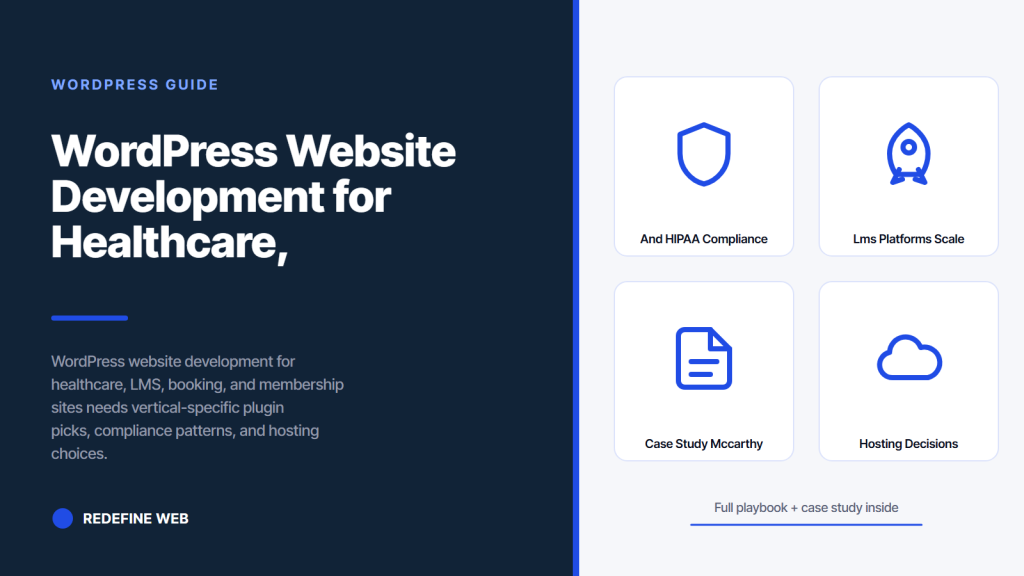
- Each vertical shapes plugin, hosting, and compliance picks.
- Healthcare requires BAA-covered hosting and audit logs.
- LMS needs write-heavy hosting with Redis object caching.
- Booking plugins live or die on calendar sync reliability.
- Membership dunning workflow prevents silent revenue loss.
- Why vertical-specific wordpress website development matters
- WordPress website development for healthcare and HIPAA compliance
- WordPress website development for LMS platforms at scale
- WordPress website development for booking engines and appointment sites
- WordPress website development for membership and paid content sites
- WordPress website development case study: McCarthy Court
- Hosting decisions across vertical wordpress website development
- Comparison of wordpress website development picks by vertical
- Third-party integration inside vertical wordpress website development
- Security patterns across vertical wordpress website development
- Pitfalls in wordpress website development for vertical sites
- What to spec in your vertical wordpress website development brief
WordPress website development changes character the moment the site has to handle HIPAA-protected data, an LMS with 4,000 enrolled learners, a booking engine syncing to Google Calendar, or a paid membership with recurring billing. The core WordPress core stays the same. The plugin picks, hosting configuration, security posture, and integration wiring split into vertical-specific patterns that either fit the compliance and scale requirements or blow up quietly under real traffic.
You will get the plugin stack for each vertical, the hosting decisions that survive real load, the security and compliance patterns that pass an actual audit, and the integration wiring that ties WordPress to the EHR, LMS gradebook, or booking system your operations team already runs. Read this before scoping your next WordPress website development engagement because the vertical shapes the stack more than the WordPress theme ever will, and picking the vertical row before the plugin research saves the studio 4 to 8 weeks of rework across the discovery phase.

Why vertical-specific wordpress website development matters
Generic WordPress website development treats every site as a brochure. Vertical WordPress builds treat WordPress as an application platform where the plugin stack, the database load, the caching rules, and the compliance posture all change based on the specific vertical requirement running behind the site’s operational needs.
A healthcare site has to log every access to protected data. An LMS has to track quiz attempts, gradebook entries, and video completion timestamps. A booking site has to reconcile calendar availability across staff, rooms, or providers in real time. A membership site has to handle recurring billing, dunning, and content gating per tier. None of those requirements fit inside a stock WordPress install.
Every vertical also has its own plugin ecosystem where the top two or three plugins carry 90 percent of the credible deployments. Picking outside those top plugins in a vertical build is a red flag on the scoping call because it usually means the studio hasn’t delivered the vertical before. Reference the WordPress Plugin Developer Handbook for the standards every credible vertical plugin follows.
The team profile matters too. A studio that has built 15 healthcare sites reads a HIPAA requirement in 90 seconds and knows which plugin choices are non-starters. A studio that has never seen a HIPAA scope asks the client to explain the BAA on the second call. Vet the vertical experience on the intro call before signing the statement of work. Ask for two references in the same vertical and call them.
Documentation quality is the third signal worth watching. Vertical WordPress website development engagements produce dense operational documentation: plugin configuration docs, integration runbooks, compliance attestations, and dunning workflow diagrams. Studios that hand over a Notion doc with 4 headings and no runbooks left the client with a black-box site. Ask to see a sample operational handoff document from a prior vertical engagement.
WordPress website development for healthcare and HIPAA compliance
Healthcare WordPress website development starts with HIPAA. Any site that stores, transmits, or displays protected health information (PHI) has to run on infrastructure covered by a signed Business Associate Agreement (BAA) with the host and every downstream vendor that touches PHI. The BAA is not optional. Skip it and the practice is one HHS OCR complaint away from a six-figure fine.
The hosting picks for HIPAA WordPress narrow to a handful. WP Engine has a HIPAA add-on. Kinsta signs BAAs on enterprise plans. Pantheon signs on custom plans. Cloudways plus a hardened AWS or GCP instance works if the internal team knows Linux. Every one of these adds $500 to $3,500 per month over the base hosting cost. Any studio that quotes standard shared hosting for a HIPAA site is either uninformed or hiding the cost.
Plugin stack for healthcare WordPress narrows to Gravity Forms (HIPAA-compliant plan) or WPForms Pro plus a signed BAA add-on for the form vendor, plus a HIPAA-compliant chat plugin like Signal Wire or a custom Twilio flow. Avoid free contact form plugins that store submissions in the WordPress database without encryption. Every submission becomes PHI the moment a patient types a symptom into it. Our Healthcare Website Design Services team runs the full HIPAA plugin audit as the first week of every clinic engagement.
Access audit logging inside healthcare wordpress
Access audit logs are the second HIPAA requirement most WordPress website development projects miss. Every admin login, every content edit, and every export of patient data has to log to an immutable audit trail. WP Activity Log with a hardened storage backend handles the WordPress side. See HHS HIPAA Security Rule for the underlying requirements.
WordPress website development for LMS platforms at scale
LMS WordPress website development lives inside two credible plugins: LearnDash and LifterLMS. Both handle course structure, quiz logic, gradebook, drip content, and gamification. Both integrate with WooCommerce for paid courses. Pick between them based on the API depth and the specific integration your team needs, not the marketing copy on each vendor’s homepage.
LearnDash wins for the larger LMS deployment with 5,000+ learners. The Focus Mode UX, ProPanel dashboard, and REST API depth handle scale better than LifterLMS. LifterLMS wins for the smaller course business that wants a tighter theme and design integration. Both plugins support Zapier and native Salesforce or HubSpot connectors for lead capture.
The hosting decision for LMS WordPress website development also matters. Every quiz submission writes to the database. Every video progress update writes to the database. An LMS with 4,000 concurrent learners on a shared host times out inside 90 seconds of a lecture launch. WP Engine’s Managed Hosting plans, Kinsta’s Business plans, or a hardened VPS on Cloudways handle the write load. Add object caching with Redis and query monitoring so the database bottleneck shows up in the log before it takes down the site during a live cohort launch. Every LMS at scale also needs a video CDN like Vimeo Pro, Bunny Stream, or Cloudflare Stream. Serving video off the WordPress origin during a live cohort is a bandwidth trap that shows up in the hosting bill 30 days later at 5x the expected cost.
Stock WP install won't survive a real LMS, EHR, or booking sync. Before scoping the theme, list every integration and pick plugins that own that vertical.
WordPress website development for booking engines and appointment sites
Booking-focused WordPress website development has to reconcile availability across staff, rooms, providers, or resources in real time. Every plugin in this space has to sync bidirectionally with Google Calendar, Outlook, and Apple Calendar without collision or double-booking. The top three plugins that handle this at scale are Amelia, Bookly, and BirchPress.
Amelia works for the multi-service business that needs 20+ services, 10+ staff, and category-based booking. It handles group bookings, packages, and gift cards natively. Bookly works for the simpler solo-practitioner or small-team booking flow with clean SMS reminders through Twilio. BirchPress works for the WooCommerce-integrated booking flow where the booking itself is the product. Match the plugin to the operational model, not to the plugin marketing page.
The integration wiring behind a booking WordPress site matters more than the plugin choice. Every booking should fire a webhook to the CRM, send an SMS reminder 24 hours before the appointment, sync to the provider’s calendar of record, and update the WordPress database with the booking state (confirmed, canceled, rescheduled). Skip any of those hops and the operational team spends 6 hours per week reconciling missed bookings. See our WordPress Website Development Services for the full booking stack build. Payment collection at booking is another design call. Some businesses charge a deposit at booking to reduce no-shows. Others collect payment only at the appointment. The plugin choice constrains this. Amelia handles the deposit flow natively, Bookly ships it as a paid add-on, and BirchPress relies on the WooCommerce order flow.
WordPress website development for membership and paid content sites
Membership WordPress website development narrows to three plugin picks: MemberPress, Restrict Content Pro, and Paid Memberships Pro. Each handles content gating per tier, recurring billing, drip content release, and cancellation flows. The pick depends on the payment processor requirements and the integration ecosystem the team already runs.
MemberPress carries the deepest ecosystem plus the cleanest LearnDash integration for the training-oriented membership site. Restrict Content Pro pairs with EDD for digital product businesses. Paid Memberships Pro is the open-source pick that costs $0 for the core plugin but requires more configuration effort. Each plugin supports Stripe and PayPal natively. Adding Braintree or a custom gateway usually requires the pro tier of MemberPress or a developer-built integration on the other two.
The dunning workflow is where membership WordPress website development projects quietly lose revenue. A failed credit card charge that never gets retried loses a member permanently. Every credible membership plugin needs a dunning workflow with retry attempts at 1 day, 3 days, and 7 days after the initial failure, plus email and SMS notifications to the member. Configure the dunning workflow before launch. Fix it after launch and the churn rate stays 3 to 6 percent higher than it should for the first 12 months. Content gating rules also deserve careful design. A tier that gates everything reads as extractive. A tier that gates too little reads as unnecessary. The winning pattern gates the deepest content plus the community access, keeps introductory content ungated for search visibility, and layers on cohort-based access for the higher tiers.
WordPress website development case study: McCarthy Court
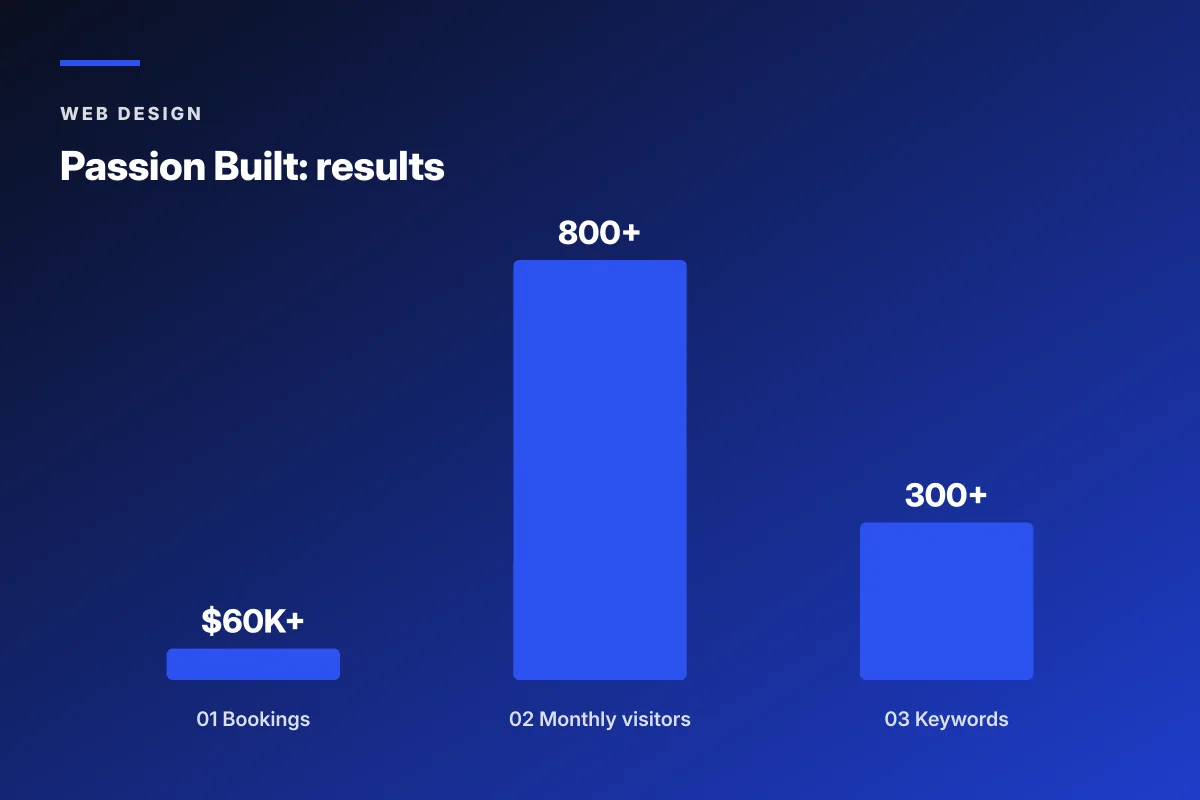
McCarthy Court runs a small luxury residential portfolio with 7 units and needed a WordPress website development approach that handled tenant inquiries, viewing bookings, and multi-property showcase in one clean site. The pre-project state was a static page with a contact email and no property inventory display. Every inquiry came in without context and the property manager reconciled the leads manually in a spreadsheet.
Redefine Web ran a full web design and web development engagement. The rebuild used WordPress plus a booking plugin for viewing appointments, plus a custom post type for the 7 luxury units, plus a CRM webhook so every inquiry fired straight to the property manager’s HubSpot pipeline. Photography plus copy handled the luxury positioning, and the site pulled in booking availability from Google Calendar.
The pattern that worked at McCarthy Court scales up and down. WordPress plus the right plugin for the operational job, plus the CRM integration, plus a hosting choice that matches the load. The vertical-specific WordPress website development pattern is the same shape at every scale: pick the platform decisions upfront, then let the design and copy work carry the brand. McCarthy Court also invested in professional photography for the 7 units at the same time as the site build, which paid back inside 60 days on the viewing conversion rate. Every luxury vertical build should budget photography inside the site scope, not as an afterthought.
Hosting decisions across vertical wordpress website development
Hosting decisions for vertical WordPress website development vary sharply by vertical. Healthcare needs a signed BAA. LMS needs write-heavy performance. Booking needs low-latency calendar sync. Membership needs uptime for the billing webhook. Each vertical shapes the hosting pick differently, and picking a single hosting tier for all four verticals guarantees at least one bad match.
The four defensible hosting tiers for vertical WordPress builds. WP Engine sits at the top for HIPAA, LMS, and enterprise membership deployments. Kinsta pairs with Cloudflare for global CDN needs. Cloudways plus AWS or GCP handles the technical team that wants Linux-level control. Pantheon handles the enterprise WordPress build with strict deploy pipelines. Each tier prices differently by traffic band and PHP version, so quote out at least 3 tiers before signing the annual contract.
The migration path between hosts also deserves a modeled estimate. Moving a HIPAA WordPress site from WP Engine to Kinsta runs 3 to 6 weeks because the BAA has to re-sign and the plugin compatibility check runs against a new PHP version. Moving an LMS site with 5,000 learners runs 6 to 12 weeks because the database export and re-import needs to preserve every quiz attempt and gradebook entry. Migration cost is real. Model it before the host switch.
Backup strategy also splits by vertical. Healthcare WordPress sites need encrypted backups stored on BAA-covered infrastructure. LMS sites need frequent backups keyed to cohort launch windows so a rollback doesn’t wipe the current class’s progress. Booking sites need point-in-time recovery so a corrupt sync operation can restore to a known-good state. Membership sites need transactional backups tied to the billing processor so a database restore doesn’t double-charge members whose payments landed after the last snapshot.
Comparison of wordpress website development picks by vertical
The four verticals each carry different plugin, hosting, and compliance picks. The table below sizes the decisions per vertical so a scoping call can pick the row that matches the operational requirement. Match the row to the vertical, then the studio brief writes itself.
| Vertical | Top plugin | Hosting tier | Compliance need | Monthly cost band |
|---|---|---|---|---|
| Healthcare | Gravity Forms + WP Activity Log | WP Engine HIPAA | HIPAA BAA | $500 < $3,500 |
| LMS | LearnDash or LifterLMS | Kinsta Business | WCAG 2.1 AA | $200 < $1,200 |
| Booking | Amelia or Bookly | Cloudways VPS | PCI DSS for payments | $100 < $500 |
| Membership | MemberPress | Kinsta Pro plus | PCI DSS SAQ A | $150 > $800 |
Pick the vertical before the plugin. Every wordpress website development project that starts with the plugin research ends up with a mismatch between what the plugin does and what the vertical actually needs. Every wordpress website development project that starts with the vertical requirement produces a plugin shortlist inside the first hour of the scoping call.
The comparison also shows how vertical requirements shape the monthly cost band. Healthcare’s compliance overhead pushes the monthly cost 3 to 10x higher than a booking site running on Cloudways. LMS sites climb the cost band as concurrent learners cross 5,000. Membership sites climb the cost band as the payment processor tier and dunning complexity grows.
Every row in the table also carries a different launch timeline. Healthcare WordPress website development runs 12 to 20 weeks because HIPAA and BAA paperwork add 3 to 5 weeks alone. LMS runs 8 to 14 weeks with cohort testing. Booking runs 6 to 10 weeks. Membership runs 8 to 12 weeks. Match the timeline expectation to the vertical row before quoting a launch date to the operational team.
Third-party integration inside vertical wordpress website development
Third-party integration is where a lot of vertical WordPress builds spend the majority of the engineering time. Healthcare sites integrate with EHRs (Epic, Cerner, Athenahealth). LMS sites integrate with SCORM, xAPI, or the university’s SIS. Booking sites integrate with Google Calendar, Outlook, and payment processors. Membership sites integrate with the billing processor plus the CRM.
The integration architecture decision is between direct API integration and middleware. Direct API costs less at runtime but more at build. Middleware (Zapier, Make, Workato) costs more at runtime but ships faster. Enterprise vertical builds default to direct API. SMB and mid-market builds default to middleware. Middle-ground builds pick middleware for the low-volume integrations and direct API for the high-volume ones.
Every integration also needs a monitoring layer. A booking webhook that silently fails once a day loses 30 bookings per month before anybody notices. Set up UptimeRobot or Better Uptime plus a health check endpoint on every integration. Reference the WordPress REST API guide when building the internal webhook receivers for external system events.
Rate limiting protects the WordPress REST API from bots and misbehaving clients. Every integration endpoint should sit behind a rate limit tuned to expected legitimate traffic. Healthcare integrations often need whitelisted IP ranges for the EHR partner’s outbound traffic. LMS integrations often need higher rate limits during exam windows. Booking integrations often need burst tolerance for the calendar provider’s callback traffic. Membership integrations often need dedicated rate limits for the billing processor’s webhook flow.
Version pinning is the other quiet integration discipline. WordPress plugin updates, PHP version bumps, and vendor SDK updates can each break integration flows overnight. Pin plugin versions in a lock file, run PHP version bumps against a staging environment first, and pin external SDK versions in composer.json for the deeper integrations. Every vertical wordpress website development project should ship with a version-pin discipline document handed to the operational team at launch.
Security patterns across vertical wordpress website development
Security posture varies by vertical but the WordPress-specific patterns stay the same. Enforce two-factor authentication on every admin login. Rotate keys quarterly. Update WordPress core, themes, and plugins on a monthly cadence with a staged rollout to a staging environment first. Disable file editing from the admin dashboard. Every vertical WordPress website development project should ship with these five patterns as a baseline.
Beyond the baseline, healthcare and membership sites both need Web Application Firewall (WAF) protection. Cloudflare’s WAF plus Wordfence Pro handles most of the SMB requirement. Enterprise sites layer AWS Shield or Cloudflare Enterprise on top. LMS sites facing 4,000+ concurrent learners need rate limiting on the login and quiz submission endpoints so a bot flood doesn’t take down the site during an exam.
One LMS client we worked with launched a paid cohort at 9am Monday and watched the site go down inside 6 minutes. The cause was a single instructor’s browser extension that hammered the quiz endpoint 400 times a minute trying to “sync” progress. As the ops lead put it, “our LMS survived 4,000 learners for a year, then died to one Chrome extension.” We rolled out rate limiting the next week. The site has held up since. Test the edge cases before you launch the cohort.
Security also lives in the WordPress user role model. Every vertical build should enforce role-based access control tighter than the WordPress default, which grants admin roles too much power. Custom capabilities per vertical role (clinician, TA, front-desk scheduler, billing admin) prevent lateral privilege escalation. Route the role model past a security reviewer in the same pass as the compliance reviewer.
Pitfalls in wordpress website development for vertical sites
First pitfall: picking a plugin because the marketing page looks polished. Every vertical has 2 to 4 credible plugin picks and 40+ noise plugins. Talk to at least 3 practitioners in the vertical before signing off a plugin choice. The vetted plugins pay for themselves inside 6 months. Pair the launch with our Monthly Website Maintenance Packages so the vertical stack stays in patch cadence.
Second pitfall: cheap shared hosting for a vertical WordPress site. Every vertical site outgrows shared hosting inside 12 months. Start on the managed WordPress tier from day one. The $200 to $500 per month cost is a small line item next to the operational time saved when the site holds up under real load.
Third pitfall: skipping the compliance review for healthcare and membership sites. HIPAA, PCI DSS, and GDPR each have specific requirements that a general WordPress developer doesn’t automatically know. Route the WordPress website development project past a compliance reviewer before launch. It costs half a day of legal or compliance time and prevents six-figure fines 18 months later.
Fourth pitfall: no ongoing maintenance retainer for the vertical WordPress build. Every vertical site drifts inside 90 days as WordPress core, plugins, and themes patch out of sync. Bookings, HIPAA logging, and membership dunning workflows fail silently when a plugin update lands on production without staging validation. Every vertical stack needs a monthly patch cadence with staging validation. Catch the regressions before they cost the operational team a full day.
Fifth pitfall: ignoring the accessibility requirements. WCAG 2.1 AA compliance applies across most vertical WordPress sites and carries real regulatory weight for healthcare and LMS deployments. Every plugin choice should be audited for keyboard navigation, screen reader compatibility, and color contrast. Retrofitting accessibility after launch is 4 to 8x more expensive than building it in from the plugin selection phase.
What to spec in your vertical wordpress website development brief
Three actions before the WordPress website development kickoff. Name the vertical and its top compliance requirement. List the top three operational integrations. Estimate the peak concurrent traffic band and the write load per hour. Those three inputs shape the plugin picks, the hosting tier, and the security posture.
Every WordPress website development project that starts with those three inputs ships a site that fits the vertical from day one. Projects that skip the inputs end up with generic WordPress builds retrofitted for the vertical after launch. Retrofit costs 3 to 5x the upfront scope. For teams ready to run the vertical scoping call plus the WordPress website development build under one engagement, review our Custom Web Development Services.
Frequently asked questions
What plugins fit healthcare wordpress website development?
Healthcare WordPress website development narrows to Gravity Forms with a HIPAA-compliant plan or WPForms Pro with a signed Business Associate Agreement add-on, plus WP Activity Log for immutable audit trails on every admin login, content edit, and PHI export. Free contact form plugins that store submissions in the WordPress database without encryption fail HIPAA immediately because every submission becomes protected health information the moment a patient types a symptom into it. Hosting has to run WP Engine HIPAA, Kinsta enterprise plans, Pantheon custom plans, or a hardened Cloudways instance on AWS or GCP with a signed BAA.
How much does vertical wordpress website development cost in 2026?
Vertical WordPress website development runs $18,000 to $45,000 setup for a mid-market healthcare, LMS, booking, or membership site, plus $200 to $3,500 per month in hosting and licensed plugin costs. Enterprise vertical builds with EHR integration, SCORM support, or multi-property booking run $60,000 to $180,000 setup plus $2,000 to $8,000 per month. Costs vary by compliance requirement (HIPAA adds $500 to $3,500 per month for hosting alone), plugin license tier, and the depth of third-party integration the operational team already runs on other platforms. Migration costs from an existing site add 15 to 30 percent to the setup.
Which LMS plugin is best for wordpress website development?
LearnDash and LifterLMS carry 90 percent of the credible LMS WordPress deployments. LearnDash wins for the larger LMS deployment with 5,000+ learners because Focus Mode UX, ProPanel dashboard, and REST API depth handle scale better. LifterLMS wins for the smaller course business with tighter theme and design integration. Both handle course structure, quiz logic, gradebook, drip content, and gamification, both integrate with WooCommerce for paid courses, and both support Zapier or native Salesforce and HubSpot connectors for lead capture. Match the plugin to the learner-count and API-depth requirement, not the plugin marketing page.
What hosting fits wordpress website development for booking sites?
Booking WordPress website development runs well on Cloudways plus a hardened AWS or GCP instance, or Kinsta Business tier, or WP Engine Growth plans. The critical factor is low-latency calendar sync with Google Calendar, Outlook, and Apple Calendar without collision or double-booking. Shared hosting fails immediately because the calendar sync webhook times out under real booking load. Every booking site should ship with object caching through Redis, query monitoring, and a rate-limited webhook endpoint that handles the calendar-provider callback within 500 milliseconds. Amelia, Bookly, and BirchPress each handle the plugin side of the stack.
How do membership sites handle recurring billing in wordpress website development?
MemberPress, Restrict Content Pro, and Paid Memberships Pro each ship with Stripe and PayPal native support for recurring billing on membership WordPress sites. The critical piece most builds miss is the dunning workflow. A failed credit card charge that never gets retried loses a member permanently. Configure the dunning workflow before launch with retry attempts at 1 day, 3 days, and 7 days after the initial failure, plus email and SMS notifications to the member. Fix it after launch and the churn rate stays 3 to 6 percent higher than it should for the first 12 months of the site's life.
What is the biggest mistake in vertical wordpress website development?
Picking a plugin because the marketing page looks polished. Every vertical has 2 to 4 credible plugin picks and 40+ noise plugins that will not scale past 200 users or will fail the compliance review. Talk to at least 3 practitioners in the vertical before signing off a plugin choice. The vetted plugins pay for themselves inside 6 months because they carry the community, the documentation, and the integration ecosystem your operational team actually needs. The second biggest mistake is skipping the compliance review for healthcare and membership sites, which produces six-figure fines 18 months later when an audit catches the gap.
Book your free 30-minute strategy call.
No spam, no sales rep. We use your email to schedule your call with a senior strategist. That is it.
More from the blog
View all articles → Digital Marketing
 Dental Marketing Tips That Compound Into New Patients
Read article Digital Marketing
 Ecommerce Marketing Strategies That Drive Real DTC Revenue
Read article Digital Marketing