
Most results for a free SEO template hand you a signup form and a file. This page hands you the template itself, printed in full below, in tables you can select and paste into whatever you already use. There is nothing to download and nothing to join.
The reason for printing it rather than attaching it is that a spreadsheet hides its own reasoning. You open somebody’s audit file, see forty rows of headings, and have no idea why those columns and not others, which of them are load bearing, or which parts the author made up. So each table below is followed by what the columns are for and what each one stops going wrong.
One thing stated before you copy anything. We sell audits, so this is interested testimony. The structure below is ours rather than a standard, and the section that sets it out says so in its first line. Where a number appears inside the template it is quoted to a named page with the date it was read.
What a template is, and the two documents it is not
Three different things get called SEO reporting and people shop for them as though they were one purchase, so settle which you are after before you copy a single column.
In one sentence, a report is the document somebody else produces and sends you, a dashboard is the screen that updates itself without anybody writing anything, and a template is the blank grid you fill in yourself while you are doing the work. Our breakdown of what goes in an SEO report covers the first, and our look at what belongs on an SEO report dashboard covers the second. This page is only the third.
The distinction matters because the three fail in different ways. A report fails by being unread. A dashboard fails by showing a number nobody acts on. A template fails by being filled in inconsistently, so that two people auditing the same site produce documents that cannot be compared or merged. Everything in the structure below is aimed at that one failure.
If you have never run one of these before, the grid will not tell you what to look for. It tells you what to write down. The looking is a separate procedure, and our guide to conducting a website audit is the one that pairs with this sheet.
Every row in this free SEO template is ours, not a standard
Say it before you copy rather than after. No standards body publishes a format for an SEO audit, there is no canonical column set, and anybody presenting one as the industry format is presenting a preference in a suit.
What follows is the structure we use, arrived at by watching which audits got acted on and which sat in a folder. The column names are ours. The three severity words are ours. The ordering rule is ours. You should feel free to rename any of it, and you should ask the same question of every other template you are handed, which is who decided and on what evidence.
What is not ours is any figure that ends up inside the sheet. A threshold belongs to whoever published it and has to carry that attribution into your document, because six months later the only way to defend a finding is to show where the number came from. That is the whole split. A sequence carries a name. A threshold carries a citation.
Applied to the template, it means the Evidence column is not optional decoration. It is the column that makes the rest of the sheet survive contact with somebody who disagrees with you.
The header block, six lines that keep the sheet readable later
Put this above the findings, as six labeled lines rather than a paragraph. It takes two minutes and it is the part people skip.
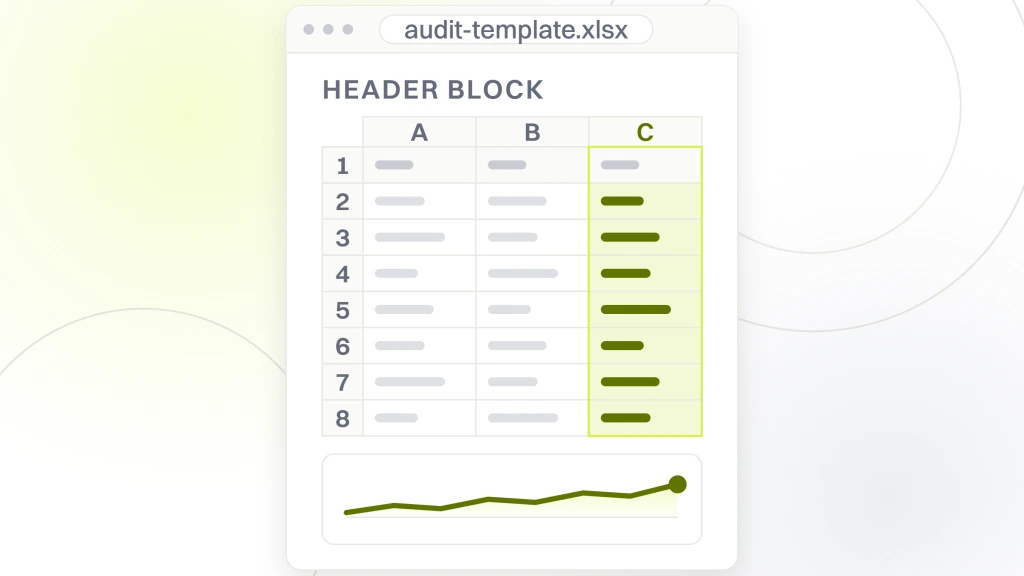
| Line | What to write on it |
|---|---|
| Site and section | The domain, and which part of it you looked at, written as a URL pattern rather than a description |
| Date run | The date you collected the figures, not the date you wrote the document up |
| Run by | A person, so somebody can be asked what they saw |
| In scope | What you actually opened, counted in pages or templates |
| Out of scope | What you did not look at, named. This line prevents more arguments than the rest of the sheet combined |
| Objective | The one decision this audit is meant to inform, in a sentence a non-specialist can read |
The objective line is the one most people leave blank and it is the one that decides whether the document gets used. Write it as a decision rather than an aspiration. Not improve organic visibility, which commits to nothing, but something like decide whether the current site can carry the next campaign or needs rebuilding first. A reader who knows what the audit was for can tell whether a finding matters.
The out of scope line does more work than it looks like. Every audit is partial, and an audit that does not say where it stopped gets read as a clean bill of health for everything it never opened.
The two dates are also separate on purpose. The date you collected the figures is the one that governs whether the findings are still true, and the date you wrote the document is the one people remember. Those drift apart by a week on almost every audit, and a sheet carrying only the second date quietly ages its evidence by however long the writing took. Record the collection date and, if the two differ by more than a few days, put both.
The finding row, seven columns and what each one stops
This is the template proper, and the seven names in it are ours. One row per finding, seven columns, no merged cells and no colored bars. The first table below defines each column, and the one after it is those same seven names laid across the top of a sheet with a row filled in under them, which is the part you actually paste.
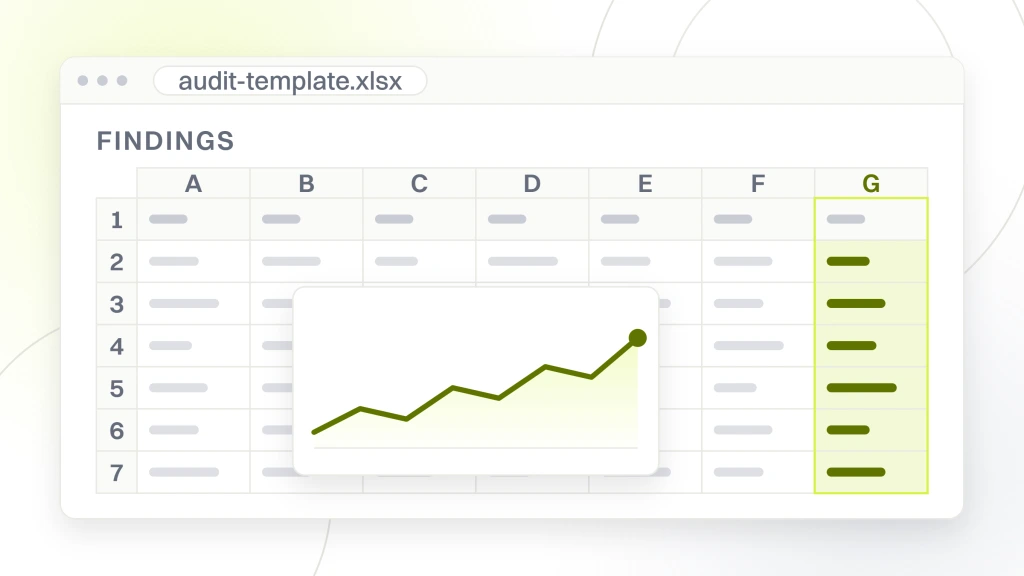
| Column | What goes in it | What it stops |
|---|---|---|
| ID | A short unique code you never reuse | Findings being discussed by description in a meeting and confused with each other |
| Where | A URL, or a URL pattern if it repeats, plus the steps to see it | A fixer who cannot reproduce what you saw and quietly closes the ticket |
| What you observe | The visible fact, written without a recommendation attached | An opinion arriving disguised as a fault |
| Evidence | The figure, the tool or page it came from, and the date | A finding that cannot be defended or re-checked six months later |
| Severity | One of three words, defined below | A five-level scale where everything lands in the middle |
| Depends on | The ID of anything that must be fixed before this can be judged | Work being done in an order that makes it need doing twice |
| Owner | The role that can actually change it | A list nobody has been made responsible for |
Here is that same set as an actual row, headings across the top, so you can select this table and drop it into row one of a sheet instead of retyping the names out of the list above.
| ID | Where | What you observe | Evidence | Severity | Depends on | Owner |
|---|---|---|---|---|---|---|
| P-04 | /products/ listing | Main image paints last | See the worked row below | Costing | P-01 | Front end |
Two columns in that set are unusual and both earn their place. Depends on is there because several findings make each other unreadable, and a sheet without it produces a fix list that keeps sending people back to the top. Owner is there because the most common way a good finding dies is being posted to a queue belonging to somebody who cannot act on it.
Give the IDs a letter prefix by area rather than numbering straight through, so that P-04 and C-04 are obviously different kinds of thing when somebody reads one of them out of context. Never reuse a code after deleting a row, because the deleted one will still be sitting in somebody’s email.
Notice what is missing. There is no score column, no priority number and no effort estimate. Those get added constantly and all three invite the sheet to be sorted by them, which is the wrong sort.
A worked finding, filled in
An empty grid teaches nobody, so here is one row completed the way we would expect to receive it. It is turned on its side, one column per line, because the Evidence cell is too long to read across.
| Column | Filled in |
|---|---|
| ID | P-04 |
| Where | /products/ listing pages, all templates. Load any listing page on a phone connection |
| What you observe | The main image finishes painting after the rest of the page, so the first thing a visitor sees is an empty frame |
| Evidence | Largest Contentful Paint at the 75th percentile of real loads, above Google’s published threshold. Google states that “LCP should occur within 2.5 seconds of when the page first starts loading” and that “a good threshold to measure is the 75th percentile of page loads, segmented across mobile and desktop devices” (web.dev/articles/vitals, read 16 September 2026). Figure read from field data on 16 September 2026 |
| Severity | Costing |
| Depends on | P-01, the listing template redirect chain |
| Owner | Front end build |
Read the Evidence cell again, because it is the model. It names the metric, says where the reading came from, quotes the threshold to a page with a date, and separates the standard from the measurement. Somebody who disagrees with that finding has to argue with Google’s published threshold or with the reading, and both of those are arguments that can be settled.
Compare it to how the same finding usually arrives, which is a row saying images are too large with a red dot beside it. That version cannot be checked, cannot be re-measured and cannot be defended when somebody asks in six months whether it was ever true.
The three severity words, and why three rather than five
These three words are ours. They are not a recognized scale and you should rename them if better ones fit your organization, but keep the count at three.
Broken means something does not work. A page that errors, a form that does not deliver, a control that cannot be operated. There is no judgment involved, so these never get argued about and they should be at the top of every sheet.
Costing means it works but it is losing something measurable. It is slower than a published threshold, it is harder to use than it needs to be, it sends people to the wrong page. Every Costing row needs a real figure in Evidence, because without one it is an opinion wearing a severity label.
Noted means you saw it, it is not costing anything you can show, and you are recording it so the next person does not spend an afternoon rediscovering it. Noted is the honest home for everything you suspect but cannot demonstrate, and having it stops suspicions being promoted into findings to look thorough.
Three works because five does not. On a five-point scale almost everything lands on three, the scale stops separating anything, and the reader learns to ignore the column. Three forces a decision on every row, and the decision is the useful part.
When a row genuinely sits between two of the words, that is information rather than a problem with the scale. A finding you want to call Costing but cannot put a figure against is a Noted row with a measurement job attached, so write the measurement you would need into the Evidence cell and leave it as Noted until somebody takes it. Resolving the hesitation by rounding upward is how a sheet fills with severe-looking rows that nobody can act on.
How to order the sheet once it is full
Sorting is where most completed audits go wrong, and the wrong sort is the intuitive one.
Sort by dependency first and severity second, not the other way round. Anything with an empty Depends on cell can be worked immediately. Anything that points at another ID waits, whatever its severity, because a finding underneath an unfixed dependency cannot be judged and might not survive the fix above it. Say in the document that you have sorted it this way, or the reader will assume the top row is the worst thing and work down.
Within each dependency layer, put Broken above Costing above Noted. That gives a fix list where every row is genuinely actionable at the moment somebody reaches it, which is the only property that gets a list worked rather than admired.
The same principle runs through the procedures these sheets record. Our walkthrough of SEO performance step by step orders its passes the same way and for the same reason, and our website audit checklist you can actually run is a worked example of a filled sheet at a larger scale.
What to keep out of the sheet
Templates get worse by accretion. Every column somebody adds looks reasonable on its own and the sheet ends up unfillable.
Leave out the overall score. A single grade across findings that answer to different people destroys the only information a fixer needs, which is what to do on Monday, and it invites a conversation about moving the number rather than fixing the thing. Leave out tool names as findings. A row saying a tool flagged something is not an observation, it is a citation with the observation missing, and it belongs in Evidence.
Leave out effort estimates unless you are the person who will do the work. An estimate from somebody who is not building it gets treated as a commitment and then as a grievance. Leave out recommendations inside the What you observe column, because merging the fault and the fix means a disagreement about the fix silently discards the fault.
And leave out anything you did not see yourself. A row copied from a previous audit without re-checking is the most dangerous line in any sheet, because it carries the authority of a finding and none of the checking. If you inherit rows, re-date them or delete them. Our note on why an audit is worth running at all covers what the exercise is supposed to buy you.
Copying this into a spreadsheet, and what breaks
The tables above paste into a spreadsheet or a document as a grid, which is the point of printing them rather than attaching a file. Two things need fixing after you paste.
First, the Evidence column will be far wider than the others and will make every row tall. Set that column to wrap and fix the row height, or the sheet becomes unscannable at exactly the moment it fills up. Second, whatever you paste into will offer to turn your ID codes into something else. Format the ID column as text before you type into it.
Add one thing the printed version cannot carry, which is a validation list on Severity holding exactly the three words. The moment a fourth word appears in that column the scale is gone, and it always appears through good intentions rather than carelessness.
Decide how the sheet gets shared before anybody starts filling it. A live document that several people edit will lose the record of who wrote which row unless the Run by line is per finding rather than per audit, and a file emailed around becomes four files within a two weeks. Pick one, say which in the header block, and if you are going to circulate a frozen copy, date the copy rather than the template it came from.
Keep the header block on the same sheet as the findings rather than on a cover tab. Sheets get exported, pasted into messages and screenshotted, and the header is the part that stops a stray screenshot being read as the whole picture. Our comparison of what SEO reporting tools actually produce is worth reading before you decide a sheet is beneath you, because most of what those tools output is this grid with a logo on it.
What we would fill in first, and what to ask us
Given a blank sheet and an unfamiliar site, we fill the header block before looking at anything, and the objective line before the header.
Then we work Broken first, because those rows need no figures and no argument, and they are the ones a client can verify themselves in a minute. Only after that do we open anything that produces a number, and every number that goes in the Evidence column arrives with the page it came from and the date. Our SEO audit service runs this sheet, and our technical SEO audit is the version where the Depends on column does most of the work.
Now point that at us, since we sell audits and a template that matches how we work is not a neutral gift. The test this page sets is that the structure is owned rather than presented as standard, that every figure carries a source and a date, and that the sheet is sorted by dependency with an owner named on every row. Ask whoever audits your site to hand back something that survives those three checks, and that applies to ours as much as to anybody’s.
Copying the tables costs nothing and needs nobody. Take them, rename whatever does not fit, and fill in the objective line before you open a single page.