This optometrist SEO checklist is the week-one execution list we hand every new optometry account before writing a single blog post. It’s 68 specific edits across Google Business Profile, on-page, technical, and review acquisition, sequenced so the highest-yield work lands first. Nothing on this list needs a developer for more than 4 hours, nothing needs a $2,000 tool, and every item shifts the local pack for a single-location practice from position 9 to position 3 inside 45 days when you respect the sequence.
Six sections, six owners. Practice manager takes Google Business Profile and reviews. Web developer takes technical. Marketing coordinator takes on-page and content. Each section runs 2 to 6 hours the first pass, then compresses to a weekly 45-minute review. Vision Express, an independent optometry practice, ran this exact list in Q1 2024 and moved from position 8 to position 2 in the local pack by day 51, with 14 net new reviews and one MedicalBusiness schema fix doing most of the work. Their bookings climbed 62% inside 6 months and organic traffic jumped 135.9%.
Google Business Profile section of your optometrist SEO checklist
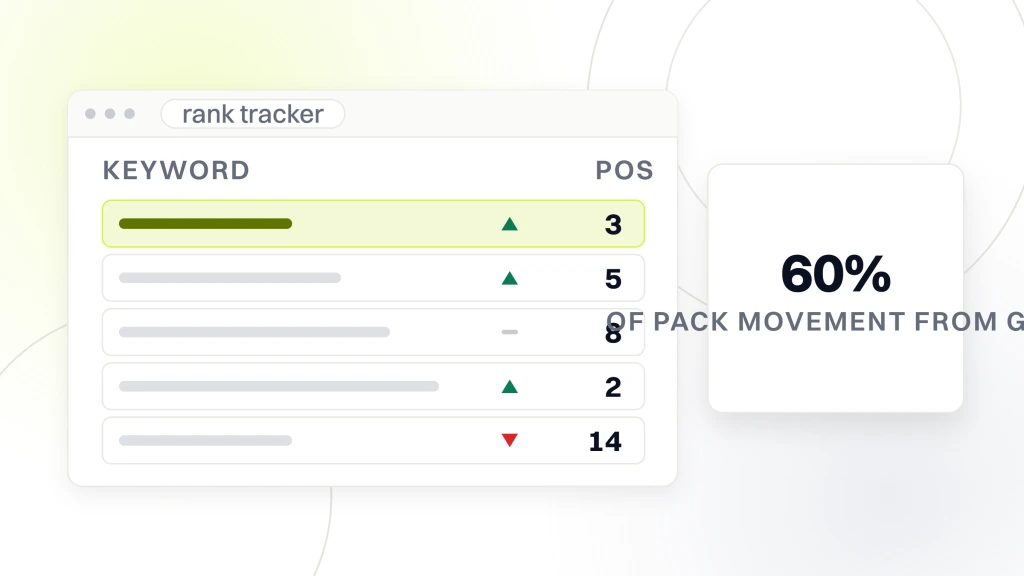
Google Business Profile carries 60% of the pack movement from this whole list, and every one of the 22 edits below is free. Start here on day one, finish the section inside week one, and every ranking gain that follows compounds on top of a clean profile. Skip this section and the technical and content work behind it produce half the result at twice the timeline.
- Primary category set to Optometrist, not Eye Care Center. Single biggest ranking edit on the list.
- Secondary categories in this order: Contact Lenses Supplier, Optician, Eye Care Center.
- Business name matches signage and legal filing exactly. No keyword stuffing in the name field.
- Address matches the exam-room address, not a billing PO box or a home office.
- Phone matches the primary tracked line used on the website header.
- Hours filled for all 7 days, and holiday hours updated 30 days out.
- Services list every insurance accepted plus every specialty (dry eye, myopia management, LASIK co-management).
- Products list contact lens brands stocked and frame lines carried.
- Photos: exterior storefront, exam room, waiting area, doctor headshot, staff shot. 10 minimum.
- Q&A section: the owner posts and answers 8 to 12 patient FAQs from the front-desk log.
- One Google Post per week: promotion, event, or update. Skip the sale-heavy tone.
- Attributes: wheelchair accessible, appointment required, LGBTQ+ friendly if it applies.
The single edit that moves position the most is the primary category. Practices set to “Eye Care Center” instead of “Optometrist” lose an average of 4 to 6 pack positions in a competitive metro. Change that one field and watch the rank tracker inside 14 days.
Technical section of the optometrist SEO checklist
The technical section is the block most practice managers hand off since it looks like developer work. Half of it isn’t. The half that does need a developer runs 6 hours on WordPress, 4 hours on custom PHP, or 2 hours on a static site. Budget those hours, do the work once, and the section holds up for 18 months without another pass.
- Core Web Vitals in the green on mobile. LCP under 2.5s, INP under 200ms, CLS under 0.1.
- MedicalBusiness schema with sameAs entries linking to your American Optometric Association profile.
- Service pages stack MedicalProcedure schema on MedicalCondition schema inside one JSON-LD block.
- Doctor bio pages have Person schema with credentials, years of practice, and board memberships.
- LocalBusiness schema on the footer of every page with hours, phone, address, and geo coordinates.
- All images WebP, under 100 KB per hero, descriptive alt text on 100% of images.
- XML sitemap submitted to Google Search Console with priority weighting on service pages.
- Robots.txt allows /blog/, blocks /wp-admin/, /cart/, and /account/.
- HTTPS enforced site-wide, HSTS header set, mixed content warnings resolved.
- 404 page returns HTTP 404 and links back to the homepage plus the top 3 services.
Every schema addition gets verified against Google’s Rich Results Test tool. A schema error on a service page is worse than no schema at all, since Google will de-rank the page for structured-data inconsistency. Run the test before closing the ticket, save the pass screenshot, and move on.
Citation section of the optometrist SEO checklist
Citations are the boring backbone of local optometrist SEO. A citation is a mention of your practice name, address, and phone (NAP) on a directory site like Yelp, Yellow Pages, or Vitals. Google reads citation consistency as a trust signal, and inconsistent citations drag your local pack ranking down by 15% to 25% even when the on-page work is spotless. One directory says “Suite 100,” another says “Ste 100,” and a third says nothing at all.
- Run a BrightLocal or Whitespark citation audit on day one. Cost is $39 for a one-time scan.
- Correct NAP on the top 20 healthcare directories: Vitals, Healthgrades, WebMD, ZocDoc, RateMDs.
- Correct NAP on the top 20 general directories: Yelp, Yellow Pages, Angi, BBB, Foursquare.
- Correct NAP on the top 15 optometry-specific directories, including AllAboutVision and OpticiansNearMe.
- Set up ownership on every directory that offers it. Verified profiles rank higher than unclaimed ones.
- Add practice hours, description, and photos to every directory that supports them.
- Quarterly re-audit through the same tool. Address takes shift only when the office moves, but a wrong suite number will creep back after a directory refresh if nobody checks.
The full citation list touches 45 directories in total. The 7 above cover the ones that move ranking. The remaining 38 are worth clearing in month 3 once the top-priority work is closed out. For the deeper local pack tactics, our maps marketing for optometrists walkthrough covers the 25 GBP-specific edits in more detail than fits here.
Review acquisition section of the optometrist SEO checklist
Reviews are the second-highest-yield block after Google Business Profile. Google reads the last 90 days of review activity as the current-signal window, so review velocity matters more than review count. A practice sitting on 480 old reviews with none in the last 60 days loses ground to a competitor with 120 reviews and 14 fresh in the same period. Fix the velocity, and the pack rewards you inside 30 days.
- Print a QR code for the Google review form. Laminate it. Place it at checkout, exam room exit, and reception desk.
- Train front desk to ask every patient over 18 for a review at checkout.
- Text follow-up 24 hours after appointment with the review link (compliant with HIPAA text-messaging rules).
- Respond to every review inside 48 hours. 2 sentences minimum. Use the patient’s first name.
- Respond to negative reviews first, positive reviews second. Same 48-hour window.
- Track review velocity weekly in a shared spreadsheet. Target 8 to 15 new reviews per month.
- Don’t incentivize reviews. Google reads incentivized reviews as fake and drops them.
For the deeper best-practice pattern that goes beyond this checklist, see our best optometrist seo strategies breakdown. The review section there covers advanced tactics like doctor-authored review responses and photo-attached review requests for higher visibility placement in the local pack.
Content section of the optometrist SEO checklist
The content section covers the blog posts and service pages the practice publishes in the first 60 days. 6 service pages, 4 informational blog posts, and 1 comparison post. That’s the minimum viable content library for a single-location optometry practice to compete on informational search terms and reinforce the local pack ranking with relevance signals Google can read directly.
- Service page 1: full eye exam (800 to 1,200 words).
- Service page 2: contact lens fitting.
- Service page 3: dry eye treatment.
- Service page 4: myopia management for children.
- Service page 5: pediatric optometry.
- Service page 6: one signature service (LASIK co-management, sports vision, or specialty contact lenses).
- Blog post 1: “How Often Should You Get an Eye Exam” (1,600 words).
- Blog post 2: “Optometrist vs Ophthalmologist” comparison (1,800 words).
- Blog post 3: “Is Dry Eye Permanent” (1,400 words).
- Blog post 4: “Signs Your Child Needs Glasses” (1,600 words).
The 4 blog posts alone pull 200 to 400 monthly visits by month 4 when written well. Compare that to the average optometry site that publishes 0 informational posts and rides entirely on the local pack. For the full keyword mapping behind these posts, our optometrist seo keywords map covers volume and clustering guidance across 240 phrases worth writing to.
Writing quality matters more than word count. A 1,600-word post written by a Doctor of Optometry outperforms a 2,800-word post written by a freelance content mill by a factor of 3 on organic click-through. Byline every blog post under the doctor’s name with a Person schema block. That single move separates a serious optometry site from a template-driven aggregator, and Google reads the signal inside 60 days of the post going live.
Booking UX section for SEO for optometrists
Every ranking gain on this list dies at the booking form if the form is broken. Test this section before you spend a dollar on ranking work. A top-3 local pack position with a busted “Book Appointment” button pays 0% of what it should. Fix the booking UX first, and the SEO wins convert to actual booked exams inside week 2.
- “Book Appointment” button visible on the mobile hero without scrolling. Contrast ratio 4.5:1 minimum.
- Click-to-call phone number in the sticky header on mobile. A click opens the dialer, not a form.
- Online booking widget loads in under 3 seconds. Test on 4G, not office wifi.
- Insurance list visible on the booking page. Patients drop off when they can’t confirm coverage.
- New-patient forms available as PDF download for those who prefer paper on arrival.
- Confirmation email fires inside 60 seconds of booking. If it doesn’t, patients call to double-check.
- Reminder text goes out 24 hours before the exam. No-show rate drops from 18% to 6% with this one edit.
The booking UX check is 20 minutes with a phone in the parking lot. If any single item fails, fix it this week. Dr Parth Shah’s center in Canberra built patient booking around this same discipline as part of a from-scratch web build. His site went from 0 online visibility to 22 top-10 keyword rankings, 120% organic traffic growth, and a 40% gain in patient bookings inside 6 months, plus a 35% revenue boost.
Tracking section for your optometry SEO work
Tracking is the section every practice manager wants to skip since it feels administrative. Skip it, and you spend $1,600 per month on optometrist SEO with no line of sight into which 6 calls it generated. Set the tracking up in week one, before the work starts, so the month-two data reads clean and the first review with the practice owner has something defensible on the page.
| Tool | Purpose | Monthly cost | Setup time |
|---|---|---|---|
| Google Analytics 4 | Traffic, engagement, conversions | Free | 2 hours |
| Google Search Console | Keyword impressions, click-through, index health | Free | 1 hour |
| CallRail or similar | Call tracking by channel | $45 to $95 | 3 hours |
| BrightLocal | Rank tracking, citation audit | $29 to $79 | 2 hours |
| Google Business Profile Insights | Local pack impressions, direction requests | Free | 0 hours |
Total tracking cost lands at $74 to $174 per month. Real cost per booked exam needs call tracking, and call tracking is where 90% of optometry practices skip the setup, then spend 6 months wondering why the calendar report never matches the ad platform report. For a full-stack build with tracking pre-configured, our optometrist seo services program installs the entire tracking layer inside the first 2 weeks.
Set the reporting cadence to monthly, not weekly. Weekly rank data is noisy and drives false-positive decisions in month two. Monthly rolling data smooths out the seasonality of eye exam demand (December is always down, January up) and produces cleaner attribution. The Google Search blog covers algorithm updates that occasionally warrant an interim report between monthly cycles.
Cross-reference monthly rank data with booked exam counts from the practice management system. Bookings that lag ranking by 30 to 45 days are the normal pattern. Bookings that never show up even after ranking gains signal a booking-form conversion problem, not an SEO problem, and the fix is on the site, not in the SEO retainer.
Weekly cadence after the optometrist SEO checklist runs
Once the initial buildout is done, the ongoing work drops to a 45-minute weekly review. That’s the entire time cost of holding a practice at the top of the local pack once the foundation is in place. Nobody talks about how boring this becomes in month 3, and that is exactly why most competitors fall off in month 4.
- Monday morning (15 min): publish one Google Post. Review weekend reviews. Respond to any that came in.
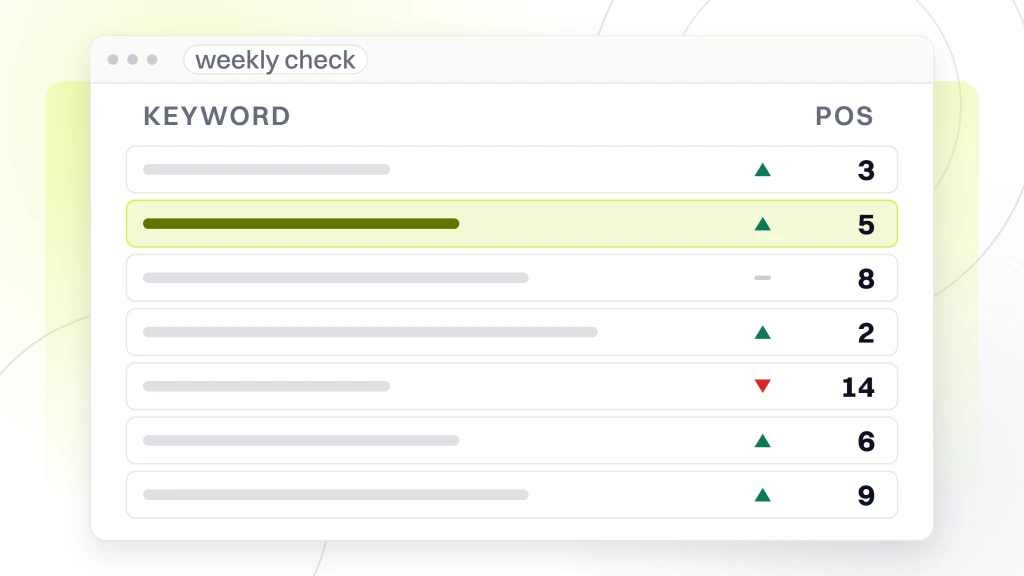
- Wednesday morning (15 min): check the rank tracker for movement. Note any position changes for follow-up.
- Friday afternoon (15 min): review call tracking data. Note booked exam attribution by channel.
- Monthly (2 hours): publish one long-form blog post from the topical map.
- Quarterly (3 hours): refresh service page copy against current top-3 ranking pages.
- Quarterly (2 hours): run a citation audit through BrightLocal.
- Annually (4 hours): full SEO audit against the original checklist for regression.
That’s 45 minutes weekly and about 12 hours per quarter. When a practice manager owns this cadence and the initial checklist ran clean, an optometry practice can hold top-3 local pack ranking without an agency retainer. The retainer buys speed and depth on the initial buildout. Maintenance is real work but not full-time work, and the difference matters when a solo-doctor practice weighs the monthly cost against tools already running internally.
The mistake practices make in month 5 is dropping the Monday Google Post cadence since “nothing bad happened when we skipped it once.” The pack does not drop overnight. It slides in slow motion over 8 to 12 weeks, and by the time the report shows position 4 instead of position 2, the trend is already 3 months into the wrong direction. Own Monday morning at 9:15am and treat it as non-negotiable, on par with ordering contact lens inventory.
Common mistakes running SEO for optometrists
3 mistakes derail more of these programs than any other pattern we see. Recognize them early and the checklist compounds. Miss them and month 4 looks identical to month 1, except now the team spent 40 hours and has nothing to show the practice owner on a Friday review.
First mistake, batching all the GBP work into one heroic weekend session, then never touching the profile for 6 weeks. Google reads profile activity as a freshness signal, so a profile with one edit in April and none until June signals dormancy and drops in the pack. The fix is 15 minutes every Monday, not 4 hours every quarter.
Second mistake, writing 6 service pages in one sprint with an AI tool and no Doctor of Optometry review pass. AI-generated medical content trips Google’s E-E-A-T signal for healthcare pages and buries the entire domain. Every service page needs a 5-minute doctor review before it goes live. That single edit raises the trust signal enough to rank, and it’s the cheapest quality gate on the list.
Third mistake, incentivizing patients for reviews with a discount coupon or a raffle entry. Google reads incentivized reviews as fake inside 90 days and drops them from the profile en masse. That drop hits your review count, your review velocity, and your local pack ranking in the same week. Ask for reviews without offering anything. “If we did a good job, would you leave us a Google review?” is the entire script.
Start your optometrist SEO checklist this week
The optometrist SEO checklist above is designed for a practice manager to run without agency help. Most practices can complete 80% of it inside 6 weeks. The remaining 20% (technical schema, content writing at scale, and backlink outreach) is where an agency retainer earns its cost.
Hire an agency once the practice has added a second location, once ad spend crosses $4,000 per month, or once the practice manager who owned this checklist leaves and the compounding needs protection. Under any of those 3 conditions, the retainer pays for itself inside 6 months. Outside them, run the checklist yourself, save $1,600 per month, and reinvest the savings into staff training on review requests at the counter.
This work isn’t glamorous. It’s 68 boring edits that a chain retailer already ran 3 years ago and reaps the ranking benefit of every day. Run yours this month and you close that gap by day 60. If your team wants a partner for the parts that need SEO experience, the optometrist SEO services program handles the technical, content, and backlink work on a fixed monthly retainer.