
Marketing Automation Professional Services Firms Actually Use
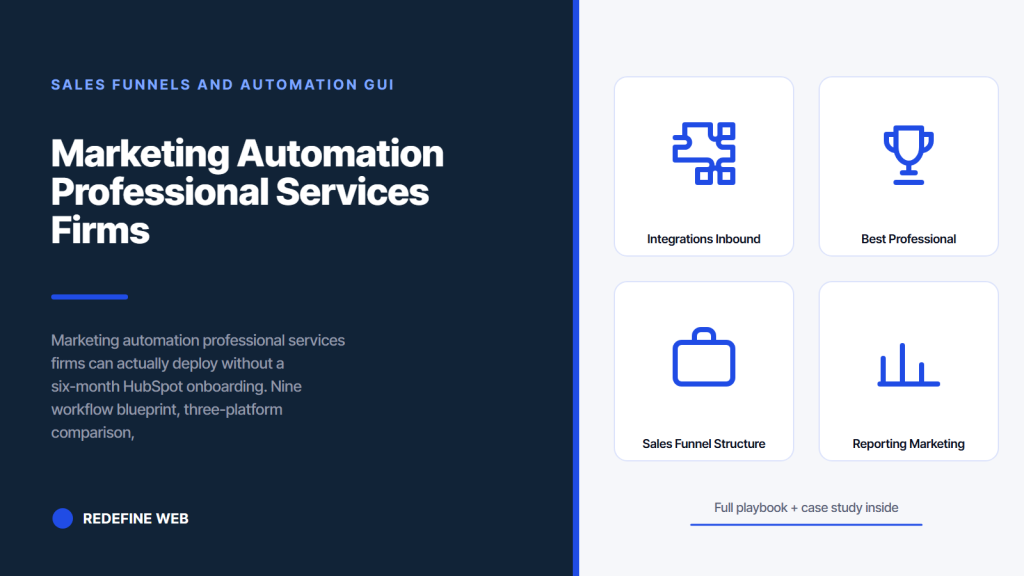
- Nine workflows cover the full pipeline. Skip the 40-workflow rabbit hole.
- HubSpot Professional wins for 3 to 40 attorney firms.
- Budget content work alongside license. It is 60 to 70 percent of real cost.
- Downloaded-guide nurture converts 6 to 14 percent to consults.
- No-show recovery re-books 25 to 45 percent of missed consults.
- What is marketing automation professional services firms actually need
- Professional services marketing automation platforms compared honestly
- How much does marketing automation cost for a professional services firm
- Integrations for inbound marketing professional services companies rely on
- The best professional services firm marketing automation tool for each size
- Using HubSpot Marketing Hub as professional services marketing software
- Professional services marketing automation workflows in detail
- Sales funnel structure for professional services firms
- Reporting on marketing automation that keeps the program funded
- Putting marketing automation professional services in motion this quarter
You are a partner or a marketing director at a professional services firm, and every quarter someone from the sales side asks about marketing automation. Every quarter the answer is the same: we should get on that. Meanwhile leads sit in a shared inbox, follow-ups happen when someone remembers, and the last three warm prospects went dark because nobody sent a second email. You want marketing automation professional services firms actually deploy, not another six-month HubSpot onboarding that ends with a dormant workflow.
This guide is the tool comparison, the sales-funnel setup, the integration checklist, and the specific workflows that separate a working marketing automation professional services stack from a shelfware purchase. Everything here maps directly to accounts we support at Redefine Web across law firms, consultancies, and accounting practices. Every number and every workflow is drawn from live client dashboards, not from vendor slide decks. Read straight through in about fourteen minutes to walk away with a real deployment plan.

What is marketing automation professional services firms actually need
Marketing automation professional services firms need is the layer that captures a lead, tags them by practice area, sends nurture, alerts sales, and hands off with context. Nine workflows, six integrations, one CRM. Firms that deploy this narrow stack close 30 to 60 percent more consults.
The nine workflows every professional services firm needs
- New-lead intake: capture form fill, tag by source and practice area, notify sales
- Downloaded-guide nurture: 5 to 7 email sequence closing to a consult offer
- Consult-request response: instant confirmation, calendar link, sales assignment
- Consult no-show recovery: 2 to 3 touches to re-book within a week
- Long-term nurture for engaged non-buyers: monthly touch for 12 to 18 months
- Referral request post-engagement: 30-day and 90-day touch after closing
- Win-back for lost consults: 4-touch sequence 60 days after a no-signed outcome
- Newsletter for the top-of-funnel subscribers: weekly or fortnightly
- Event and webinar registration handling: reminders, replays, follow-up
Why nine workflows are enough
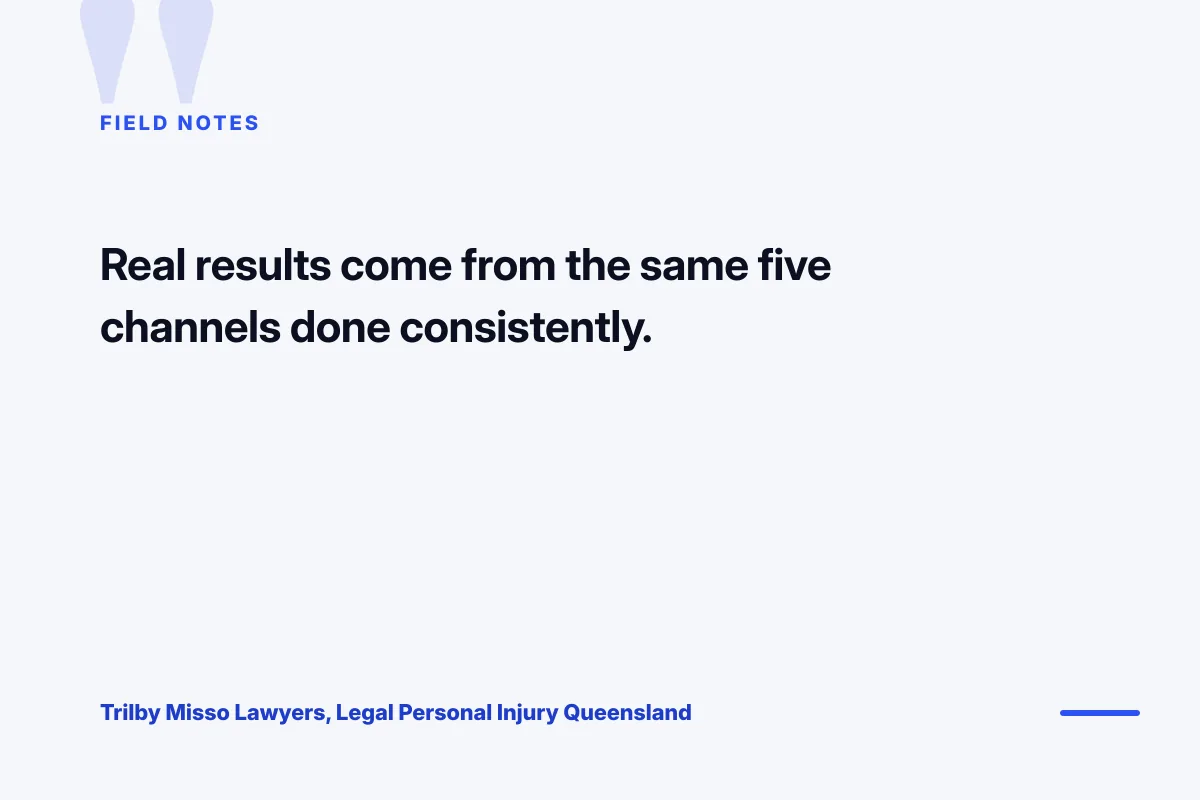
Firms that build 40 workflows spend more time maintaining the automation than running the marketing. Nine workflows cover every touchpoint from cold visit to closed engagement to referral loop. Adding a tenth workflow rarely produces a measurable pipeline gain and always adds maintenance overhead. Trilby Misso Lawyers, a Queensland personal-injury firm we work with, runs six of these nine workflows on Facebook and Instagram traffic. Leads climbed 183 percent and client acquisition rose eight times on identical ad spend. The stack was small on purpose.
Professional services marketing automation platforms compared honestly
Professional services marketing automation platforms split into three real contenders: HubSpot Marketing Hub, Salesforce Marketing Cloud, and ActiveCampaign paired with Pipedrive. Every other option (Marketo, Pardot, Mailchimp) either overshoots the firm’s needs or undershoots the integration requirements. Pick from the three real contenders and skip the endless RFP that costs three months and delivers the same conclusion.
The three-platform decision table
| Platform | Monthly cost | Setup time | Best fit firm size | Learning curve |
|---|---|---|---|---|
| HubSpot Marketing Hub Professional | $800 to $2,400 | 3 to 5 weeks | 3 to 40 attorneys or consultants | Low to moderate |
| Salesforce Marketing Cloud plus Sales Cloud | $2,500 to $7,000 | 3 to 6 months | 25-plus attorneys, complex sales cycle | Steep |
| ActiveCampaign plus Pipedrive | $300 to $900 | 2 to 4 weeks | Solo to 15 attorneys, budget-conscious | Low |
| HubSpot Marketing Hub Enterprise | $3,600 to $6,500 | 6 to 10 weeks | Mid-market firms with dedicated ops | Moderate |
Why HubSpot wins the middle market
HubSpot Marketing Hub Professional at $800 to $2,400 monthly covers the nine workflows above with room to grow into a full marketing automation professional services deployment. Setup runs 3 to 5 weeks with a competent partner. Partners can learn the CRM in a lunch-and-learn. Reports render in one click. The trade-off is that Enterprise features (custom objects, advanced attribution, dedicated IP) sit behind the $3,600 tier. Most firms under 40 attorneys never need those features. Firms over 40 usually do. HubSpot’s own automation workflow guide is a solid starting reference for firms adopting the platform. Our Professional Services Website Design Agency team wires the HubSpot forms into new landing pages during the first-week build so the automation goes live on day one.

How much does marketing automation cost for a professional services firm
Marketing automation runs $300 to $900 monthly for a solo consultant on ActiveCampaign plus Pipedrive, $1,200 to $3,000 for a small firm on HubSpot Professional, and $4,000 to $12,000 for a mid-market firm on HubSpot Enterprise or Salesforce. Add 20 to 40 hours of setup labor at $150 to $250 per hour.
The hidden cost most firms miss
The software license is 30 to 40 percent of the real cost of a working automation program. The other 60 to 70 percent is content: the email copy, the guide PDFs, the landing pages, the workflow logic. Firms that budget only for the license end up with a $2,400 monthly HubSpot seat and zero live automations because nobody wrote the emails. Budget the content work explicitly. A working nine-workflow deployment needs 40 to 80 hours of email and asset writing on top of platform setup.
Ongoing monthly investment past year one
Year one gets front-loaded with setup. Year two and beyond, the monthly cost stabilizes at the license fee plus 8 to 20 hours of optimization work per month. Optimization covers A/B testing subject lines, revising workflow logic, tuning lead scoring, and adding new sequences as the firm launches new practice areas. Firms that skip ongoing optimization see performance decay 15 to 25 percent per year as the workflows drift out of alignment with the current buyer journey. Tune every month or the automation slowly stops earning its keep.
Firms build 6-month nurture flows and skip the consult no-show workflow. Add the 2-touch no-show sequence today. You'll rebook 20 to 40 percent inside a week.
Integrations for inbound marketing professional services companies rely on
Integrations for inbound marketing professional services companies rely on cover six categories: CRM sync, phone tracking, calendar booking, e-signature, billing, and analytics. Every integration on the wish list beyond those six is scope creep. Every integration inside those six unlocks a measurable pipeline gain. Wire the six in the first 30 days of platform deployment and every downstream workflow works.
The six-integration default checklist
- CRM sync: HubSpot Sales Hub, Salesforce Sales Cloud, or Pipedrive as the single source of truth
- Phone tracking: CallRail or WhatConverts logging every marketing call against a contact
- Calendar booking: Calendly, HubSpot Meetings, or Chili Piper for one-click consult booking
- E-signature: DocuSign, Adobe Sign, or PandaDoc for engagement letters and retention agreements
- Billing and time tracking: Clio, PracticePanther, or QuickBooks Online for closed-engagement handoff
- Analytics: Google Analytics 4 plus Google Search Console feeding into the automation platform
Why practice-management integrations matter more than partners realize
Practice-management integrations (Clio for law, PracticePanther for boutiques, QuickBooks for accounting) close the loop between marketing and billed work. Without them, the firm cannot report revenue attributed to marketing because signed engagements live in a separate silo. With them, the monthly report shows dollars spent on marketing next to dollars closed from marketing. Every marketing automation professional services program earns its year-two budget on the strength of that reporting connection alone. Firms that skip the practice-management wire keep repeating the same argument at every partner meeting.
The best professional services firm marketing automation tool for each size
Picking the best professional services firm marketing automation tool comes down to firm size, sales-cycle complexity, and existing PMS. There is no single winner across all firm sizes. There are correct picks per bracket. Match the tool to the bracket, deploy inside 4 to 8 weeks, and skip the 90-day vendor bake-off that never produces a materially better decision than the bracket rule delivers on day one.
Bracket-by-bracket pick
Solo consultant to three partners: ActiveCampaign plus Pipedrive at $300 to $900 monthly. Fastest to deploy, easiest to learn, lowest ceiling. Three to fifteen attorneys or consultants: HubSpot Marketing Hub Professional at $800 to $2,400 monthly. The middle-market default. Fifteen to forty attorneys with a real sales cycle: HubSpot Marketing Hub Professional plus Sales Hub, or HubSpot Enterprise if the sales operations team wants custom objects. Forty-plus attorneys with a complex sales cycle: Salesforce Marketing Cloud plus Sales Cloud, budgeted at $4,000 to $12,000 monthly with a 3-to-6-month implementation timeline.
When to skip HubSpot for Salesforce
You skip HubSpot for Salesforce when the sales cycle has more than 8 stages, when the firm has a dedicated Salesforce administrator on staff, or when 30 or more partners each maintain their own book of business inside the same instance. Under those conditions Salesforce’s customization pays for the implementation cost. Above those thresholds, Salesforce wins on control and reporting depth. Below them, HubSpot wins on speed to value and total cost of ownership by a wide margin.
Using HubSpot Marketing Hub as professional services marketing software
HubSpot Marketing Hub as professional services marketing software works when the deployment stays disciplined. Turn on nine workflows, wire the six integrations, define the lead-scoring model, and stop. Every additional feature the platform offers is optional. Firms that flip on 40 features waste six months in configuration. Firms that stay disciplined go live in 30 days.
The lead-scoring model that works for law and consulting
Score demographic fit (job title, industry, firm size) 0 to 40 points. Score behavior (guide download, pricing page visit, consult page visit) 0 to 60 points. Contacts above 60 total points get routed to a partner. Contacts 30 to 60 stay in nurture. Contacts under 30 stay on the newsletter. Every professional services firm we set up starts with this model and tunes the thresholds inside 60 days. Firms that build 200-point scoring models with 40 criteria produce sales confusion, not qualified handoffs.
Workflow triggers that keep the sales team moving
Every score threshold trigger fires a real-time notification to the assigned partner. Every notification includes: contact name, firm or company, source campaign, last three activities, and a one-click link to the CRM record. Partners respond inside the SLA window because the notification carries enough context to act on immediately. Firms that send blank “lead assigned to you” notifications see 40 to 60 percent slower response times and lose the warm-lead advantage. HubSpot’s own workflow documentation covers the trigger mechanics in depth.
Every quarter a partner shows us the HubSpot instance they bought two years ago and never launched. The workflow tab has three drafts named “nurture v2 FINAL” from November 2023. The email templates all still say “Hi FIRSTNAME,” complete with the placeholder text. The invoice arrives every month. Nobody has the heart to cancel because someone might use it next quarter.
Professional services marketing automation workflows in detail
Professional services marketing automation workflows perform their job when the logic matches the real buyer journey. Every trigger reflects a real signal. Every branch handles a real user response. Every exit ties to a real sales outcome. Workflows that split on assumed behavior die inside 90 days because the assumed behavior never matches the real behavior. Build the workflows against the actual funnel, not against a template.
The downloaded-guide nurture sequence that closes consults
Send the guide instantly. Wait 48 hours, send a follow-up that references a specific insight in the guide. Wait 4 days, send a case study from the same practice area. Wait 5 days, send an invitation to book a 30-minute consult with a partner. Wait 7 days, send a soft “still relevant” check-in. Wait 10 days, exit the workflow to the long-term newsletter. Five touches over 26 days. Convert 6 to 14 percent of downloaders to booked consults on this sequence at professional services firms we work with, versus 1 to 3 percent for firms that send only the initial download and go quiet.
The no-show recovery workflow that saves the calendar
Contact does not show for the booked consult. Fire a workflow: 90 minutes after the miss, send a soft email asking if they need to reschedule. Two days later, send a case-study email that reinforces the practice area. Six days later, send one more re-booking offer. Firms that run this three-touch sequence re-book 25 to 45 percent of no-shows. Firms that do nothing after a no-show re-book almost none. The workflow costs zero to implement once the platform is live.
{{IMG:body-3}}
Sales funnel structure for professional services firms
Sales funnel structure for professional services firms has four stages: unknown visitor, known contact, qualified consult, signed engagement. Each stage has a clear entry trigger, a clear exit criterion, and a clear owner. Firms that skip stage definitions run pipelines full of contacts nobody knows what to do with. Firms that define the stages route contacts cleanly and forecast pipeline accurately three quarters out.
The four-stage funnel definition
Unknown visitor becomes known contact when a form fill or a chat interaction captures an email. Known contact becomes qualified consult when the lead score crosses 60 or when the contact books a consult directly. Qualified consult becomes signed engagement when the engagement letter is countersigned. Each transition triggers a workflow. Each workflow has a specific owner. Marketing owns the first two transitions. Sales owns the last two. The handoff is a hard event, not a fuzzy line.
Conversion rates by stage that firms should benchmark against
Unknown to known: 2 to 4 percent of organic sessions, 6 to 12 percent of paid landing-page sessions. Known to qualified consult: 4 to 9 percent monthly on a healthy nurture. Qualified consult to signed engagement: 20 to 45 percent depending on practice area and consult quality. Firms falling well below these bands have a specific broken stage to fix. Firms hitting the high end typically have tight sales-marketing SLAs, real workflow logic, and a partner group that actually shows up for the consult.
Reporting on marketing automation that keeps the program funded
Reporting on marketing automation for a professional services firm needs to fit on one page: monthly spend, contacts added, qualified consults, engagements signed, revenue attributed. Five numbers, trended against the prior six months. Any dashboard that requires a 40-slide walk-through is an agency comfort blanket, not a partner report. Every marketing automation professional services deployment we run reports against this one-page format. Partners read one page. They act on one page. Build one page.
The five-line monthly automation report
Line 1: total marketing spend across all channels this month. Line 2: net new contacts added to the CRM. Line 3: qualified consults booked (lead score above 60 or direct consult request). Line 4: engagements signed and total contract value. Line 5: cost per signed engagement across the whole marketing program. Trend each line against a rolling six-month average. That five-line report answers every question a partner group will ask.
What to do when the numbers stall
If contacts stall, look at top-of-funnel channels. If qualified consults stall, look at the nurture workflows and the lead-scoring model. If engagements signed stall, look at consult quality and the sales handoff. Each stage has a specific fix. Firms that treat a stall as “the automation is broken” waste weeks looking in the wrong place. Firms that walk the four-stage funnel diagnose the actual problem in one afternoon.
Putting marketing automation professional services in motion this quarter
You do not need every piece of this guide operating on Monday to move marketing automation professional services forward. You need three commitments from firm leadership: one platform pick made and stuck to, a named ops owner accountable for deployment, and a monthly report tied to the five-line dashboard. With those three in place the deployment runs on rails and the first workflows go live inside 45 days.
Where to start on day one
Buy the platform. Wire the CRM integration. Set up lead capture on the top three landing pages. Launch the new-lead intake workflow with the notification. That single 5-day sprint teaches the firm how the tool actually behaves versus how the vendor pitched it. Everything else stages behind that first sprint. Firms that start with the workflow library rather than the intake workflow always drown in configuration.
When to hire an outside implementation partner
Hire an outside partner when the in-house ops team is stretched, when the firm has no HubSpot or Salesforce expertise on staff, or when the deployment has stalled past 90 days. A specialized implementation partner delivers the working nine-workflow deployment in 30 to 60 days versus 90 to 180 days for a firm learning the platform from scratch. Our Professional Services Marketing Retainer from $599/mo covers the workflow build, the integration wiring, and the monthly reporting. Pair it with the Professional Services Marketing Agency hub for the wider strategy stack, and with the Professional PPC Services That Lower Consult Cost team when the automation needs paid demand feeding into it. Reference material at HubSpot’s marketing automation library and HubSpot’s automation fundamentals both back the same discipline: small stack, tight workflows, clean reporting.
Frequently asked questions
What is marketing automation for a professional services firm in plain terms?
Marketing automation for a professional services firm is the software layer that captures inbound leads, tags them by practice area, sends the right nurture sequence, alerts the assigned partner or sales lead when the contact engages, and hands them off with full context. A working deployment covers nine core workflows across intake, nurture, consult booking, no-show recovery, referrals, and win-back. Firms with a live automation stack close 30 to 60 percent more consultations from identical top-of-funnel traffic compared to firms tracking leads in a shared inbox and a spreadsheet.
Which marketing automation platform is best for a professional services firm?
HubSpot Marketing Hub Professional wins for firms with 3 to 40 attorneys or consultants at $800 to $2,400 monthly. Salesforce Marketing Cloud plus Sales Cloud wins for firms with 40-plus attorneys and complex sales cycles at $4,000 to $12,000 monthly. ActiveCampaign paired with Pipedrive wins for solo consultants to small firms budget-conscious about tooling at $300 to $900 monthly. Every other platform either overshoots the firm's needs or undershoots the integration requirements. Pick from these three real contenders and skip the endless RFP process.
How long does it take to deploy marketing automation at a professional services firm?
ActiveCampaign plus Pipedrive deploys in 2 to 4 weeks. HubSpot Marketing Hub Professional deploys in 3 to 5 weeks with an experienced partner. HubSpot Enterprise takes 6 to 10 weeks. Salesforce Marketing Cloud takes 3 to 6 months. Timelines assume the firm has picked a platform, named an ops owner, and committed the content work upfront. Firms that skip the content work stall the deployment past 6 months because empty automations do not run themselves. Budget content writing time alongside platform setup on day one.
How much should a professional services firm budget for marketing automation total cost?
The software license is 30 to 40 percent of the real total cost. The other 60 to 70 percent is content: email copy, guide PDFs, landing pages, and workflow logic. A working nine-workflow deployment needs 40 to 80 hours of content writing at $150 to $250 per hour on top of the license fee. Year one runs roughly $18,000 to $60,000 all-in for a mid-market firm on HubSpot Professional. Year two and beyond stabilize at the license fee plus 8 to 20 hours of monthly optimization work.
What integrations does a professional services marketing automation stack need?
Six integrations cover the requirements: CRM sync (HubSpot, Salesforce, or Pipedrive), phone tracking (CallRail or WhatConverts), calendar booking (Calendly or Chili Piper), e-signature (DocuSign or PandaDoc), practice-management or billing (Clio, PracticePanther, or QuickBooks), and analytics (Google Analytics 4 plus Search Console). Every integration inside these six unlocks measurable pipeline gains. Every integration outside them adds maintenance overhead without meaningful return. Practice-management integration matters most because it closes the loop between marketing spend and signed billed work.
What is the biggest mistake firms make with marketing automation?
Buying the platform without budgeting the content work. Every dormant HubSpot instance we audit shares the same story: someone signed the contract, the ops person set up two workflows, and then nobody wrote the emails or built the guides. The instance sits idle for two years while the invoice arrives monthly. Budget the content writing upfront, name an editor accountable for the sequences, and ship the nine core workflows in the first 45 to 90 days. Anything else produces expensive shelfware.
Book your free 30-minute strategy call.
No spam, no sales rep. We use your email to schedule your call with a senior strategist. That is it.
More from the blog
View all articles → Sales Funnels and Automation
 Automated Sales Funnel Services That Turn Traffic Into Booked Calls
Read article Sales Funnels and Automation
 Dental Marketing Automation That Recalls Patients Without a Front Desk Bottleneck
Read article Digital Marketing