Do I need SEO for a new website? Yes, but probably not the kind you are picturing. A new site has no rankings to protect and no history for Google to judge, so the SEO that matters at launch is a short list of structural decisions and switches that cost almost nothing while the site is being built and a great deal once it is live. Ongoing campaigns can wait until you know the site works. The launch list cannot.
We should say where we stand before the checklist. Redefine Web sells website design and SEO packages, the build and the search work bought together, so we benefit when you decide the two belong in one contract. Everything below is written so you can do it yourself or hold any builder to it, including us, and where Google’s own documentation says a small business can handle this without help, we quote that too.
Do I need SEO for a new website, or can it wait until later?
Google answers the timing part of this directly, on its own page titled “Do you need an SEO?” It says “a great time to hire is when you’re considering a site redesign (the earlier, the better), or planning to launch a new site.” The reason it gives is that “you and your SEO can ensure that your site is designed to be search engine-friendly from the bottom up.”
The same page is just as direct about who can skip the hire. “If you run a small local business, you can probably do much of the work yourself.” Both are true, because people mean two different things by SEO, and only one of them is time sensitive.
Launch SEO is the set of decisions baked into the build. Which pages exist, what their addresses are, how they link to each other, what each page’s title says, whether search engines are allowed in, and whether you can measure anything once they are. Every one of these is cheap to decide on a whiteboard and expensive to change after launch, because changing a page address later means redirects, and changing a template later means rebuilding pages.
Ongoing SEO is the monthly work of publishing, earning links and improving pages. Whether that is worth paying for is a separate decision you can make after launch with real data in hand. Skipping launch SEO does not save its cost, it defers it.
What launch SEO covers, and what it does not
Most new website SEO checklists run to fifty items because they mix three kinds of work together. Separating them makes the list shorter and tells you who should own each part.
| When | What gets settled | Who usually owns it | Cost of skipping it |
|---|---|---|---|
| Before design | Page list, URL structure, navigation, which search each page answers | You and whoever plans the site | Rebuilding pages or redirecting addresses later |
| During the build | Title and heading templates, internal links, image handling, indexing rules on staging | The developer, working from a brief | Editing every page by hand after launch |
| Launch day | Removing staging blocks, redirects live, sitemap submitted, tracking firing | The developer, with a written checklist | A site that is live but invisible, or a lost old site’s standing |
| The weeks after | Indexing checks, error fixes, first content, local listings | You, or whoever runs SEO | Problems found late, when the data finally looks wrong |
What launch SEO does not include is also worth naming, because it is where proposals pad. It is not link building, not a content calendar, and not a promise about positions. Those belong to ongoing work. If a build quote bundles them into the launch fee, ask what happens in each before the site has been crawled once.
Settle the page structure before anyone opens a design file
The single most expensive SEO mistake on a new site is designing pages first and deciding what they are for afterward. Structure is the part that is hardest to change, so it goes first.
Start with a list of the searches your customers actually make, then give each distinct search its own page. A plumber who offers drain cleaning, water heater repair and emergency callouts needs three service pages, not one “Services” page with three paragraphs, because a single page cannot be the best answer to three different questions. That list becomes your sitemap in the planning sense, and it is the core of what a proper SEO plan should hand you before any build starts.
Then decide the addresses. Short, readable, lowercase words that describe the page, grouped in folders only where the grouping means something to a visitor. Once a page is live and linked, its address is a commitment. Changing it later is possible, but it creates a redirect you then have to maintain forever.
Finally, decide how pages link to each other. Google’s starter guide explains why this matters so much for a site nobody links to yet. “Google primarily finds pages through links from other pages it already crawled.” On a brand new domain, your own navigation and in-page links are most of the links that exist, so a page that is not linked from anywhere on your site is a page Google may simply never reach.
Build titles, headings and internal links into the templates
Once the structure is agreed, the on-page basics should be written into the build rather than added after it. That means a brief for every page, covering its title tag, meta description, main heading and the other pages it should link to, handed to whoever writes copy and whoever builds templates at the same time.
The reason is mechanical. If a template prints the same title on every service page, or puts the main heading in an image, every page built from it inherits the problem. Fixing that after launch means reopening the template and checking every page. Fixing it in the brief costs one conversation.
A few build decisions carry most of the weight here.
- Each page gets its own editable title and description, not one inherited from the site name
- One main heading per page, in real text, saying what the page is about
- Images compressed and given descriptive alternative text as they are added, not in a cleanup pass
- Service pages link to related services and to the contact page in the body copy, not only in the menu
- The site works on a phone first, since that is where most local searches are made and where layout problems hide
How much of this a builder includes varies widely between tiers and between shops. When you compare quotes, the web design packages tier by tier breakdown shows which of these tend to be included at each price level and which get quietly left out of the cheapest ones.
Decide how Google will find the site, and keep staging out of it
Every new site spends time on a staging copy before launch, and that copy needs to stay out of search results. The usual methods are a robots.txt file that blocks all crawling, a noindex rule on every page, or a password on the whole staging site. The danger is not in using them. It is in forgetting that they are there.
Google’s site move documentation addresses this exact situation. “Note that some site owners block all crawling while in development. If you follow this strategy, make sure you prepare what the robots.txt file should look like once the site move starts.” It gives the same instruction for noindex, to “prepare a list of URLs from which you’ll remove the noindex rules.” That guidance is written for moves, but it applies just as well to a first launch. Write down what gets switched off on launch day, before you switch it on.
Then decide whether you need an XML sitemap. Google’s sitemap documentation gives a test in both directions, and a new site can land on either side. The case for one is “Your site is new and has few external links to it,” in which case, Google explains, “Googlebot might not discover your pages if no other sites link to them.” The case against is that you might not need one if your site is small, which Google defines as “about 500 pages or fewer,” and every page is reachable through internal links. Most content management systems generate a sitemap automatically, so in practice the question is less whether to have one and more whether it lists only the pages you actually want found.
If the new site replaces an old one, map every old address first
A genuinely new domain has nothing to lose. A new site built to replace an existing one is a different job, because the old site may already have pages that rank, links pointing at them and customers who bookmarked them. That standing only carries over if every old address points somewhere sensible on the new site.
Google’s guidance starts with the same step. “Prepare a URL mapping from the current URLs to their corresponding new format.” In practice that is a spreadsheet with every old address in one column and its closest new equivalent in the next, built by crawling the old site and exporting its pages from Search Console before anything is switched off. Each old address then gets a permanent redirect to its match.
Google also says what to do with pages that are not coming across. If you are not moving all of your old content, “make sure those URLs correctly return an HTTP 404 or 410 error response code on the new site.” Pointing everything at the homepage feels safer and is not, one of the failures covered in what to check when a website lost rankings after a redesign. Before launch the rule is short. Map one to one, redirect what has a real match, and let the rest return an honest error.
On the worry that redirects cost you something, Google is unusually plain. “Don’t worry about link credit. 301 and other permanent redirects don’t cause a loss in PageRank.”
Install analytics and Search Console before the first visitor arrives
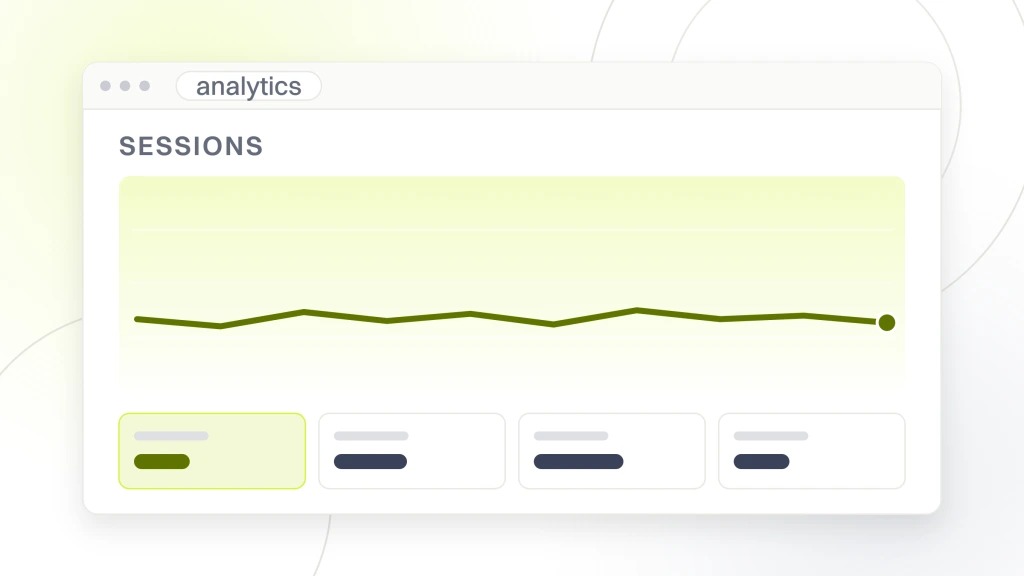
Measurement is the item most often left for later, and later is the one time it cannot be fixed. Google Analytics only records visits from the moment its tag is installed, so a site’s first weeks, exactly when you want to see whether anything works, cannot be collected afterward.
Search Console is the other half, and for a new site it matters more than analytics. Analytics tells you what visitors did. Search Console tells you whether Google found your pages, which ones it indexed, which it skipped and why, and which searches you appeared for before anybody clicked. You can verify a domain property in Search Console through your domain’s DNS settings, so it can be set up before the site itself is live.
Two setup decisions matter beyond the installation itself.
- Put both accounts in your business’s name. Your developer or agency should be added as a user, not be the owner. If the relationship ends, the history stays with you
- Decide what counts as a lead before launch. A form submission, a click-to-call, a booking. If those are not tracked from day one, you will have traffic numbers with nothing to measure them against
Google’s hiring page offers a useful rule for the access you grant. If an outside SEO offers an audit, “only grant read access to Search Console (at this stage, don’t grant them write access).” That advice is aimed at vetting a provider, but it is a sensible default for anyone who does not need to change your settings.
The launch day checklist, in the order you run it
Launch day is when most avoidable SEO damage happens, because it is rushed and nobody owns the list. Write it down in advance and tick it off on the live site.
- Remove the staging crawl block from robots.txt, then load the live robots.txt file in a browser and read it
- Confirm no page still carries a noindex rule, including in the page header responses rather than only the visible code
- Check that every page’s canonical tag points at the live domain, not the staging address
- Confirm the site loads on HTTPS and that the plain HTTP and www variations all redirect to one version
- If you are replacing a site, test a sample of old addresses from your map and confirm each lands on its match
- Submit the XML sitemap in Search Console
- Load a page, submit a test form and confirm both show up in analytics
- Run the URL Inspection tool on your homepage and main service pages
Some time after launch, you can check whether Google has picked the site up at all. Google’s starter guide describes the simplest test. “Try searching on Google for your site with the site: search operator. If you see results pointing to your site, you’re in the index.” If nothing appears, it points you to the technical requirements first, which is why the checklist above comes before any worry about rankings.
What to do in the first weeks after launch
The weeks after launch are mostly about watching, not doing. A new site is being discovered page by page, and the useful work is catching anything that stops that from happening.
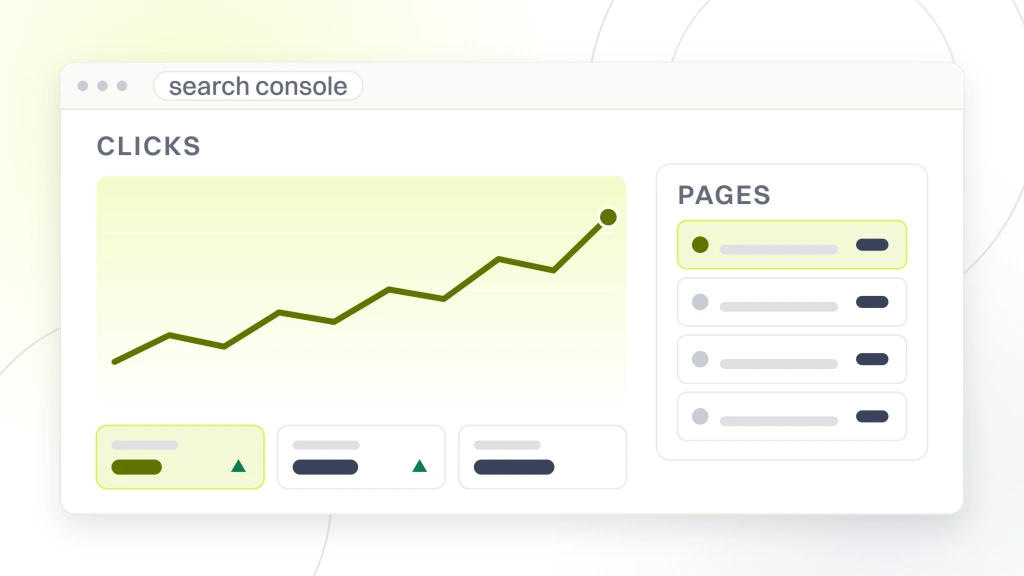
Check the Page indexing report in Search Console regularly. It lists pages that are not indexed with a reason for each. A redirect or an intended duplicate is normal. A page blocked by robots.txt or a server error is a problem to fix first.
For your most important pages, you can ask Google to crawl them through the URL Inspection tool. Google is candid about what that does and does not buy. “Crawling can take anywhere from a few days to a few weeks.” The next paragraph goes further. “Requesting a crawl does not guarantee that inclusion in search results will happen instantly or even at all.” Google also notes a quota on individual requests, so use the tool on the pages that matter most.
Beyond monitoring, three things are worth starting early.
- Your Google Business Profile, if you serve a local area. Its name, address, phone and website link should match the site exactly. What local search work costs is broken down in what local SEO really runs
- A first piece of content that answers a real customer question, so the site has something beyond its service pages for Google to find
- A short note of anything that changed after launch, with dates, so when you read your first months of data you can tell a fix from a coincidence
If you decide to keep paying for search work beyond this point, it helps to know what a month of it should actually contain. The line-item table in our guide to picking SEO services lays that out, so the retainer you are offered can be checked line by line rather than taken on trust.
How long before a new site shows up, and why honest answers are vague
This is where most new website advice invents a number. We are not going to give you one, because the only people who can see how Google processes your site do not publish one either.
Here is what Google does publish, in its starter guide. “Every change you make will take some time to be reflected on Google’s end. Some changes might take effect in a few hours, others could take several months.” The guide then adds, “In general, you likely want to wait a few weeks to assess whether your work had beneficial effects in Google Search results.” And on indexing itself, the same guide says there is “no guarantee that any particular site will be added to Google’s index.”
So the honest answer is that it depends, on how competitive your searches are, how many other sites link to you, how large the site is, and whether anything on the launch checklist went wrong. A site competing for a broad term against established businesses faces a longer wait than one searched for by its own business name, and no checklist changes that.
Treat any proposal that promises a specific ranking by a specific date with caution. Google’s hiring page is blunt about it. “If they guarantee you that their changes will give you first place in search results, find someone else.” When you are comparing providers, how to pick SEO services covers what a believable proposal looks like instead.
Should launch SEO come with the build or from a separate company?
Launch SEO can be done by your web designer, by a separate SEO provider working alongside them, or by you. What matters is that someone owns each item on the lists above, in writing, before the build starts. The common failure is not a bad designer or a bad SEO. It is both assuming the other one handled the redirects.
Whether the two jobs belong under one contract is its own decision, and web design and SEO, one company or two works through when a bundle makes sense and when two specialists do better. Whichever way you go, ask to see the launch checklist before you sign, and ask who ticks each line.
Budget is the other half of that decision. Launch SEO is a one-time cost folded into the build, while ongoing work is a monthly fee, and the two are easy to confuse on a quote. For what monthly search work tends to cost at different levels, see what SEO pricing packages really run, and if you are working with a tight budget, what the cheap tier of affordable SEO actually buys explains which corners get cut first.
What we would do first
If you are commissioning a site now, the first thing we would do is write the page list and the redirect map, if there is an old site, before any design work starts. Those two documents settle more of your search future than anything else on this page, and they cost nothing but time.
Second, we would set up Search Console and analytics in your own name, today, even if launch is months away. Neither costs anything and both are the only way to find out later whether the rest worked.
Third, we would hold off on buying ongoing SEO until the site is live, indexed and producing a few weeks of data, unless your market is competitive enough that you already know you need it. Our own package is built this way, with the launch items handled inside the build. The package page lists “GA4, Search Console, Rank Math, and a keyword map all live at go-live,” with “Search Console, error logs, and Core Web Vitals watched daily for 30 days after launch.” You can hold any builder to the same standard whether or not you hire us.
So, do I need SEO for a new website? You need the launch half of it, whoever does it. Settle the structure before design, keep staging out of the index and let the live site in, map every old address if you are replacing a site, and have tracking running before the first visitor. Then watch Search Console and fix what it reports.
None of that requires a retainer, and none of it requires guessing a date. If you would rather have the build and the launch work handled by one team with one checklist, our website design and SEO package is set up to do exactly that, and the page lists every item it includes before you ever get on a call.