
Web Design and Development Process From Strategy to Launch
- Discovery is week one, not skipped for speed.
- Wireframes end debates the mock stage cannot.
- Design is only ready when it survives a real content pass.
- QA is a phase, not a checklist inside build.
- Every launch drops into a retainer or the site drifts.
- Phase four builds the site inside the web design and development project plan
- Phase five is QA, the web design and development stage most teams shortchange
- Launch runs a real web design and development checklist, not vibes
- Every web design and development process ends in a retainer
- Team sizes across the web design and development phases
- What belongs on the web design and development requirement form
- Where to start on your own web design and development process
The web design and development process is where most agencies pretend to have a system and quietly wing it. The real process runs across six phases: discovery, information architecture, visual design, build and integration, QA, and launch plus retainer. Each phase has a defined input, a defined output, and a named owner. Skip a phase to save two weeks in month one and you buy back six weeks of rework in month six. Every real project ships on the six-phase pattern, adjusted for team size and scope depth. This guide walks through what actually happens in each phase and what the deliverables look like when the team is doing the work honestly.
You will see the same phases on a 12-page charity site, a 60-page corporate rebuild, or a 200-page enterprise platform. What changes is depth, timeline, and parallelism. Use the phase notes below to sanity check whichever agency is pitching your next build. If their process document skips wireframes or treats QA as the last three days of coding, you are looking at a team planning to hand you technical debt on day one.
Phase four builds the site inside the web design and development project plan
Build is the phase everyone thinks is the whole project. It is one of six phases and takes four to twelve weeks depending on scope. Front-end and back-end usually run in parallel once the design system is locked. Front-end turns Figma components into HTML, CSS, and JavaScript. Back-end wires up the CMS, integrates third-party tools (CRM, email, analytics, search, e-commerce), and configures the hosting. Every module built off the design system means every future page inherits the same visual language without a new decision. That is the compounding return on the design system phase.
The web design and development project plan schedules a mid-build demo at week two of build. The client sees the homepage in staging, running live, on real devices. Not a Figma prototype. Real code. This demo catches the design-to-code gap early. Colors that read differently in browser than in Figma. Motion that feels slower on real devices. Font weights that fall back on Windows. Every issue caught at the mid-build demo saves two rounds of pixel-nudging at QA. See web.dev on responsive typography for the browser-side patterns that most agencies miss until QA.
CMS block model built off the design system
Every named module from wireframes becomes a real CMS block. WordPress builds them as Gutenberg blocks or ACF pattern blocks. Headless builds create React components fed by a CMS API. Every block ships with editorial controls that a content editor can operate without a developer. Color variants, text alignment, image swap, CTA copy. Any build that hardcodes the homepage in a template and forces the client to edit PHP for every copy tweak is an agency-lock-in build, not a client-friendly one.
Integration timing inside the build phase
Integrations get scoped in discovery, locked in the requirement form, and built during the back-end sprint. HubSpot, Salesforce, Mailchimp, Klaviyo, Stripe, Calendly, GA4, Search Console, PostHog, Segment. Every integration is its own mini-project with its own testing plan. Any build that leaves integrations for the last two days before launch is going to launch with a broken form flow. Integration testing runs before QA, not during.
Phase five is QA, the web design and development stage most teams shortchange
QA runs one to three weeks and covers cross-browser testing, cross-device testing, accessibility audit, performance audit, SEO audit, and content proofing. Any QA phase that runs under one full week is a launch checklist masquerading as QA. Real QA finds the modal that only breaks in Safari on iOS 16. Real QA catches the alt text missing on 40 percent of blog images. Real QA measures Core Web Vitals on 20 real URLs, not a synthetic Lighthouse run in an incognito window. Any agency that skips QA to save five days is planning a hot-fix sprint the week after launch.
Every project ships with a QA punch list, sorted by severity. Critical bugs (broken flows, missing content, accessibility fails) block launch. Major bugs (visual regressions, minor form issues, content typos) fix inside launch week. Minor bugs (spacing tweaks, hover states, browser-specific quirks on IE-mode) go into the post-launch backlog. This triage is what separates a real QA process from a chaotic launch week.
| QA workstream | Owner | Duration | Blocks launch on fail |
|---|---|---|---|
| Cross-browser | QA lead | 2 to 4 days | Yes |
| Accessibility (WCAG 2.2 AA) | Front-end + QA | 3 to 5 days | Yes |
| Performance (Core Web Vitals) | Front-end | 2 to 3 days | Yes on critical URLs |
| SEO baseline | SEO lead | 2 to 3 days | Yes on redirects and meta |
| Content proof | Content lead + client | 3 to 5 days | Yes on legal or claims copy |
| Integration testing | Back-end | 2 to 4 days | Yes on payment and lead capture |
Every project manager who has ever inherited a QA phase from an agency that skipped it knows the specific Friday afternoon Slack message that follows: “the contact form has never worked in Safari and we are launching on Monday.” You look. The form has been broken since the client tested it in Chrome three weeks ago and everyone assumed someone else was checking Safari. Fix the form. Add Safari to the QA matrix. The project manager will send you a card. In four months.
Accessibility audit as a QA workstream
Accessibility gets a dedicated QA workstream, not a Lighthouse tab check. Axe DevTools on every unique template. WAVE scan on 20 sample pages. Keyboard-only pass on the top 10 conversion flows. Screen reader pass (VoiceOver on macOS, NVDA on Windows) on the homepage and one deep interior page. Color contrast check on every button, link, and text-on-image module. Any QA phase that treats accessibility as a Lighthouse score is going to launch a site that will trigger an ADA complaint inside twelve months.
Performance audit on real URLs
Performance testing runs on 20 real URLs, not a homepage synthetic test. Core Web Vitals get measured on 4G mobile, cable desktop, and slow 3G if the audience includes rural regions. Any page failing LCP under 2.5 seconds gets a fix (usually image optimization or a critical CSS split). Any page with a CLS above 0.1 gets an image dimension fix. Any interactive-heavy page failing INP under 200ms gets a JavaScript audit. Skip the fixes and the launch scores 60 on mobile inside PageSpeed the day after launch.
Launch runs a real web design and development checklist, not vibes
Launch day is boring when the checklist has been maintained since kickoff. Every serious web design and development checklist covers redirects (every old URL mapped to the new one), DNS cutover (TTL lowered 48 hours in advance), SSL (HTTPS enforced, HSTS header set), analytics (GA4 verified with Realtime showing the launch traffic), Search Console (property verified, sitemap submitted), backups (full pre-launch snapshot taken), monitoring (uptime and error alerts wired to the on-call channel), and communication (a launch note to the client team so support is not blindsided). See Google Search Central on site moves with URL changes for the redirect and Search Console steps every clean migration follows.
Small teams often try to launch in the afternoon of a workday. Bad idea. Launch in the morning of a workday. If something breaks, the whole team is awake to fix it. Never launch on a Friday. Never launch the day before a holiday. Never launch during a client’s own busy season. These sound obvious. Every agency that has been running for five years has broken all three of them at least once. Learn from the scars.
Redirect map before DNS cutover
Every old URL gets a 301 to the new equivalent. Any URL that no longer exists (blog posts pulled, service pages consolidated) gets a redirect to the nearest topical page, not a bulk 404. A clean redirect map preserves inbound link authority and keeps organic traffic intact through the transition. Any launch that skips the redirect map is going to lose 20 to 50 percent of organic traffic in month one and blame the algorithm.
Analytics verified in Realtime on launch day
GA4 gets a Realtime check five minutes after DNS propagation. If the visitor counter does not tick up, the tag is broken. Same for Search Console. Same for any other tracking (Meta Pixel, LinkedIn Insight, PostHog, Segment). Any launch that trusts the tags without a Realtime check is planning a Wednesday morning revelation that the site has been running dark for 72 hours and there is no attribution data.
Any agency showing mockups in week one is skipping discovery. Ask to see the scope document and named-owner project plan first. If neither exists, walk.
Every web design and development process ends in a retainer
Launch is not the end of the web design and development process. Launch is the start of the retainer. Every serious project drops into a retainer that covers content updates, security patches, performance monitoring, accessibility maintenance, and monthly reporting. The retainer runs 15 to 30 percent of the build cost annually. Below 10 percent is reactive-only. Above 40 percent is padding scope. Any client who skips the retainer will need a full rebuild inside 24 months because nothing on the internet stays working without maintenance.
Our client Tilghman Builders is the classic long-run retainer story. We started with a full rebuild across marketing, SEO, paid media, and content. Every quarter after launch the retainer added a new campaign, refreshed the top pages, and reported the numbers to their leadership team. Annual revenue climbed from $1.5 million to $6.8 million over the nine-year partnership, a 353 percent increase, backed by 784 percent traffic growth and 637 percent growth in marketing-qualified leads. That number does not happen on a one-and-done build. It happens because the site got treated as a live product, not a launched artifact.
Retainer workstreams that matter
Every retainer covers monthly content updates, monthly analytics reporting, quarterly accessibility audit, quarterly performance audit, quarterly SEO refresh on the top 20 URLs, and ongoing security patching. Any retainer that only covers plugin updates is a maintenance plan, not a real retainer. The retainer is where the site earns compounding returns. Skip it and the site starts drifting inside eight months.
Reporting cadence for the client team
Every month the retainer produces a two-page report. Traffic trends, top pages, top search queries, form submission counts, campaign performance, and a punch list of what shipped this month. The report goes to the client project lead and the executive sponsor. Any retainer that produces a 40-page Google Analytics dump instead of a two-page summary is not doing the work the client actually needs. Executives read two pages. They do not read forty.
Team sizes across the web design and development phases
Team size shapes the process as much as scope does. A three-person team runs a small site with tight overlap (one person covers discovery and content, another covers design and front-end, a third covers back-end and QA). A six-person team runs a mid-size project with dedicated roles (producer, discovery lead, designer, front-end, back-end, QA). A twelve-person team runs an enterprise build with parallel workstreams (design system team, content team, engineering team, integrations team, QA team, project management).
Every team size runs the same six phases. What changes is how much parallelism the team can support and how many review cycles fit inside each phase. A three-person team is faster in some ways (fewer handoffs) and slower in others (fewer parallel workstreams). A twelve-person team ships faster on large builds but needs a strong producer to keep the workstreams from drifting apart. Any web design and development project plan that runs the wrong team size for the scope will overrun on timeline, budget, or both.
Three-person team shape
Three-person teams fit builds under $40K. One person covers strategy and content. One covers design and front-end. One covers back-end and QA. Everyone reviews everyone. Timeline runs 8 to 14 weeks on a 15-page site. Any three-person team that tries to run a 60-page enterprise site is going to burn out inside six weeks. Match team size to scope.
Six-person team shape
Six-person teams fit builds from $40K to $120K. Producer, discovery lead, designer, front-end developer, back-end developer, QA lead. Every role has clear ownership. Reviews stay tight. Timeline runs 14 to 22 weeks on a 40 to 80 page site. Most real agency work sits at this team size because the returns on parallelism outweigh the coordination cost.
What belongs on the web design and development requirement form
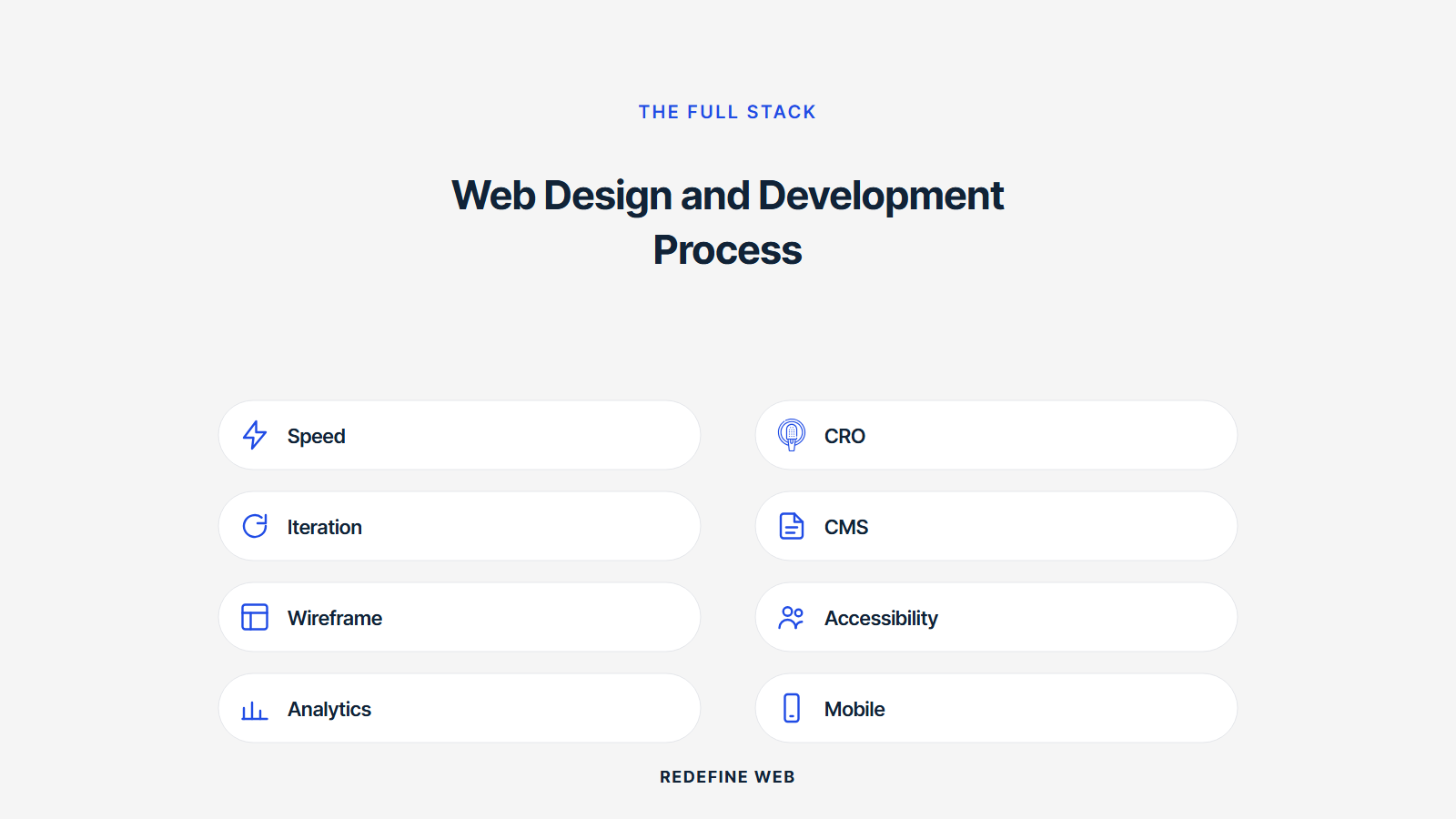
The web design and development requirement form is a two-page intake the client fills out before the discovery call. It captures business goals, primary audience, competitor examples, content summary, integration list, brand assets, hosting environment, launch date, budget band, and constraints. Every answer feeds the discovery workshop directly and speeds scoping.
Some agencies push a 20-page requirement form up front and lose the deal at page eleven. Others take a five-minute intake call and skip the paper trail. Both extremes fail. Deliver a two-page form. Follow with a 45-minute call. Together they capture 90 percent of the scoping signal in under two hours of client time. Any web design and development requirement form that takes longer than two hours to fill is signaling process theater, not real discovery.
Business goals section on the form
The business goals section captures three answers. What does the site need to do more of. What does it need to do less of. What does success look like in twelve months in a real measurable number. Vague answers here forecast vague scope. Concrete answers here forecast tight scope. Any requirement form that skips the measurable success question is going to hit month six with no way to prove the build worked.
Integration list section on the form
The integration list captures every third-party system the site needs to talk to. CRM. Email platform. Payment processor. Booking tool. Analytics stack. Search. Live chat. Every integration adds days to the back-end sprint. A form that lists 12 integrations forecasts a build that runs three weeks longer than a form that lists three integrations. Better to know at intake than to discover at week nine.
Where to start on your own web design and development process
Start with the requirement form and the discovery call. Those two together tell you the scope, the team size, the timeline, and the budget band. From there you can plan the six phases in real detail. Any project that starts with a Figma prototype before the requirement form is a project that will be redesigned at week nine. Any project that starts with the requirement form and a discovery workshop stays inside the scope from day one.
When you are ready to scope the real build, our web design and development services covers the full stack from discovery through retainer. If your scope calls for a WordPress-specific build, see our WordPress website development services. For fixed-scope small-business builds, our website design packages map the small-team tier. For deeper reading on how design and code roles split, see our post on web design vs web development, and on how to pick a partner, our post on how to choose a web design and development company. For member-driven site work specifically, see our association and nonprofit web design and development post for the added phases that pattern adds.
Frequently asked questions
What is the web design and development process in 2026?
The web design and development process runs across six phases: discovery, information architecture and wireframes, visual design, build and integration, QA and content load, and launch plus post-launch retainer. Each phase has a defined input, a defined output, and a named owner. Discovery lasts one to three weeks and produces a scope document plus a project plan. Wireframes lock the structure. Visual design lands the brand. Build turns Figma into working code. QA hardens the site. Launch ships. The retainer keeps the site alive. Any process that skips a phase is trading week one savings for month six rework.
What are the standard web design and development process steps every agency runs?
Standard web design and development process steps include kickoff, stakeholder interviews, competitive audit, sitemap, wireframes, content outline, mood board, high-fidelity mockups, design system, front-end build, back-end integrations, content load, accessibility audit, cross-browser testing, staging review, DNS cutover, post-launch monitoring, and a 30-day punch list. Small builds compress the steps. Large builds add regulatory review, security testing, and multi-language QA. The steps stay the same in shape. What changes is depth, timeline, and team size. Any agency that runs a 20-page site the same way as a 200-page enterprise build is either overquoting the small one or underquoting the big one.
What are the standard web design and development process stages by team size?
Standard web design and development process stages run three shapes depending on team size. A three-person team runs discovery, design, and build in tight overlap because the same people cover multiple roles. A six-person team runs each stage in a linear sequence with dedicated owners. A twelve-person team runs stages in parallel workstreams (design system, content, engineering, integrations) coordinated by a producer. Every shape ends the same way: launch, punch list, retainer. Team size does not change the stages, only the parallelism and the review cadence.
How long do web design and development phases actually take?
Web design and development phases run one to twelve weeks each depending on scope. Discovery lands at one to three weeks. Wireframes at two to four weeks. Visual design at three to eight weeks. Build at four to twelve weeks. QA at one to three weeks. Total: 12 to 30 weeks end to end for a serious build. Small landing site rebuilds run 6 to 10 weeks total. Enterprise builds with regulatory review or multi-language ship 30 to 52 weeks. Any team quoting under six weeks for a full corporate site is skipping the QA phase and calling it agile.
What goes in a web design and development project plan?
A web design and development project plan lists every deliverable, every reviewer, every review cycle length, every dependency, and every risk. Deliverables tie to phases. Reviewers get named by role, not by team. Review cycles get length limits (typically 3 to 5 business days per review). Dependencies flag upstream blockers before they trigger a timeline slip. Risks get an owner and a mitigation plan. Any project plan without named reviewers is going to hit a Friday afternoon debate about who owns the sign-off, and the launch slips by a week.
What web design and development requirements should the requirement form capture?
The web design and development requirement form captures business goals, primary audience, competitor examples, content inventory, integration list, brand assets, hosting environment, launch date, budget band, and constraint list. Business goals ties to measurable KPIs. Audience ties to user journeys. Content inventory ties to page count. Integrations ties to sprint planning. Brand assets ties to design starting point. A short requirement form (one to two pages) captures 80 percent of the scoping signal. Long forms lose the client at page four. Ship the short version and follow with a call.
What belongs on the web design and development checklist before launch?
The web design and development checklist before launch covers accessibility (WCAG 2.2 AA on every page), performance (Core Web Vitals in the green on the top 20 URLs), SEO baseline (meta tags, structured data, sitemap, robots), analytics (GA4 and Search Console verified), redirects (every old URL mapped), backups (full site backup taken), monitoring (uptime and error alerts wired), and documentation (content editor guide and admin handoff). Miss any one and you launch with a preventable regression. Every item stays on the checklist across every project regardless of scope. The checklist is the tax you pay for a clean launch.
Book your free 30-minute strategy call.
No spam, no sales rep. We use your email to schedule your call with a senior strategist. That is it.
More from the blog
View all articles → Web Design
 Core Web Vitals Healthcare Websites Actually Need to Book Patients
Read article Web Design
 Professional Services Website Design Best Practices for 2026
Read article Web Design