
Google Ads vs LinkedIn Ads for B2B Lead Generation in 2026
- Google Ads captures active demand and LinkedIn Ads generates new demand.
- Compare on qualified leads and pipeline, not form fills or cost per click.
- Match budget split to sales cycle length and category search demand.
- Wire CRM first-touch and last-touch fields before comparing channels.
- Fair comparison needs 90 to 180 days and $8K plus test budgets.
- Sales cycle fit for google ads vs linkedin ads for b2b
- A real linkedin vs google ads for b2b case study
- Creative that works on each channel
- Attribution across google ads and linkedin ads
- Picking the right mix for your B2B account
- Pitfalls in the google ads vs linkedin ads for b2b comparison
- Integrating both channels operationally
- Wrapping up google ads vs linkedin ads for b2b
Google ads vs linkedin ads for b2b is one of the most common conversations we walk into on a new engagement. Marketing leadership wants to know which channel to fund. Sales wants to know which channel produces the leads they can actually close. Finance wants to know which channel has the better ROAS. The honest answer is that both channels do different jobs and the right mix depends on your category, sales cycle, and deal size. Anyone selling you one over the other is selling a channel, not a strategy.
This post compares google ads vs linkedin performance in b2b on the metrics that actually matter. Cost per qualified lead. Targeting precision. Sales cycle fit. Pipeline generated per dollar spent. You get real numbers from live accounts, a framework for picking the mix, and the specific situations where one channel outperforms the other. Every section maps to accounts our team runs from $8K to $180K a month across both platforms.
Sales cycle fit for google ads vs linkedin ads for b2b
Sales cycle length changes which channel produces the better ROAS for your business. Short cycles favor Google Ads because the buyer is already searching. Long cycles favor LinkedIn Ads because you need multiple touches over months to warm the buyer. The wrong channel for your cycle burns budget and teaches nothing.
The rough cutoff is 90 days. Sales cycles under 90 days usually see stronger Google Ads ROAS because the search-to-close window fits within the attribution window and the buyer is already in-market. Sales cycles over 90 days often see stronger LinkedIn ROAS at the account level because the multi-touch nature of LinkedIn matches the multi-touch nature of the sales process. Below is the fit matrix we use.
Sales cycles under 90 days
Under 90 days, tilt the budget toward Google Ads. Typical split is 70 percent Google Ads, 30 percent LinkedIn. Google Ads picks up buyers ready to evaluate. LinkedIn plays a supporting role for brand awareness and account-based plays. Industrial B2B and small-business SaaS often sit here. Payback windows are short. ROAS visibility is fast. Optimization cycles are quick because attribution completes within a month.
Sales cycles over 90 days
Over 90 days, balance the budget more evenly. Typical split is 50/50 or 60/40 depending on category. Google Ads captures the buyer once they start searching. LinkedIn warms the buyer during the 60 to 180 days before they start searching. Enterprise SaaS, cybersecurity, and enterprise services often sit here. ROAS visibility takes 6 to 12 months. Attribution complexity increases. Reporting needs first-touch and last-touch source captured on every lead so you can credit both channels correctly.
A real linkedin vs google ads for b2b case study
Rapyd Financial Network is a fintech SaaS company providing cloud-based payments and compliance tools. When they engaged us, Google Ads was running on generic keywords with no offline conversion feed and LinkedIn was not running at all. Monthly inbound leads sat around 5. The single-channel dependency was masking that neither channel was set up correctly.
We restructured Google Ads into three intent tiers with offline conversion imports from HubSpot, then layered LinkedIn Ads with job-title and industry targeting focused on payments compliance leads at fintech companies. Google Ads carried the near-term search-intent buyers. LinkedIn built pipeline with buyers 3 to 6 months out. Inside a year, monthly inbound leads tripled, over 1.8 million pounds of inbound sales pipeline generated, and organic traffic grew 5x on the back of the paired paid and content investment.
| Metric | Before | After |
|---|---|---|
| Monthly inbound leads | ~5 | Tripled |
| Inbound sales pipeline | Untracked | Over 1.8m pounds |
| Organic traffic | Baseline | 5x |
| Google Ads structure | Generic keywords | Three intent tiers |
| LinkedIn Ads | Not running | Job title plus ABM |
Every google ads vs linkedin ads for b2b conversation we sit in eventually surfaces the same argument. Somebody insists LinkedIn is dead because their $6K test three years ago produced two leads and both ghosted. Somebody else insists Google Ads is dead because their agency spent $18K a month and never showed a pipeline number. Both stories are usually true. Both channels can produce awful results when set up wrong. Neither channel is dead. The channel is not the problem. The setup is. Sometimes the highest-ROI move is admitting the last agency ran the account into the ground and starting over.
Creative that works on each channel
Creative for google ads vs linkedin ads for b2b differs enough that copying one to the other kills performance. Google Ads copy responds to intent capture. LinkedIn Ads copy responds to disruption of a scroll. Same buyer, same brand, different creative jobs.
Google Ads responsive search ads win when headlines name the buyer’s role, a specific outcome with a number, or flip an objection. LinkedIn ads win when the creative interrupts the scroll with a specific hook that makes the buyer curious. Below are the patterns that work on each channel in real accounts we run every week.
Google Ads creative patterns
- Headlines that name a role: For CFOs, For RevOps Leads, For CTOs
- Headlines with a specific number: Cut Demo No-Shows 40%, Book 3x More SQLs
- Headlines that flip an objection: No 6-Month Contract, Integrates in a Week
- Descriptions with proof: 400+ B2B teams operational in 90 days
- Sitelinks answering discovery questions: Pricing, Integrations, Case Studies, Demo
LinkedIn Ads creative patterns
- Hook copy naming a specific pain: Your finance team spends 32 hours a month reconciling
- Single-image ads with a bold statement, not a stock photo of a laptop
- Video ads under 30 seconds with captions on and a specific outcome
- Document ads sharing a real playbook page-by-page with a soft CTA at the end
- Conversation ads for late-funnel prospects with sales rep names
Pick the channel your existing customers came from. If 80 percent came from search, LinkedIn is a demand test, not your main channel. Match spend to the past.
Attribution across google ads and linkedin ads
Attribution is the piece that decides whether google ads vs linkedin ads for b2b is a productive conversation or a religious argument. Without proper multi-touch attribution, both channels get credited or discredited based on last-touch alone, and last-touch systematically favors Google Ads because Google Ads is often the final click before conversion. That distorts every budget conversation.
Proper attribution captures first-touch source and last-touch source on every lead in your CRM. It uses UTM tagging on both platforms. It imports offline conversions back into Google Ads and LinkedIn Campaign Manager for smart bidding. It runs a first-touch report and a last-touch report side by side in monthly leadership reviews. Deeper coverage of multi-channel attribution for SaaS teams lives in our SaaS PPC Services.
CRM fields every B2B needs
Every lead in your CRM needs at least four attribution fields. First-touch source. First-touch campaign. Last-touch source. Last-touch campaign. Without those, you cannot credit Google Ads and LinkedIn Ads correctly, and you end up defunding whichever channel touches the buyer earlier. Add the fields in HubSpot, Salesforce, Pipedrive, or Zoho before you spend another dollar on either channel. The setup takes 2 to 4 hours and pays for itself inside a month.
Attribution windows aligned to sales cycle
Set Google Ads click-through attribution window to match your sales cycle. A 90-day cycle needs a 90-day window. LinkedIn Campaign Manager also lets you set conversion windows up to 90 days on click and 7 to 30 days on view. Match both to your sales reality. Default 30-day windows truncate B2B pipeline and cause both platforms to under-report conversions.
Picking the right mix for your B2B account
The mix decision comes down to three variables. Sales cycle length. Category search demand. Total paid budget. Below is the decision framework we run for new B2B accounts weighing google ads vs linkedin ads for b2b.
Start with the diagnostic questions. If your category has strong search demand and your sales cycle is under 90 days, tilt Google Ads. If your category has weak search demand and your ICP is precisely definable by job title, tilt LinkedIn. If both conditions are strong, run 60/40 or 50/50 splits. If both are weak, the problem is bigger than channel selection and needs a category or ICP refresh.
Strong search demand, short sales cycle
Tilt 70 to 80 percent of paid budget to Google Ads. Mid-market SaaS, industrial B2B, and small business services usually sit here. Google Ads scales with search demand up to a ceiling. LinkedIn plays a supporting role for account-based remarketing and awareness. Payback window is short. Reporting is clean. Optimization cycles run monthly. This is the most straightforward B2B paid setup, and the one where Google Ads dominates the budget conversation.
Weak search demand, precise ICP
Tilt 60 to 75 percent of paid budget to LinkedIn Ads. New-category B2B, enterprise cybersecurity, and specialized vertical software sit here. Google Ads plays a brand defense role and captures the few buyers who do search. LinkedIn does the demand generation work. Payback window is longer. Reporting requires first-touch attribution. Optimization cycles run quarterly. This is where most new B2B companies live before category demand matures.
Balanced demand, long sales cycle
Run 50/50 or 60/40 splits. Enterprise SaaS, mid-market fintech, and services with multi-quarter cycles sit here. Both channels do real work. Multi-touch attribution matters. Reporting shows both first-touch and last-touch credit. This is the most operationally intense B2B paid setup because both platforms need active management, but it is also the setup that produces the most pipeline per dollar spent when done well.
Pitfalls in the google ads vs linkedin ads for b2b comparison
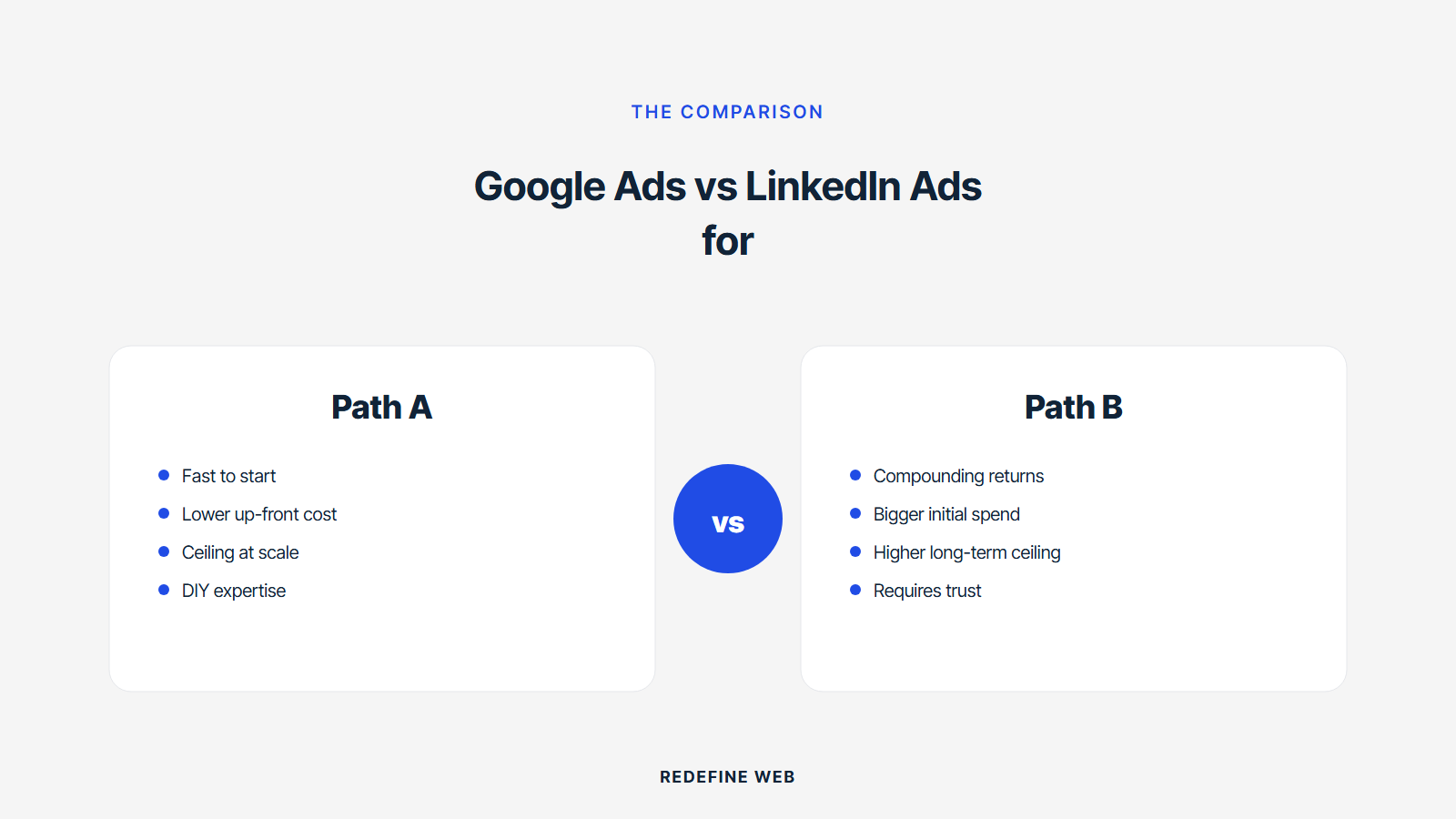
Most B2B teams pick the wrong channel because they run bad comparisons. Below are the pitfalls we see most often. Each of them warps the picking decision and costs 3 to 12 months of avoidable budget.
- Comparing form fills across channels instead of qualified leads or opportunities
- Using last-touch attribution only, which systematically undercredits LinkedIn
- Running LinkedIn tests below $8K a month, which does not clear the learning threshold
- Running Google Ads without offline conversion imports, which distorts smart bidding
- Comparing 90-day tests to 12-month baselines and calling one channel the winner
- Copying creative between channels instead of building for each channel’s job
- Testing both channels on the same offer without differentiating for buyer stage
Minimum viable test budgets
Minimum viable test budget for Google Ads is $4,500 to $7,500 per month per campaign, because smart bidding needs 30 to 50 conversions per campaign to work. Minimum viable test budget for LinkedIn is $8K to $12K per month across a campaign, because LinkedIn CPMs are higher and the auction needs volume to stabilize. Testing below these thresholds tells you nothing about channel performance. It tells you your test was under-funded. Anyone who claims a channel does not work after a $2K test is telling you they cannot read a data volume constraint.
Test duration for fair comparison
Fair channel comparison needs 90 days minimum, and 180 days is better for long sales cycles. LinkedIn typically shows leading indicators inside 45 days and pipeline attribution inside 120 days. Google Ads shows form fills inside 7 days and pipeline attribution inside 60 to 90 days. Calling a winner inside 30 days is a lot like calling a race at the second turn. Google Search Central has coverage of paid attribution at the Google Ads help hub and LinkedIn’s official docs live at the LinkedIn Marketing solutions best practices, and the LinkedIn conversion tracking guide covers offline conversion imports.
Integrating both channels operationally
Running both google ads and linkedin ads for b2b together produces the best results, but only when the operations are integrated. Both channels feeding into the same CRM. Both channels tagged with UTMs that CRM captures. Both channels reporting into a shared dashboard leadership can compare on the same page. Anything less than that operational integration turns two channels into two silos.
The reporting layer needs three views. Channel-level view showing spend, form fills, qualified leads, opportunities, and pipeline for each channel. Campaign-level view showing top and bottom campaigns within each channel. Multi-touch view showing first-touch and last-touch credit distributed across both channels. Every view answers a different leadership question. Missing one usually means budget conversations happen without the right context.
Shared dashboard structure
Page one of your monthly report shows Google Ads and LinkedIn Ads side by side on spend, form fills, qualified leads, opportunities, and pipeline. Trend against prior month and prior quarter. Page two shows attribution split by first-touch versus last-touch. Page three shows what changed and what is planned for next month. Anything beyond page three is optional detail. If leadership never reads past page two, the summary structure is working. The most common mistake in shared dashboards is leading with platform metrics.
Team structure that supports both
Running both channels well typically takes one dedicated paid marketer plus a shared operations resource for tracking, or an agency partner running both channels under one roof so the channels stay coordinated. Splitting Google Ads and LinkedIn between two agencies rarely works because the agencies fight for credit and the reporting stops being trustworthy. Our Google Ads Management Services and our B2B SaaS Marketing Agency Tied to Pipeline pages cover the integrated approach.
Wrapping up google ads vs linkedin ads for b2b
Google ads vs linkedin ads for b2b is a portfolio question. Both channels do real work when set up properly. Both channels waste budget when set up poorly. The right mix depends on your category search demand, ICP specificity, sales cycle length, and total budget. Any answer to the question that ignores those four inputs is guessing.
Pick 4 to 6 diagnostic questions from this post that match your account’s biggest gaps right now. Answer them honestly with your sales team and your finance team. That conversation usually decides the next 12 months of your paid strategy. Then wire the CRM fields and offline conversion imports both channels need to actually prove what worked.
Frequently asked questions
Which is better, google ads vs linkedin ads for b2b lead generation?
Neither is universally better. Both channels do different jobs. Google Ads captures active buyer intent from search queries and works best for B2B categories with defined terminology and existing search demand. LinkedIn Ads generates new demand from buyers who match your ICP whether or not they are searching, and works best for categories with weak search demand or precise job-title-defined buyers. Most mature B2B programs run both channels with 60 to 75 percent of spend on Google Ads and 25 to 40 percent on LinkedIn Ads. The exact split depends on your sales cycle length, category demand, and ICP specificity. Anyone insisting one channel wins is selling a channel, not strategy.
How does google ads vs linkedin performance in b2b compare on cost per lead?
Google Ads wins on cost per form fill in every segment. LinkedIn Ads wins on qualified lead rate in every segment. Cost per opportunity ends up in a similar range because higher LinkedIn cost per lead is offset by higher qualified rate. For mid-market SaaS, Google Ads cost per qualified lead sits between $120 and $340 while LinkedIn sits between $180 and $560. For enterprise, both climb 40 to 80 percent higher. For industrial B2B, both channels run 30 to 50 percent lower. Do not compare on cost per form fill because form fill quality varies 3x to 5x between channels. Compare on cost per opportunity, which requires offline conversion imports from your CRM.
When should I use linkedin ads vs google ads for b2b lead gen?
Use LinkedIn Ads when your category has weak search demand, your ICP is precisely definable by job title and industry, and your sales cycle is longer than 90 days. Use Google Ads when your category has strong search demand, your buyers actively search for a category solution, and your sales cycle is under 90 days. Use both when your buyer journey involves multiple touches across search and social. LinkedIn typically wins for new categories, enterprise cybersecurity, and specialized vertical software. Google Ads typically wins for CRM, project management, accounting software, and industrial B2B. Run tests of at least 90 to 180 days at minimum viable spend before calling a winner.
What is the linkedin vs google ads for b2b budget split most programs run?
Most mature B2B programs run 60 to 75 percent of paid budget on Google Ads and 25 to 40 percent on LinkedIn Ads. New-category B2B programs often flip that ratio because search demand is thin and LinkedIn ICP targeting produces better ROAS. Enterprise cybersecurity and specialized vertical software programs sit at 50/50 or 40/60 favoring LinkedIn. The right split depends on your category, sales cycle, and ICP specificity. Start with a 70/30 favoring Google Ads if you have measurable search demand, and iterate quarterly based on cost per opportunity by channel. The wrong split does not become obvious for 6 to 12 months, so treat channel mix as a monthly decision, not an annual one.
How do I test google ads vs linkedin ads for b2b fairly?
Fair channel comparison needs three things. Minimum viable test budgets of $4,500 to $7,500 per month per Google Ads campaign and $8K to $12K per month for LinkedIn. Test duration of at least 90 days with 180 days preferred for long sales cycles. Attribution that captures first-touch and last-touch source on every lead in your CRM. Testing below the budget thresholds tells you your test was underfunded, not that the channel does not work. Comparing form fills across channels tells you nothing useful because form fill quality varies 3x to 5x. Compare on qualified leads at minimum, and on cost per opportunity or cost per closed-won deal when possible.
What creative works best on google ads vs linkedin ads for b2b?
Google Ads responsive search ads win with headlines that name the buyer's role, a specific outcome with a number, or flip an objection. Generic value-prop headlines rate Low almost every time. LinkedIn Ads win with hook copy naming a specific pain, single-image ads with bold statements instead of stock laptops, video ads under 30 seconds with captions, document ads sharing real playbooks, and conversation ads for late-funnel prospects. Copying creative between channels kills performance because the jobs differ. Google Ads copy captures intent. LinkedIn Ads copy interrupts a scroll. Build each channel's creative for the specific job it does in your funnel.
Book your free 30-minute strategy call.
No spam, no sales rep. We use your email to schedule your call with a senior strategist. That is it.
More from the blog
View all articles → PPC
PPC Healthcare PPC Advertising Channels Compliance and Targeting
Read article PPC
PPC Dental Facebook Ads Guide for Practices That Book Patients
Read article PPC
PPC