
Healthcare Web Hosting Built for Speed and HIPAA Compliance
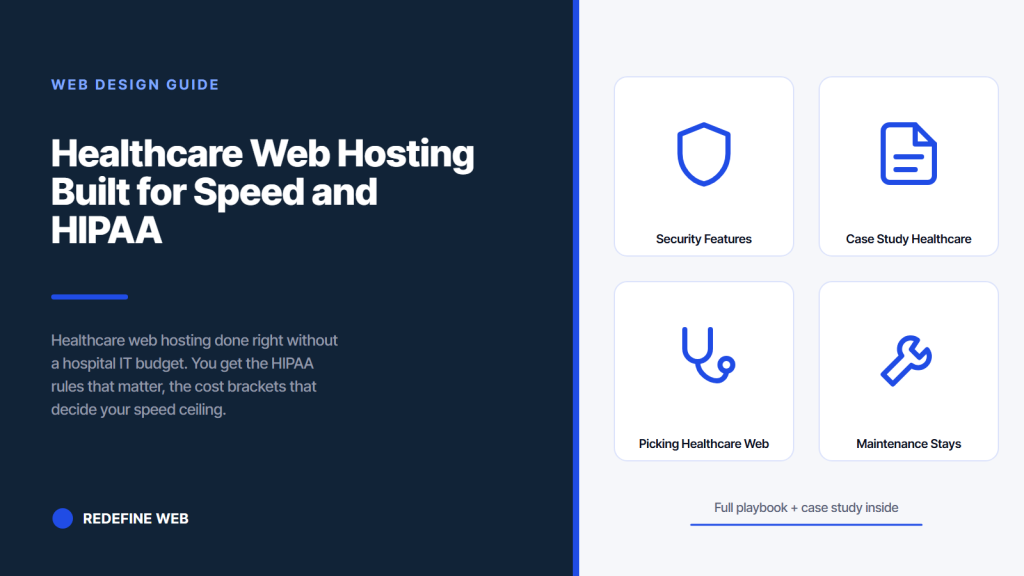
- HIPAA triggers on identity plus health. Not every form triggers it.
- Host sets the speed ceiling. Cheap hosting kills healthcare LCP.
- Split marketing site from HIPAA-eligible intake form. Real cost savings.
- iSmile hit 900% patient growth on a rebuilt hosting foundation.
- Managed WordPress at $30-$70/mo covers most solo and small-group practices.
- HIPAA compliant hosting for healthcare websites feature list
- Web hosting for healthcare security features to demand
- Migration playbook for a healthcare web hosting switch
- Case study on healthcare web hosting done right
- Picking healthcare web hosting without a bad marriage
- Healthcare web hosting maintenance stays connected to the site
- Warning signs your current healthcare web hosting is failing
- Where to start on a healthcare web hosting refresh
Healthcare web hosting is one of those decisions that sits quiet for years until it turns into a Sunday morning ranking crash. You’ve probably inherited a host from whichever agency built the site three refresh cycles ago. Nobody wrote down why that host was picked. Nobody has looked at the bill in eighteen months. Then Google flags Core Web Vitals in the red, a patient reports the intake form timing out, and you find out the host is a shared server in Ohio holding 400 other sites hostage together. That is the moment healthcare web hosting stops being invisible and starts costing real money.
This guide walks through the healthcare web hosting decisions that actually matter. What triggers HIPAA. What HIPAA compliant hosting for healthcare websites actually looks like under the hood. Real cost brackets by practice size. Migration timing that avoids downtime. The healthcare website security features to look for before signing anything. And the iSmile Dental Spa engagement that ran 900 percent patient growth on a rebuilt hosting foundation. Read straight through in about eleven minutes.
HIPAA compliant hosting for healthcare websites feature list
HIPAA compliant hosting for healthcare websites is not a checkbox on a marketing page. It is a specific technical and legal stack. The Business Associate Agreement is the legal spine. Encryption at rest and in transit is the technical spine. Access logging with audit trails is the accountability spine. Physical facility controls at the data center are the physical spine. Miss any one and the compliance falls apart no matter what the marketing brochure says.
The full technical requirement list runs longer than most practices realize. Encrypted database. Encrypted backups. Encrypted transit via TLS 1.2 or newer. Access logs retained for six years. Automatic session timeout on any admin interface handling PHI. Two-factor authentication on every login. Isolated tenant environment so your site does not share memory with a neighboring account. Regular vulnerability scanning. Documented incident response plan. Get the vendor’s HIPAA compliance one-pager before signing. If they cannot produce one, they are not HIPAA-compliant. Walk.
- Business Associate Agreement (BAA) signed and specific to your account
- Encryption at rest for the database, file system, and backups
- Encryption in transit via TLS 1.2 or newer on every endpoint
- Access logs retained six years minimum for audit trails
- Session timeout on any admin interface handling PHI
- Two-factor authentication on every admin login
- Isolated tenant environment (dedicated resources or verified isolation)
- Regular vulnerability scanning with documented remediation timelines
- Documented incident response plan with breach notification workflow
- Physical data center controls (SOC 2 or ISO 27001 certified)
What to check in the BAA before signing
The BAA needs to name your practice specifically and cover every service you use from that vendor. Some hosts sign one BAA that covers hosting only, then charge extra for a BAA that covers email or backups. Read the schedule of covered services. Confirm the breach notification window (60 days is HIPAA baseline). Confirm the vendor’s incident response commitments. Confirm subcontractor coverage. If the host uses a third party for backups, that third party is also a Business Associate and needs to be named in the flowdown. Most compliance failures on healthcare hosting happen at the subcontractor layer, not the primary host.
Audit logs you can actually access
Audit logs are a HIPAA requirement, but the useful log is the one you can pull on demand during an audit or after a suspected breach. Some hosts store logs internally and only release them by ticket, which takes days. Better hosts give you self-service access to your account’s audit trail in real time. Ask for a demo of the log interface before signing. If the vendor cannot show you a live log during the sales call, they probably cannot show it to you during an audit response either. That is the moment the compliance evidence you paid for turns into a bureaucratic wait.
Web hosting for healthcare security features to demand
Web hosting for healthcare accounts should include a security stack that goes beyond generic hosting. WAF (web application firewall) blocks common attack patterns before they hit your WordPress install. Automated malware scanning catches infections early. Automatic core and plugin updates on staging first, then production, cuts the exposure window on newly disclosed vulnerabilities. Managed backups with tested restore paths are the difference between a two-hour outage and a two-day disaster.
Ask the vendor these five questions on the sales call. How often do you patch WordPress core after a security release. What is the average time between disclosure and patch on your platform. How often are backups tested via actual restore. What is the malware scan frequency and how are you notified. What is the WAF rule update cadence. The specific answers separate real security hosts from ones that use the word security in the marketing copy. Any answer that vague-out into brand statements is a red flag. Written specifics or walk.
WAF configuration for healthcare websites
Cloudflare, Sucuri, and Wordfence Premium all offer solid WAF products. The best hosts pre-configure a WAF layer at the network edge before requests hit your site. Managed WordPress hosts on Kinsta and WP Engine include a network-level WAF by default. Bargain hosts do not. If you are running a healthcare website security stack on bargain hosting with no WAF, you are exposed to automated attack traffic every day. Bots probe healthcare WordPress sites specifically because they know the security posture is usually weak. A WAF layer stops 80 to 90 percent of that traffic before it costs you anything. See the WordPress security hardening documentation for the baseline stack every site should apply.
Backup strategy that actually restores
A backup you have never tested is not a backup. Most healthcare hosting incidents we investigate involve a client who thought they had backups, only to discover the last successful backup was 47 days old and had never been restore-tested. Daily backups. 30-day retention minimum. Quarterly test restores to a staging environment. Off-server storage of at least one copy. That is the minimum spec. Hosts that offer daily backups but no test restore path are selling you a false sense of security. Ask for a restore-test SLA in writing.
Migration playbook for a healthcare web hosting switch
Migrating a live healthcare site to a new host is where most switch attempts go sideways. DNS TTL misconfigured, staging site indexed by Google, email records lost during the DNS switch, forms failing to submit for 12 hours after cutover. Every one of those is preventable with a written migration plan. Do the plan. Sign off on the plan. Execute the plan. The plan is a two-page document, not an epic. It just has to exist.
Start by lowering DNS TTL to 300 seconds a full week before cutover. That lets the DNS change propagate in five minutes instead of 24 hours. Set up the new host in parallel. Copy the site, plugins, uploads, and database. Test every form on the new host with test submissions that fire real notifications. Test SSL. Test speed. Test on mobile. Only after every test passes on the new host do you flip DNS. Cutover happens at 2 AM local time, not during business hours. Total downtime for a well-executed migration is 5 to 15 minutes.
DNS cutover without breaking email
The DNS switch on a healthcare site migration breaks email more often than it breaks the site. Practices run email through Google Workspace or Microsoft 365 with MX records pointing at those services. Those MX records live in the same DNS zone as the A record for the website. Careless migrations overwrite the whole zone with the new host’s default records and knock out email for a day. Export the full DNS zone before the switch. Preserve every MX, TXT, DKIM, SPF, and DMARC record. Only change the A record and the CNAME for www. That surgical DNS edit prevents the email outage.
SEO preservation during the switch
URL structure stays identical during a hosting migration unless you are also rebuilding the site. Same slugs, same folders, same trailing slash convention. Robots.txt allows crawling on the new host as it did on the old. Sitemap.xml stays available at the same URL. Meta canonical tags stay intact through the database copy. Any accidental change to any of those elements can drop 20 to 40 percent of organic rankings for weeks. Verify each after cutover using Search Console URL inspection. Fifteen minutes of verification protects months of ranking work.
If your form asks name, phone, email, appointment time only, you sit outside HIPAA scope. Check with compliance before paying /mo for the top tier.
Case study on healthcare web hosting done right
iSmile Dental Spa in Carmichael, California is a sedation and general dentistry practice that came to us on a bargain shared host with an aging WordPress install, a non-mobile-friendly theme, and no site speed to speak of. Mobile LCP averaged 6.4 seconds. Bounce rate on new-patient searches ran 78 percent. The site was there, technically, but it was not booking patients. The rebuild had to include a proper hosting foundation before anything else made sense.
The engagement covered a hosting migration to managed WordPress with a CDN, a full site rebuild, HIPAA-eligible intake form on a separate compliant platform, SEO restructure, Google Ads management, local SEO, and video production. Patient growth climbed 900 percent across the engagement. Organic traffic climbed 800 percent. Marketing ROI hit 500 percent. The hosting change alone was not the whole story, but it was the foundation everything else stood on. A slow host would have wasted every downstream tactic.
Outcome measured across the engagement
Mobile LCP dropped from 6.4 seconds to 1.8 seconds. Uptime moved from 98.4 percent on the old host to 99.98 percent on the managed host. TTFB dropped from 1.4 seconds to 180 milliseconds. Patient growth 900 percent. Organic traffic 800 percent. Marketing ROI 500 percent. Every number came from a stack that treated web hosting for healthcare as a foundational choice, not a line item to minimize. The rebuild paid back inside three months on new-patient revenue alone.
Lessons for other practices
Two lessons carry over. First, treat healthcare web hosting as the foundation, not a footnote. Every downstream tactic (SEO, PPC, content, video) works better on a fast, reliable host and worse on a slow, unreliable one. Second, the marketing site plus HIPAA-eligible intake form split saves real money without losing compliance. iSmile runs the main site on managed WordPress and the intake form on a compliant platform. Same pattern most solo and small-group practices can adopt on their next hosting refresh.
Picking healthcare web hosting without a bad marriage
Most practices pick a host once and stay for five to seven years. The switch cost is real. The switching pain feels bigger than the ongoing pain of a mediocre host, which is why so many practices coast on suboptimal hosting for years. Break that pattern by running a proper vendor evaluation on any new engagement, not just when the old host has already failed. Six hours of vendor research beats six years of stuck-with-what-you-got.
Score three vendors on the same criteria. Speed benchmark on a test site of similar size. HIPAA readiness including BAA availability. Security stack specifics (WAF, backups, malware scan). Support response time on healthcare-specific tickets. Migration support included or extra. Contract term flexibility. Pricing at your traffic level, not the sample level. That six-column comparison drops most vendors quickly. Two or three make the final list. Pick the best fit for your actual usage pattern, not the cheapest number.
Support quality separates managed hosts
Managed WordPress support ranges from live chat with real WordPress engineers who can debug plugin conflicts inside your account, down to a generic ticket queue that emails you a link to their knowledge base. Test support before signing. Open a pre-sales ticket about a specific WordPress issue and see who responds, in what time, with what depth. That test predicts your real support experience for the next five years. Two-minute response with a specific answer beats a two-day response with a generic link every time. Practices that skip this test end up on hosts whose support experience does not match the sales pitch.
The classic host support call goes like this. Site is slow. You open a ticket. Support suggests clearing cache. You clear cache. Site is still slow. Support suggests deactivating plugins. You deactivate plugins. Site is still slow. Support suggests contacting a developer. You contact a developer. Developer looks at the server and says the host is running your account on a machine with 380 other WordPress sites and one of them is a crypto miner. Support closes the ticket. That is not support. That is a knowledge base with a chat window bolted on.
Contract terms and switching costs
Annual contracts on managed hosting typically save 15 to 25 percent over monthly billing. That savings is worth it once you know a host works for you. Signing an annual contract in month one is a bet you have not earned yet. Run the monthly plan for the first quarter, then switch to annual when you have confidence in the host. Some vendors charge migration or setup fees that lock you in even without a formal contract. Read the fine print on cancellation. Every vendor charges cancellation costs somewhere. Find that clause before signing.
Healthcare web hosting maintenance stays connected to the site
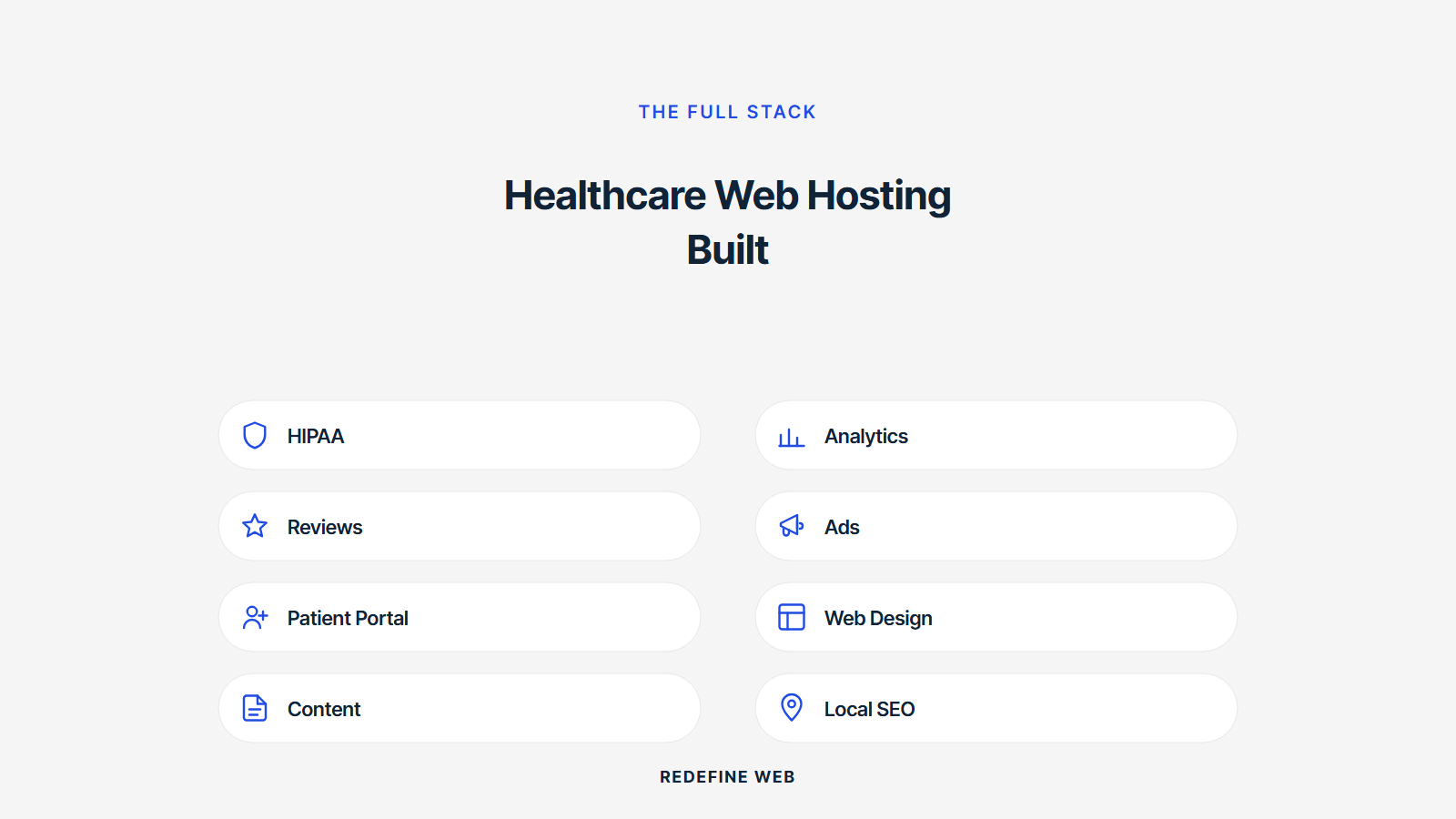
Hosting decisions do not stop at the migration. The ongoing maintenance work happens on top of the host. WordPress core updates. Plugin updates. Theme updates. Security patches. All of these interact with the host in ways that either go smoothly or cause 3 AM alerts. Managed WordPress hosts handle core updates automatically. They test plugin updates on staging first. They roll back if something breaks. Bargain hosts do none of this and expect you to run everything yourself.
Post-launch maintenance for a healthcare site should include monthly plugin updates on staging, security patching within 48 hours of disclosure, uptime monitoring with real inbox alerts, quarterly restore tests, and monthly speed audits. Retainers that cover this stack run $599 and up per month depending on scope. Our Healthcare Website Maintenance Services guide covers what the full stack looks like end to end.
Staging workflow that keeps production stable
Every managed WordPress host worth using includes a one-click staging environment. Push production to staging. Apply updates on staging. Test the site works. Push staging back to production. That workflow prevents the classic Sunday morning outage where a plugin update broke a live form. Staging is not a nice-to-have. It is the difference between confidence updates and terrified updates. Bargain hosts that do not offer staging force you to update in production, which is how outages happen. Do not update in production. Ever.
Monitoring alerts that reach a real person
Uptime monitoring services like UptimeRobot (free), Better Stack ($29/mo), or Pingdom ($15/mo) check your site every 60 seconds and alert on outages. Route the alerts to an inbox someone actually checks. Better yet, route them to a phone via SMS. A five-minute outage caught immediately turns into a two-minute fix. A five-hour outage discovered by the front desk on Monday morning turns into a Monday of angry patients and a lost week of new-patient bookings. The monitoring service costs less than one lost patient.
Warning signs your current healthcare web hosting is failing
Some hosting problems announce themselves. Sites going down for hours. Forms failing to submit. Admin dashboard freezing when you try to save a page. Others hide. Slow crawl rate in Search Console. Unexplained TTFB of 900 milliseconds. Random plugin errors that cannot be reproduced. Missed uptime SLA that only shows up in the monthly report. If two or more of these patterns match your site, the host is failing quietly and it is time to plan a switch.
The single easiest test to run right now is a mobile PageSpeed Insights test on the homepage. If mobile LCP is over 4 seconds, the host is a likely cause. If TTFB is over 600 milliseconds, the host is almost certainly a cause. Numbers do not lie the way vendor sales pages do. Trust the numbers. Fix the host. Everything else gets easier.
Support signs of a failing relationship
Support responses that take more than 24 hours. Tickets that get closed without resolution. Vague answers that redirect to the knowledge base. Sales reps assigned to your account who cannot answer a technical question. Any of these is a sign the vendor’s operational model does not match healthcare’s uptime requirements. Practices dealing with these issues are usually paying for a tier that promises white-glove service but delivers a queue. Switch. Better vendors exist.
Cost creep without value creep
Some hosts raise prices annually without adding features or improving performance. If your bill has climbed from $18 per month to $47 per month over three years and the site is still slow, you are paying more for less. Managed WordPress hosts with proper pricing tiers do not creep this way. They price transparently by traffic and plan. Practices that let cost creep happen usually discover it during an annual budget review and switch reluctantly. Better to catch the creep quarterly.
Where to start on a healthcare web hosting refresh
Start with the invoice. Pull the last three months of hosting bills. Add up the total. Compare it against the managed WordPress tier you would move to. In most cases, the current bargain host plus its inevitable add-ons costs 60 to 80 percent of what a proper managed host would cost, at a fraction of the value. That comparison sells the switch by itself. Owners often assume managed hosting is dramatically more expensive when in reality the delta is $15 to $40 per month for a night-and-day difference in performance and reliability.
Next, run the PageSpeed test and screenshot the numbers. That is your baseline. Then evaluate three managed WordPress hosts on the six criteria. For deeper reading, our Healthcare Website Design Services guide covers the full rebuild pattern, our Healthcare Web Design (Pillar) covers design principles, our Core Web Vitals for Healthcare Websites writeup covers speed targets, and our Healthcare Marketing Hub covers the full engagement. Ready to scope maintenance around a proper host, our Healthcare Website Maintenance plans start at $599 per month.
Frequently asked questions
Does my practice website need HIPAA compliant hosting for healthcare websites?
Depends on what data your site collects. HIPAA applies when your site transmits, stores, or displays Protected Health Information (PHI), which is identifiable health data tied to a specific person. Name plus symptom. Name plus diagnosis. Name plus insurance details tied to a procedure. If your booking form only captures name, phone, email, and preferred appointment time without health detail, you may sit outside HIPAA scope and can stay on standard managed WordPress hosting at $30 to $70 per month. Talk to your compliance officer before choosing a tier. A common cost-saving pattern is splitting the marketing site from the intake form. Marketing site on standard managed hosting, intake form hosted separately on a HIPAA-eligible platform like Jotform HIPAA or Formstack. That split keeps the main site fast and inexpensive while covering compliance where it matters.
How much does healthcare web hosting cost in 2026?
Four brackets. Bargain shared hosting under $30 per month is not a real option for a healthcare practice. Speed, uptime, and support all fail. Managed WordPress hosting for a non-HIPAA marketing site runs $30 to $70 per month on Kinsta, WP Engine, or Cloudways and covers solo and small-group practices with intake forms hosted separately. Multi-location groups and DSOs with heavier traffic sit at $80 to $220 per month for scaled managed WordPress plans. HIPAA-eligible hosting with a signed BAA runs $150 to $400 per month for a WordPress-compatible tier. Enterprise hospital systems and large DSOs run $500 to $2,000 or more per month on dedicated infrastructure. Watch for overage bandwidth fees, backup add-ons, migration fees, and SSL certificate charges on cheaper tiers that push the real cost higher than the marketing price.
What HIPAA compliant hosting for healthcare websites features actually matter?
The full stack goes beyond a signed BAA. Encryption at rest for the database, file system, and backups. Encryption in transit via TLS 1.2 or newer. Access logs retained for six years minimum for audit trails. Session timeout on any admin interface handling PHI. Two-factor authentication on every admin login. Isolated tenant environment so your site does not share memory with a neighboring account. Regular vulnerability scanning with documented remediation timelines. Documented incident response plan with breach notification workflow (60 days is HIPAA baseline). Physical data center controls certified via SOC 2 or ISO 27001. Ask for self-service access to your audit trail during the sales call. If the vendor can only release logs by ticket, they cannot serve you during an actual audit response. Check subcontractor coverage in the BAA. Most compliance failures happen at the subcontractor layer, not the primary host.
How does web hosting for healthcare affect site speed?
Your host sets the speed ceiling. You cannot code your way past a slow host. Shared hosting on a $12 per month plan runs healthcare websites in 5 to 7 second LCP territory no matter what you do to the images or the plugins. Managed WordPress hosting cuts that by 500 to 900 milliseconds on the same site with the same code. Time to First Byte (TTFB) is the specific server metric that separates good hosts from bad ones. Target under 200 milliseconds. Managed WordPress hits that consistently. Bargain shared hosts float between 800 milliseconds and 2 seconds. Every millisecond of TTFB adds to your LCP directly. A 600-millisecond TTFB is 600 milliseconds you can never recover through image optimization. Add a CDN in front of the host so images serve from an edge server close to the patient. That combined stack usually drops mobile LCP by 1 to 2 seconds without touching a line of code.
How do I migrate my healthcare website to a new host without downtime?
Migrating a live healthcare site to a new host has a repeatable playbook. Lower DNS TTL to 300 seconds a full week before cutover so the DNS change propagates in five minutes instead of 24 hours. Set up the new host in parallel. Copy the site, plugins, uploads, and database. Test every form on the new host with test submissions that fire real notifications. Test SSL. Test speed. Test on mobile. Only after every test passes on the new host do you flip DNS. Cutover happens at 2 AM local time, not during business hours. Total downtime for a well-executed migration is 5 to 15 minutes. Export the full DNS zone before the switch to preserve every MX, TXT, DKIM, SPF, and DMARC record for email. Careless migrations overwrite the whole zone and knock out email for a day. Only change the A record and CNAME for www.
What are warning signs my healthcare web hosting is failing?
Sites going down for hours. Forms failing to submit. Admin dashboard freezing when you try to save a page. Slow crawl rate in Search Console. Unexplained TTFB over 600 milliseconds. Random plugin errors that cannot be reproduced. Missed uptime SLA that only shows up in the monthly report. Support responses that take more than 24 hours. Tickets closed without resolution. Cost climbing without value climbing. If two or more of these patterns match your site, the host is failing quietly and it is time to plan a switch. The easiest test to run right now is a mobile PageSpeed Insights test on the homepage. If mobile LCP is over 4 seconds, the host is a likely cause. If TTFB is over 600 milliseconds, the host is almost certainly a cause. Numbers do not lie the way vendor sales pages do. Fix the host and everything else gets easier.
What healthcare web hosting security features should I demand?
Network-level web application firewall (WAF) to block common attack patterns before they hit your WordPress install. Automated malware scanning with real-time notifications. Automatic WordPress core and plugin updates tested on staging first, then production. Daily backups with 30-day retention minimum and quarterly test restores to a staging environment. Off-server storage of at least one backup copy. Two-factor authentication on every admin login. Session timeout on admin interfaces. Isolated tenant environment. SOC 2 or ISO 27001 certified data center. Ask the vendor these five questions on the sales call. How often do you patch WordPress core after a security release. What is the average time between disclosure and patch on your platform. How often are backups tested via actual restore. What is the malware scan frequency and how are you notified. What is the WAF rule update cadence. Written specifics separate real security hosts from ones that use the word security in marketing copy. A WAF layer stops 80 to 90 percent of automated attack traffic before it costs you anything.
Book your free 30-minute strategy call.
No spam, no sales rep. We use your email to schedule your call with a senior strategist. That is it.
More from the blog
View all articles → Web Design
 Core Web Vitals Healthcare Websites Actually Need to Book Patients
Read article Web Design
 Professional Services Website Design Best Practices for 2026
Read article Web Design