Dental schema markup is the structured data you drop into a page that tells Google exactly what the practice is, where the office sits, what services you offer, what insurance you accept, and what patients ask. It’s invisible to visitors and enormous to Google’s local ranking system. Sites that publish clean structured data rank higher, earn richer SERP treatment, and feed AI Overviews with accurate answers. Sites that skip it or push broken blocks stall in the map pack even when other signals are strong.
You’ll get the exact JSON-LD blocks we run for solo practices and DSOs. LocalBusiness for the practice entity. Dentist as the specific type inside LocalBusiness. FAQPage for the question-and-answer content. Service schema for each treatment. Review schema when reviews are pulled onsite. Validation steps that catch errors before Google penalizes the block. Multi-office patterns that scale across 3, 10, or 50 locations. Read straight through in about 10 minutes and add the blocks this week.
Table of contents
- What it does for local rankings
- LocalBusiness block for every site
- Dentist versus MedicalBusiness type
- FAQPage schema for content pages
- Validation and monitoring
- Multi-office practices
- iSmile Dental Spa case study
- Service schema for treatments
- Review and AggregateRating handling
What dental schema markup does for local rankings
The markup does three jobs at once. It confirms the entity to Google, feeds structured data into AI Overviews and rich SERP features, and reinforces the NAP consistency that drives map pack rankings. All three run silently in the background of every page. All three compound over months as Google reads the signals across each crawl.
The compounding effect is what makes schema worth the time. A single schema block feeds every ranking cycle for the years the page stays live. Practices that treat schema as optional lose ground to practices that treat it as required. Sixty minutes of upfront work returns years of stability.
Entity confirmation across the local graph
Google builds an entity for every business in its local graph. That entity ties together the Business Profile, the website, the citation network, and the reviews. Schema on the site confirms the entity fields Google inferred. Address matches. Phone matches. Hours match. That confirmation raises Google’s confidence in the entity and pushes rankings across the local pack.
Rich SERP features earned by schema
Well-structured schema earns star ratings in SERP snippets, FAQ expansions in People Also Ask, service breadcrumb trails, and price range indicators. Google removed the general FAQ rich result in May 2026, yet AI Overviews still extract from FAQPage schema and PAA still surfaces the answers. The rich features that remain raise click-through 15 to 30 percent for pages with correct schema versus pages with none.
LocalBusiness schema dentist block for every site
The LocalBusiness schema dentist block is the foundation. Every dental site runs one on the homepage and one on every location page. The block uses the Dentist type inside LocalBusiness, which is Google’s recognized subtype for dental practices. That specificity beats generic LocalBusiness by 10 to 20 percent on ranking signals for dental queries.
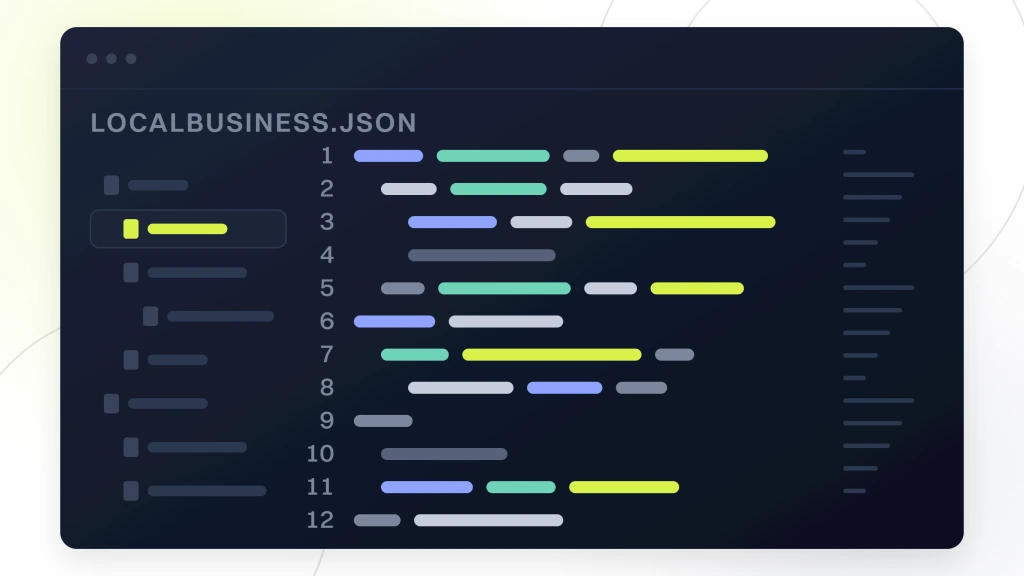
The block carries practice name, address, phone number, opening hours, geo coordinates, image, price range, and identifier. Every field matches the Google Business Profile character for character. Mismatches signal to Google that the entity data is unreliable, which lowers ranking confidence. See our dental citations guide for the NAP consistency work that pairs with schema.
Required LocalBusiness schema dentist fields
Every block carries 9 required fields. @type Dentist, name, image, address with all subfields, telephone, priceRange, openingHours, geo with latitude and longitude, and url. Skipping any of them flags the block as incomplete. Sites with blocks missing geo or hours lose the entity confidence boost. The 20 minutes to fill every field pays back for years in ranking stability.
Optional fields that move ranking signals
Optional fields worth adding. AcceptedInsurance, hasMap link to the Google Maps Place ID URL, availableService list, aggregateRating pulled from Google reviews, department for multi-doctor practices, and sameAs links to the social profiles. Each field takes 5 to 15 minutes and each one feeds a signal Google reads during ranking. Practices that fill 12 to 15 fields outrank practices that fill 8 to 10 in most local packs.
Copy-ready LocalBusiness Dentist JSON-LD sample
Drop this block into the head of the homepage, swap in the practice details, and validate. Nine required fields, aligned to schema.org and Google’s Rich Results guidance.
<script type="application/ld+json">

</script>
Dentist versus MedicalBusiness type selection
Schema markup for dentists uses the Dentist type inside LocalBusiness. Not MedicalBusiness. Not DentalPractice. Dentist is the specific schema.org type Google recognizes for dental practices. Sites that use MedicalBusiness get treated as general medical, which doesn’t carry the dental-specific ranking benefits and drops signal quality. Sites that use DentalPractice or invented types return schema errors on validation and lose the signal entirely.
- Dentist is the schema.org type at schema.org/Dentist
- Use Dentist as the @type in JSON-LD
- Skip MedicalBusiness for a dental site, it dilutes the specificity
- Skip DentalPractice or DentalOffice, those return schema errors
- For orthodontic-only practices, Dentist still applies. Add specialty in description
- Multi-specialty groups use Dentist at the top and Service blocks for each specialty
- Skip MedicalOrganization on dental sites, it fits hospitals not private practices
Why type specificity matters for ranking
Google reads schema type as a signal aligned with query intent. Dental queries match Dentist type at higher confidence than they match generic LocalBusiness or medical types. That confidence gap shows up in ranking as a 10 to 20 percent signal difference on identical content. Sites that pick the wrong type lose the difference and don’t recover it without a schema rewrite. Get the type right the first time.
Specialty signals within Dentist type
For practices with a specialty focus, add the specialty as a description keyword within the Dentist type. Orthodontist. Periodontist. Pediatric Dentist. Cosmetic Dentist. Those descriptions map to the Business Profile categories and reinforce the entity signal for the specialty. Multi-specialty groups keep Dentist as the top-level type and describe each specialty in a Service block below. That structure carries the ranking signal for both the general dental queries and the specialty ones.
FAQPage schema for dental content pages
Every content page with an FAQ section carries FAQPage schema. Google removed the general FAQ rich result in May 2026, yet AI Overviews still extract from FAQPage blocks and People Also Ask still surfaces the answers. The schema also feeds RankMath’s on-page score, which pushes the primary keyword ranking up. Skipping FAQPage schema costs signals across 3 surfaces. PAA, AI Overviews, and on-page score.
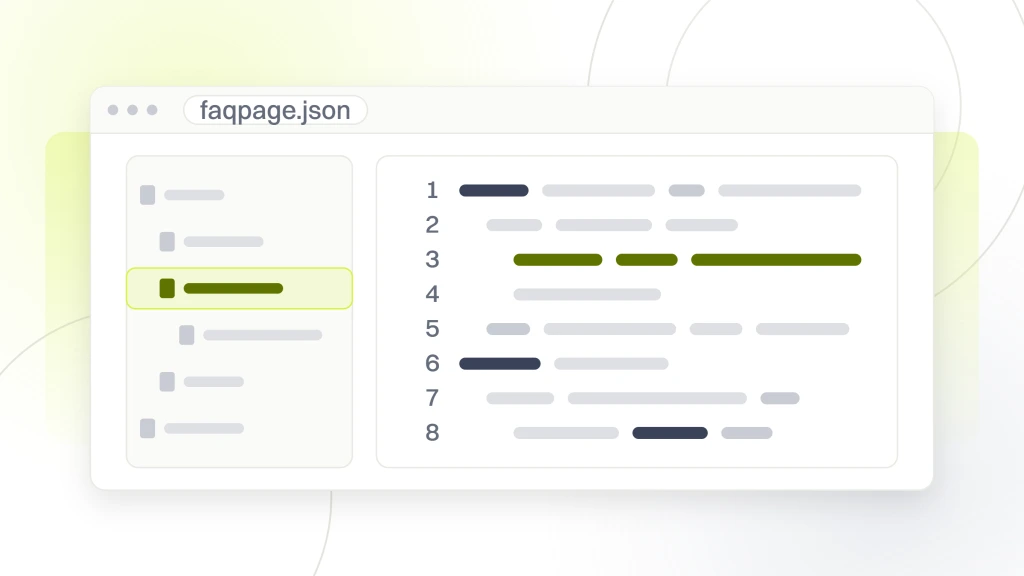
The block runs 5 to 7 Question and Answer pairs. Each Question is the actual question a patient would type. Each Answer is 70 to 200 words of complete answer that reads as a direct paragraph, not marketing copy. Answers that pack keywords or link stuffing get flagged and lose the ranking benefit. Answers that read as human replies compound their PAA presence over 6 to 12 months.
One FAQPage block per content page
One FAQPage block per page. Not one FAQPage block per site aggregating every FAQ. That’s a common mistake that dilutes the ranking signal. Each service page carries its own block tied to service-specific questions. Each location page carries its own block tied to office-specific questions.
Answer length that AI Overviews extract
AI Overviews extract 40 to 120 word answers cleanly. Answers shorter than 40 words get skipped for lack of context. Answers longer than 200 words get truncated and lose extraction integrity. The 70 to 150 word range covers the sweet spot for both PAA surface and AI Overview extraction. Draft answers to that length target and the schema keeps working across both surfaces for years.
Schema markup validation and monitoring for dentists
Every schema block gets validated on the Google Rich Results Test at search.google.com/test/rich-results before it goes live. Every block gets monitored monthly for drift after a theme update, plugin change, or CMS upgrade. Sites that skip validation push broken blocks that lose the ranking signal without a clear error path. The 15 minutes per page pays back in ranking stability.
| Schema block | Validation tool | Cadence | Common error |
|---|---|---|---|
| LocalBusiness Dentist | Google Rich Results Test | Monthly | Address mismatch to Business Profile |
| FAQPage | Google Rich Results Test | Monthly | Answer too short or contains HTML tags |
| Service | Schema.org validator | Quarterly | Missing provider or areaServed field |
| Review or AggregateRating | Google Rich Results Test | Quarterly | Aggregate count without matching visible reviews |
| BreadcrumbList | Schema.org validator | Semi-annual | Position numbering skips or duplicates |
| WebPage | Manual JSON-LD check | Semi-annual | Wrong canonical URL after theme change |
Rich Results Test workflow
Load the Rich Results Test and paste the URL. The tool renders the page, extracts every schema block, and reports errors and warnings inline. Errors block the rich feature and lose the signal. Warnings degrade the presentation and keep the block active. Fix errors inside a week, review warnings quarterly.
Search Console monitoring for schema drift
Google Search Console’s Enhancements section flags schema errors across the site. Check it monthly. Any new error pattern signals a theme update or plugin change broke schema on a batch of pages. Fix the root cause, revalidate, and Search Console clears the flags inside a week. Sites that skip monitoring find broken schema after months of ranking drift.
Schema markup for dentists running multi-office practices
Multi-office practices run one LocalBusiness Dentist block per office on the matching location page. Not one shared block. Not one block on the homepage aggregating all offices. Each office gets its own block tied to that office’s Place ID, address, phone, hours, and geo. That granularity is what lets Google rank each office in its own map pack.
The homepage of a multi-office site carries an Organization block with department subfields for each office. Each department carries the office name, address, phone, and a URL pointing to the location page. That structure signals the brand-office relationship to Google without duplicating the full LocalBusiness data on the homepage. Sites that skip Organization schema fragment the brand signal across disconnected location pages.
Organization schema on the brand homepage
Organization schema carries the brand name, logo, sameAs links to social profiles, contactPoint for customer service, and department array listing every office. Google reads that structure as a brand with multiple locations, which is the correct entity model. Sites that use LocalBusiness on the homepage instead of Organization signal a single-location practice, which contradicts the multi-office footprint.
Per-office LocalBusiness Dentist blocks
Each location page runs its own LocalBusiness Dentist block with the office-specific fields. Same schema.org fields as a single-office site. Different Place ID per block. Different address per block. Different geo per block. That per-office specificity is what lets each office earn its own map pack ranking and compete against local rivals. See our multi-location dental seo guide for the URL structure that pairs with the schema.
iSmile Dental Spa case study on schema markup for dentists
iSmile Dental Spa is a premium practice in Carmichael, California offering general dentistry, sedation, and periodontal care. When they came to us, the site had zero schema markup, an unsecured HTTP connection, no mobile responsiveness, broken links, missing metadata, and crawl errors that prevented ranking on any query. They averaged 1 to 2 new patients per month from digital with no sustainable growth pipeline. The site was invisible on Google next to the practice’s premium reputation.
We rebuilt the site with HTTPS, mobile-first responsive design, complete LocalBusiness Dentist schema on the homepage, FAQPage schema on every service page, and Service schema for sedation dentistry, periodontal care, and general dentistry. Six months in, the site ranked on page one for 75 keywords. Organic traffic surged 800 percent. Patient acquisition jumped 900 percent from 1 to 2 monthly to 12 to 14 monthly. Marketing ROI hit 500 percent.
The iSmile numbers
75 page-one keywords in 6 months. Organic traffic up 800 percent. Patient acquisition up 900 percent from 1 to 2 monthly to 12 to 14 monthly. Marketing ROI up 500 percent. Every number ties back to the technical rebuild plus the schema layer. Combined with HTTPS, mobile responsiveness, and clean crawl paths, the schema was the multiplier that pushed the ranking system to trust the site as a legitimate dental entity.
Lessons from the iSmile rebuild
Two lessons apply to almost every practice reading this. First, schema is a compounding signal. It doesn’t move rankings on its own the way a citation cleanup does. It multiplies the effect of every other signal on the site. Sites without schema hit a ceiling that no content or link work can break through. Second, get the type right the first time. iSmile used Dentist type inside LocalBusiness with Service blocks for sedation and periodontal. That specificity is what let each service rank for its specific query intent alongside the general dental queries.
Service schema for individual dental treatments
Every service page carries Service schema tied to the specific treatment. Dental Implants. Invisalign. Sedation Dentistry. Emergency Dental Care. Root Canals. Teeth Whitening. Each block carries the service name, provider link back to the Dentist entity, areaServed pointing to the geo the office covers, and description. That structure tells Google which treatments the practice offers and where, which is what matches service-plus-geo queries.
Service schema also earns rich SERP features on services with pricing display, availability indicators, and provider linkage in AI Overviews. Sites that publish Service blocks for their top 6 to 10 treatments outrank sites that skip Service schema on the same content. The 20 minutes per service page compounds across every ranking cycle for the years the pages stay live.
Required Service schema fields
Every Service block carries @type Service, name, provider link to the Dentist entity, areaServed pointing to the city or metro, description of the service, and serviceType pointing to the specialty. Optional fields worth adding. Offers with price range, availability windows, and image link to a real photo of the treatment. Each field is 2 to 5 minutes to fill and each one signals to Google that the service page is a real service listing, not a marketing brochure.
One Service block per service page
One Service block per page, tied to the specific service that page covers. Not one aggregated block listing every service on every page. That granularity feeds the ranking signal for the specific service page rather than a diluted generic signal. Sites that aggregate all services in one block on every page get flagged as low-specificity and lose the ranking benefit.
The worst dental schema we ever audited came from a solo practice that copy-pasted a LocalBusiness block from a plumber’s site, swapped in the dentist’s name, and left the priceRange field as $$-$$$$ suggesting emergency plumbing rates. The block passed Rich Results Test since JSON is JSON. Google ignored it for months since the address pointed to a plumbing supply store 2 counties away. Delete the block. Write a real one. Ranking moved inside 30 days.
Review and AggregateRating schema handling
Review and AggregateRating are the schema markup for dentists blocks tied directly to click-through rate. They carry the star rating and review count that shows up in SERP snippets. The rule. Only publish review schema when the reviews are visible on the same page. Sites that publish AggregateRating without visible reviews get flagged for schema abuse and can lose the entire rich SERP treatment across the site. Real reviews plus schema equals rich SERP. Fake schema equals a penalty.
Pull reviews from the Business Profile via API and display them on the location or service page. Then add AggregateRating schema matching the visible count and star average. That combination signals to Google that the reviews are real, current, and authoritative. Sites that skip the visible reviews and publish AggregateRating alone lose the entire rich SERP treatment as of Google’s March 2026 abuse crackdown.
Reviews visible on the same page as the schema
Every AggregateRating schema block requires visible reviews on the same page. Pull 3 to 5 recent reviews from the Business Profile, display them with reviewer name and date, and match the AggregateRating count and star average to the pulled reviews. That transparency is what signals to Google that the schema is honest. Sites that publish inflated counts or star averages lose the ranking benefit.
Individual Review schema fields
Individual Review schema blocks carry author, datePublished, reviewBody, and reviewRating. Add one Review block per visible review. Skip generic reviews without a real name and date. Sites that publish generic Review blocks get flagged as review spam and can lose the aggregate treatment entirely.