
SaaS SEO Audit and Migration Services That Protect Rankings
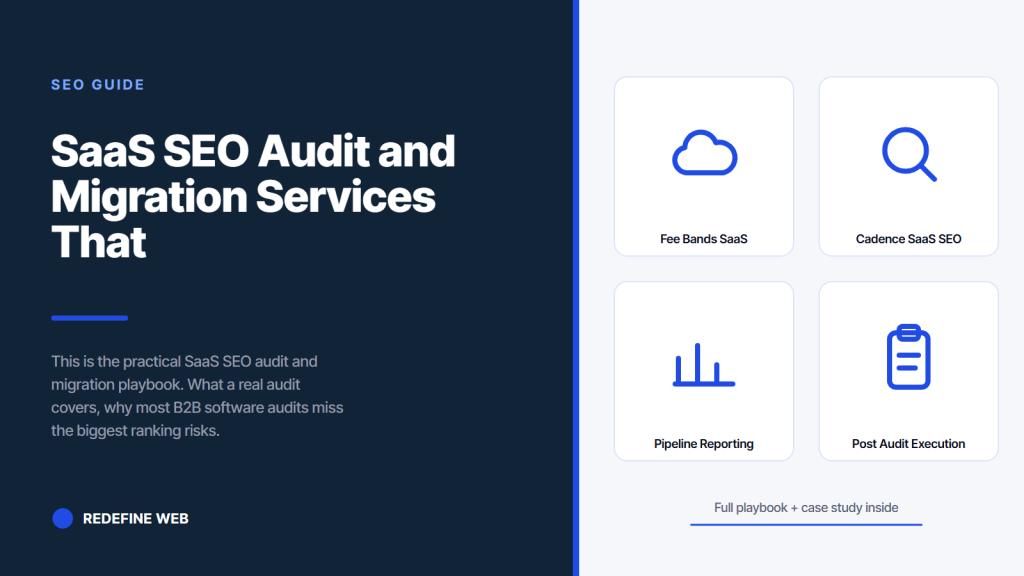
- A real SaaS SEO audit covers technical, content, and pipeline reporting.
- Migrations without a redirect map cost 20 to 60 percent of organic.
- Running a full audit every quarter beats one big audit per year.
- Webflow SEO preservation needs code-level canonical logic, not a plugin.
- Budget 40 to 120 engineering hours for a safe migration cutover.
- Fee bands for saas seo audit services at every stage
- Cadence for saas seo audit and continuous monitoring
- Fundamentals of saas seo migration services
- Webflow SEO preservation on a migration
- A real saas seo audit and migration engagement
- Pipeline reporting inside a saas seo audit
- Vendor selection for saas seo audit services
- Post audit execution and roadmap use
- Getting started on a saas seo audit this month
A saas seo audit that skips content or skips pipeline reporting is 40 percent complete. This piece is the honest playbook. What a real audit covers, what the fee bands look like at each ARR stage, how to catch the six findings generic audits always miss, and how a safe migration protects rankings through a rebuild or a platform swap. Read the whole thing and you can brief a finalist audit vendor with better questions than most CMOs bring to the same conversation.
Written for founders and heads of growth at 2 million to 500 million ARR B2B SaaS. Copy the audit scope, the fee bands, the migration protocol, and the Webflow SEO preservation checklist into your operating plan. A saas seo audit run right is the highest confidence roadmap the marketing team gets all year. A saas seo audit run poorly is a 40 page PDF that ends up in a Google Drive folder no one opens twice. This piece names the difference.
Fee bands for saas seo audit services at every stage
Boutique or solo consultant audits run 4,000 to 9,000 dollars for a Series A site. Specialist agency audits run 8,000 to 22,000 dollars for Series B with technical and content surfaces both in scope. Enterprise audits run 25,000 to 65,000 dollars for multi-region programs with pipeline reporting audit included. Fintech, healthtech, and regulated verticals push every band 20 to 30 percent higher.
Anything below 4,000 dollars for a Series A site is a template exercise. Anything above 25,000 dollars at Series B is paying for account overhead that a leaner vendor would pass through as work. The fair band is where experienced strategist time is priced honestly and template time is not billed as if it were bespoke.
| Stage | Audit fee band | Duration | Deliverable shape |
|---|---|---|---|
| Pre-Series A | $3,000 to $6,000 | 10 to 14 days | Technical audit plus content review |
| Series A | $4,000 to $9,000 | 2 to 3 weeks | Three-surface audit plus roadmap |
| Series B | $8,000 to $22,000 | 3 to 4 weeks | Three-surface audit plus 12 month plan |
| Series C | $15,000 to $38,000 | 4 to 6 weeks | Three-surface plus reporting audit |
| Enterprise | $25,000 to $65,000 | 6 to 8 weeks | Multi-region audit with governance review |
What the audit fee should cover
The fee should cover discovery interviews, technical crawl analysis, content audit against direct competitors, pipeline reporting review, prioritized fix list with owners named, and a written 12 month roadmap. Six deliverables. If any are extras the fee band above is wrong. Ask the vendor for a sample deliverable set before signing. If the sample is a generic template with your logo pasted in, keep shopping. If the sample shows named strategists commenting on specific patterns, you have a real vendor.
Scope boundaries that keep the audit honest
The audit ends at the roadmap delivery. Implementation is a separate engagement. That boundary keeps the audit honest because the vendor cannot recommend work only they can execute. Vendors that bundle audit plus implementation as a single contract have a structural incentive to recommend more implementation. Vendors that keep the audit standalone can recommend other implementers where the fit is better. Ask for the audit as a standalone contract even if you plan to use the same vendor for implementation.
Cadence for saas seo audit and continuous monitoring
Full audit every quarter. Rapid audit every month. Continuous automated monitoring every day. That three-layer cadence catches most issues before they become ranking drops. Annual audits sound efficient and produce the most expensive silent failures because 12 months of technical debt piles up and then explodes in one bad quarter.
Quarterly audits keep the debt burndown flat. Monthly rapid audits catch schema breakages, canonical drift, and Core Web Vitals regressions before they hit search. Daily automated monitoring catches critical failures like sitemap breakage or robots.txt corruption within hours rather than weeks. Three layers is not overkill. Three layers is the honest cadence that keeps a compounding SaaS SEO program from stalling.
Quarterly full audit protocol
Full technical crawl. Content refresh audit on the top 30 URLs. Cannibalization scan across new content published in the quarter. Pipeline reporting integrity check. Update the prioritized fix list. Assign new owners. Ninety days between full audits is enough time for meaningful debt to accumulate and short enough that debt does not compound into an emergency. The pattern is not sexy. It works. Skip it and every 18 months you find yourself in a crisis audit that costs 3x the quarterly rate. Search Engine Journal on audit cadence at Search Engine Journal technical SEO lines up with what quarterly cadence delivers.
Monthly rapid audit protocol
Search Console coverage delta since last month. Rank movement on the top 50 keywords. Core Web Vitals delta on the top 20 pages. Schema validation across new templates shipped this month. Sitemap health check. That five-check monthly protocol takes 3 to 5 hours of experienced strategist time and catches most drift before it becomes a visible traffic issue. Skip the monthly and rank drops surface in the quarterly audit 60 days after they first appeared, which is 60 days of lost recovery time.
Fundamentals of saas seo migration services
A safe SaaS site migration preserves 90 to 100 percent of organic traffic through a redirect map that covers every URL that received one visit in the previous 12 months, a canonical policy that matches or improves the pre-migration policy, a Core Web Vitals baseline that matches or beats pre-migration numbers, and a two week staging validation window with Googlebot access.
Skip any of those four fundamentals and you lose 20 to 60 percent of organic traffic in the 60 days after cutover. Every one of them is expensive to add back after the fact and inexpensive to build correctly the first time. Budget 40 to 120 engineering hours for a safe Series B cutover and 200 to 600 hours at enterprise scale. Migrations executed in under 40 hours are almost always going to underperform on the ranking hold.
Redirect map that covers every URL that matters
Every URL that received one organic visit in the last 12 months goes into the redirect map. Every URL with a backlink from a live external page goes into the redirect map. Every URL in the last 24 months of internal linking goes into the redirect map. That three-source coverage list catches 98 percent of the URLs a Googlebot will still request post-cutover. Miss any of the three sources and you lose ranking equity through 404 responses for months post-cutover. Related: Technical SEO for SaaS.
Staging validation window with Googlebot access
A two week staging validation window lets you confirm rendering, canonical, schema, and Core Web Vitals on the new site before flipping DNS. Grant Googlebot IP-restricted access to staging so the crawl works, but block noindex to prevent duplicate content. That two-week window catches most migration bugs before real users see them and prevents the classic pattern of discovering a canonical bug three weeks after cutover once the ranking drop is already halfway through. Skip the staging window and 30 to 50 percent of migrations we watch land with at least one silent ranking bug.
A SaaS audit without CRM stage mapping ranks pages, not ARR. If your auditor can't wire closed-won back to URLs, the roadmap they hand you is guesswork.
Webflow SEO preservation on a migration
Webflow SEO preservation requires code-level canonical logic managed through Webflow’s schema markup fields, not a plugin. Build the redirect map before cutover. Verify the new URL structure canonicalizes correctly by manually testing 50 sample URLs. Validate schema markup on 100 sample URLs across every template. Confirm Core Web Vitals baseline beats or matches pre-migration. Monitor Search Console coverage daily for 30 days post-cutover.
That five-step protocol preserves 90 to 100 percent of organic across every Webflow SEO migration we have run. Webflow is a great platform for SaaS marketing sites when the migration protocol is respected. It is a difficult platform to recover from when the protocol is skipped. Ahrefs covers migration risk patterns worth reading in Ahrefs on website migrations. Every website redesign agency b2b saas webflow seo preservation project we walk into cold has skipped at least two steps.
Canonical logic inside Webflow at scale
Canonical logic inside Webflow is managed through the SEO settings on every collection type plus custom code injection on parameter URLs. The default self-referencing canonical works for basic pages. Parameter URL handling needs a custom code block that reads the URL, strips known parameters, and outputs the parameterless canonical. Miss the custom code block and every filtered listing page canonicalizes to itself, which fragments ranking equity across dozens of variants. That mistake is expensive and it is the number one Webflow-specific ranking failure we watch teams hit.
Schema markup that survives a Webflow migration
Schema markup in Webflow lives in the custom code injection area of every template. Migration bugs happen when template restructures move fields around and break the schema field references. Validate 100 sample URLs across every template type post-migration using Google’s Rich Results Test. Fix broken schema immediately. Ignore validated but non-surfacing schema for the first 30 days because rich results eligibility takes time to reindex. After 30 days investigate any schema that validates but does not surface, and either fix or accept the loss. Related roadmap at SaaS SEO Checklist.
Every Series B CTO we meet at the start of a migration project wants to know if we can skip the redirect map to save engineering time. Every single one. The pitch is always the same. The old URLs were ugly, the traffic on most of them is thin, and building a redirect map is boring engineering work. We usually reply with the same message. Sure we can skip the redirect map. It will cost you roughly 30 percent of your existing organic base which at your ARR band is between 800,000 and 1.6 million dollars a year in lost pipeline. Or we can build the redirect map in 40 engineering hours and preserve the traffic. Which sounds like the better trade. The CTO always picks the redirect map after doing that math out loud. That does not stop the next CTO from asking the same question three months later.
A real saas seo audit and migration engagement
Rapyd Financial Network worked a specialist retainer across a 24 month engagement in fintech SaaS payments. Month 8 brought a major site redesign that broke a set of URL structures across two regions. The engineering team wanted to skip building a proper redirect map to save time. Skipping it would have cost roughly 30 percent of the existing organic base per region on top of a 24 month engagement that had already crossed 1.8 million pounds in inbound pipeline.
The audit and migration pod pushed back hard. The redirect map got built inside 45 engineering hours. The ranking hold survived. Post-cutover traffic on the migrated URLs held within 3 percent of pre-migration baseline. That preservation directly protected the 1.8 million pounds in inbound pipeline the retainer had already produced. Protecting a live pipeline base is what a saas seo audit and migration engagement should protect for you.
What worked on the Rapyd migration
Full redirect map covering every URL that received one visit in the last 12 months. Two week staging validation window with Googlebot access. Canonical logic tested on 60 sample URLs pre-cutover. Schema validated on 120 sample URLs. Daily Search Console coverage monitoring for 45 days post-cutover. Rank tracking hourly for the first 14 days. Six checks. All six required. That protocol is why the ranking hold survived. Related silo work at Search Engine Optimization Services.
What broke and how the pod handled it
One template on 240 URLs had a canonical bug discovered on day 3 post-cutover. Daily Search Console monitoring caught the bug, root-caused inside 4 hours, and fixed inside 8 hours. Total traffic loss on the affected URLs was 4 percent over 5 days, fully recovered by day 21 post-cutover. Without the daily monitoring the bug would have surfaced 30 to 45 days later at 30 to 50 percent traffic loss on those URLs. The monitoring cadence is the entire reason the miss cost 4 percent instead of 40 percent. Related: SEO for SaaS strategy.
Pipeline reporting inside a saas seo audit
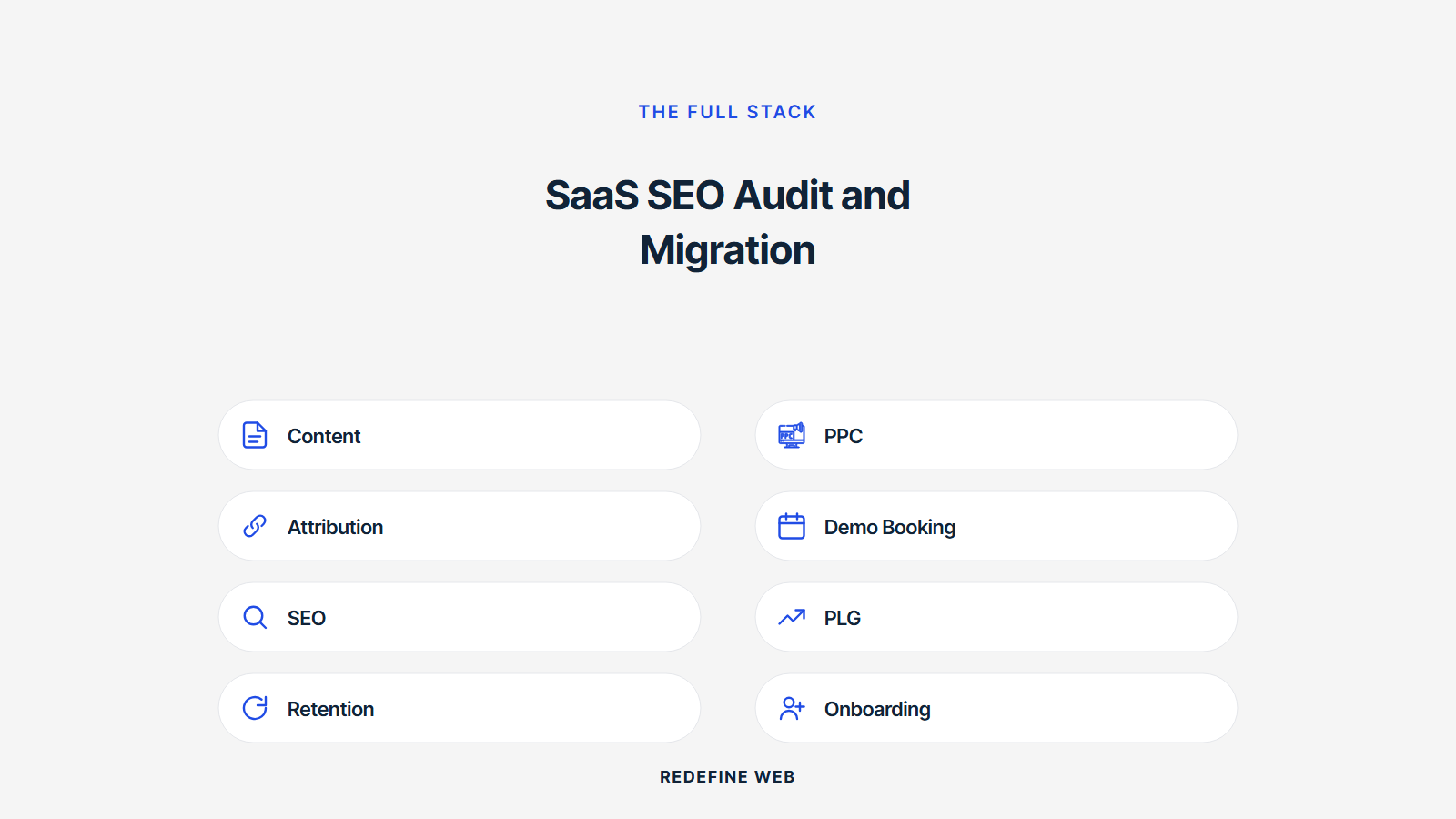
Pipeline reporting audit is the surface most agencies skip and the surface that determines whether the CFO renews the search budget. Attribution model integrity. CRM data cleanliness. First-touch and multi-touch reconciliation. Monthly reporting cadence sustainability. Board-facing dashboard shape. Five checks. Skip the surface and the CFO stops trusting the pipeline number by month 8.
Every audit we run at Series B and above includes a two-day interview loop with the revenue operations team plus a sample audit of the last 90 days of pipeline attribution data. That sample audit catches most attribution drift before it becomes a CFO trust issue. Programs that skip the reporting audit surface watch attribution slowly drift toward flattering paid channels at organic’s expense over 6 to 12 months.
First-touch attribution audit
First-touch attribution requires clean UTM discipline on every link, a session-based first-touch model in your marketing automation, and a monthly reconciliation with the revenue operations team. Miss any and the first-touch number drifts by 10 to 30 percent over a year. That drift always favors whichever channel has more aggressive UTM tagging. Audit the UTM discipline on the top 100 organic-referring URLs and confirm the first-touch attribution matches the actual first session for a sample of 30 closed deals. That reconciliation is the check most audits skip.
Multi-touch attribution audit
Multi-touch attribution smooths the noise but breaks silently on data quality issues. Confirm every touchpoint in the last 90 days maps to a session in Analytics or a hit in the CRM. Any orphaned touchpoint is a data quality issue that erodes multi-touch confidence over time. Confirm the multi-touch model weights match the model the CFO signed off on. Weight drift happens quarterly on most SaaS accounts and no one catches it because the reporting continues to show a plausible-looking number. A pipeline reporting audit catches weight drift before it costs a budget conversation.
Vendor selection for saas seo audit services
Ask each finalist audit vendor for a sample deliverable set from a peer SaaS account with identifying data redacted. Read the sample end to end. A real audit deliverable reads like a strategy document with named findings and prioritized fixes. A template audit reads like a generic checklist with the client name pasted into the header. That difference is visible inside 15 minutes of reading.
Also ask each finalist for two references at your ARR band. Get the head of growth on the phone for 15 minutes. Ask three questions. Did the audit produce a roadmap you actually acted on. What did the vendor under-deliver on. Would you hire them again. Clean answers on all three make the vendor a real finalist. Any answer that stumbles keeps the other two finalists in play.
Eight questions to ask every audit vendor
- Who is the named strategist running the audit end to end
- How many hours are allocated across technical, content, and reporting surfaces
- What sample deliverable can you share from a peer SaaS account
- How do you test schema for actual rich results surfacing versus validation only
- How do you audit parameter URL canonical drift
- How do you audit pipeline attribution integrity
- How is the fix list prioritized and how are owners assigned
- What is the honest timeline from audit start to roadmap delivery
Vendor answers that end the interview
Any vendor that cannot name the audit strategist by first and last name in the first 30 seconds is guessing about who runs your account. Any vendor that describes the audit as automated tooling output has never produced a real roadmap. Any vendor that refuses to share a sample deliverable is protecting a thin case study base or a generic template. Any vendor that promises the audit in under 5 business days is selling volume rather than depth. Any of those four answers ends the interview. Send the polite decline and move on to the next three names.
Post audit execution and roadmap use
The audit produces a prioritized fix list. Assign every fix to a named owner. Split ownership across three roles. Growth engineer owns technical fixes. Content manager owns content fixes. Marketing lead owns strategy fixes. Skip the ownership split and every fix ends up in one person’s queue where it stalls silently.
Aim for 30 to 40 fixes shipped in the first quarter of a 60 to 80 item fix list. Keep 20 to 30 fixes in the backlog for the second quarter. Do not try to close all 80 items in month one. That pattern always burns out the pod and drops quality across every closed item. Pace matters. The compounding curve does not care how fast the fix list closes as long as the top 15 items land inside 90 days.
Weekly cadence to move the fix list
Monday standup with each owner naming the three items they will close that week. Wednesday blocker check. Friday status update where anything not moving is explicitly named and re-planned. That rhythm turns a 60 item fix list into 30 to 40 closed items in the first quarter. Skip the standup and items languish. Overbuild the cadence and the team resents it. Thirty minutes a week is the honest sweet spot for a post-audit fix list.
Monthly reporting on the fix list
The monthly report shows closed items this month, blocked items with escalation notes, and estimated ranking impact of closed work. That report keeps the fix list visible in cross-functional stakeholder meetings and prevents the classic pattern where technical debt closes silently and the ranking gains get attributed to unrelated content work. Attribution matters even on the fix list because it protects the audit vendor’s next contract and it teaches the growth team what actually moved the numbers. Related retainer shape at SaaS Marketing Retainer Plans from $599/mo.
Getting started on a saas seo audit this month
Write the audit shortlist of five vendors today. Send a scoping brief with your ARR band, stack, region count, and pipeline reporting maturity. Request sample deliverables and reference calls. Book two reference calls per finalist next week. Decide by end of week three. Sign the audit contract and kick off inside 30 days. That timeline puts a real audit roadmap in your operating plan within 60 days and beats every version of I will get to the audit next quarter.
Programs that delay the audit almost always regret the delay by month 15. Technical debt piles up faster than most CMOs expect. Every quarter without a full audit is a quarter of accumulated risk. Ninety days from now the audit will either be complete and moving your operating plan or it will still be on the to-do list. Sign the vendor now and the first outcome plays out. Delay and the second one does.
Actions to take this week
Draft the vendor shortlist today. Send scoping briefs to three finalists tomorrow. Request sample deliverables and reference calls by Friday. Book reference calls with peer heads of growth at your ARR band for next week. Set aside an hour every day for finalist interviews and reference calls. Signing by end of week three is the honest timeline that beats the typical eight week buying cycle for a technical audit engagement. Skip the delay and the compounding curve starts moving 60 days sooner.
One last honest signal on vendor fit
The best rated saas seo audit vendors will name something you did not want to hear inside the first 30 minutes of the scoping call. They will identify a technical debt category you already knew about but had not admitted to yourself. They will name a pipeline reporting gap that you know is real. That honesty is the strongest signal of vendor fit. Vendors that flatter every current process are selling. Vendors that push back on your assumptions during the scoping call will push back on the mediocre work six months in. Choose the vendor who made you slightly uncomfortable during the scoping call.
Frequently asked questions
What does a real SaaS SEO audit cover?
A real SaaS SEO audit covers three surfaces. Technical foundations including rendering, canonical logic, schema, sitemaps, robots, internal linking, and Core Web Vitals. Content foundations including keyword architecture, pattern library allocation, cannibalization, and topical coverage against direct competitors. Pipeline reporting including attribution model integrity, CRM data cleanliness, and CFO reporting cadence. Audits that only cover technical are 40 percent complete. Audits that cover technical plus content are 70 percent complete. Full three-surface audits produce the roadmap the CMO actually acts on. Expect 40 to 80 hours of senior time to run a real audit on a Series B SaaS site and 120 to 200 hours at enterprise scale.
How much does a SaaS SEO audit cost?
Boutique or solo consultant audits run 4,000 to 9,000 dollars for a two-week engagement on a Series A SaaS. Specialist agency audits run 8,000 to 22,000 dollars for a three to four week engagement on a Series B SaaS with technical and content surfaces both in scope. Enterprise audits run 25,000 to 65,000 dollars for a six to eight week engagement covering multi-region considerations plus pipeline reporting audit. Fintech, healthtech, and regulated verticals push every band 20 to 30 percent higher because compliance review adds meaningful hours. Anything below 4,000 dollars for a Series A site is a template exercise that produces a generic 40 page PDF with no roadmap.
How often should we run a SaaS SEO audit?
Full audit every quarter. Rapid audit every month. Continuous automated monitoring every day. That three-layer cadence catches most issues before they become ranking drops. Annual audits are the pattern that sounds efficient and produces the most expensive silent failures because 12 months of technical debt piles up and then explodes in one bad quarter. Quarterly audits keep the debt burndown flat. Monthly rapid audits catch schema breakages, canonical drift, and Core Web Vitals regressions before they hit search. Daily automated monitoring catches critical failures like sitemap breakage or robots.txt corruption within hours rather than weeks.
What is a safe SaaS site migration?
A safe SaaS site migration preserves 90 to 100 percent of organic traffic through a redirect map that covers every URL that received one visit in the previous 12 months, a canonical policy that matches or improves the pre-migration policy, a Core Web Vitals baseline that matches or beats pre-migration numbers, and a two week staging validation window with Googlebot access. Skip any of these four and you lose 20 to 60 percent of organic traffic in the 60 days after cutover. Budget 40 to 120 engineering hours for a safe migration cutover on a Series B site and 200 to 600 hours at enterprise scale. Migrations executed in under 40 hours are almost always going to underperform on the ranking hold.
How do we preserve rankings during a Webflow SEO migration?
Webflow SEO preservation requires code-level canonical logic managed through Webflow's schema markup fields, not a plugin. Build the redirect map before the cutover using every URL that received a visit in the last 12 months. Verify the new URL structure canonicalizes correctly by manually testing 50 sample URLs before cutover. Validate schema markup on 100 sample URLs across every template type. Confirm Core Web Vitals baseline on the top 20 pages beats or matches the pre-migration numbers. Post-cutover monitor Search Console coverage daily for 30 days and rank tracking hourly for 14 days. That five-step protocol preserves 90 to 100 percent of organic across every Webflow SEO migration we have run.
What are the biggest audit findings that get missed?
Rendering strategy that only Googlebot can see partially. Canonical logic that self-references correctly on most pages but breaks on parameter URLs. Schema markup that validates but does not surface in rich results because of format errors. Internal linking that follows the visible sidebar but ignores contextual link opportunities. Core Web Vitals that pass in the lab but fail in the field for the actual user distribution. Pipeline attribution that runs first-touch cleanly but breaks on multi-touch reconciliation. These six findings show up in almost every audit we run and get missed by generic audits every time. Look for them explicitly rather than trusting a template.
Book your free 30-minute strategy call.
No spam, no sales rep. We use your email to schedule your call with a senior strategist. That is it.
More from the blog
View all articles → SEO
SEO Organic Search Engine Optimization Services That Grow Real Traffic
Read article SEO
SEO SEO for Pet Groomers That Fills the Appointment Book Weekly
Read article SEO
SEO